How Menu Photo Enhancer works
- 01 · Snap
Plate the dish exactly the way it goes out and take one photo on your phone. Near a window, flash off, the whole plate in frame. A messy counter is fine; a blurry photo is not.
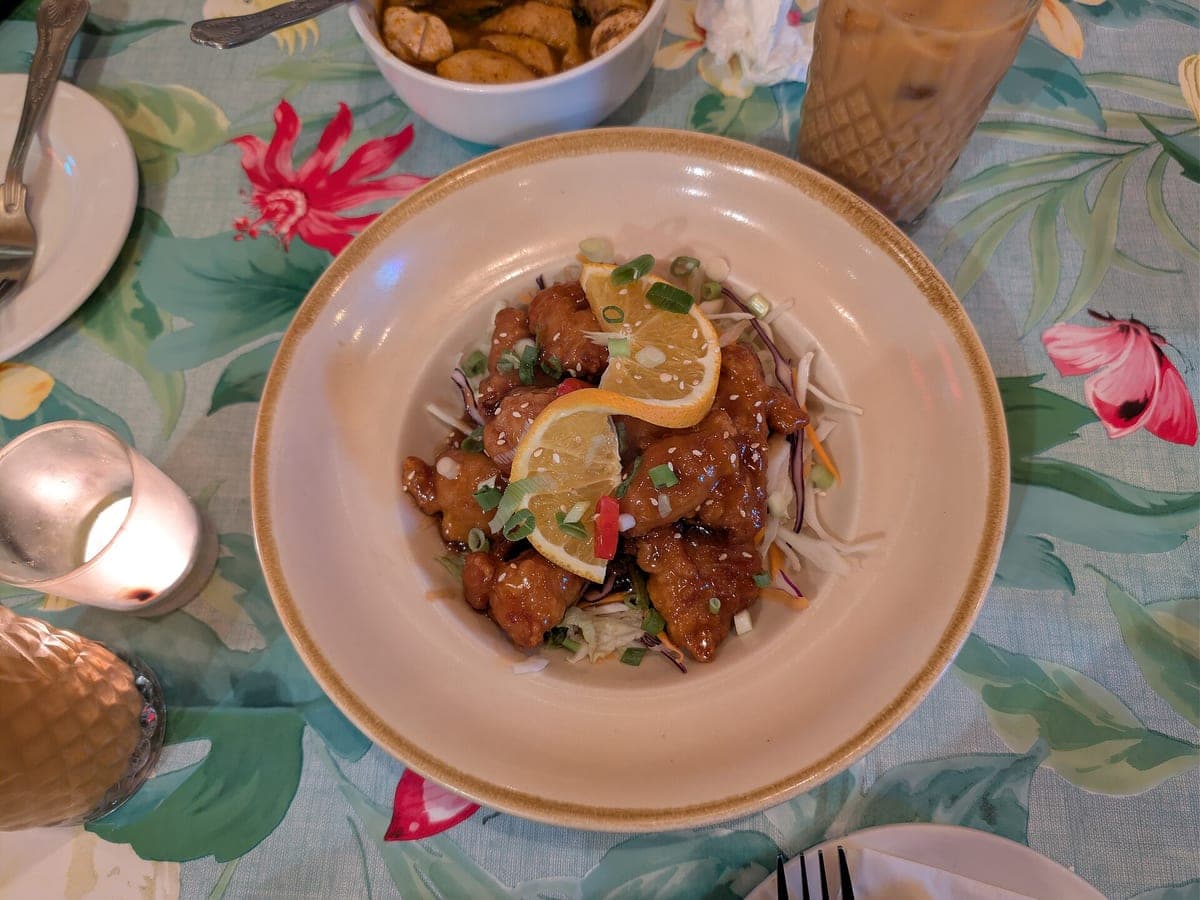
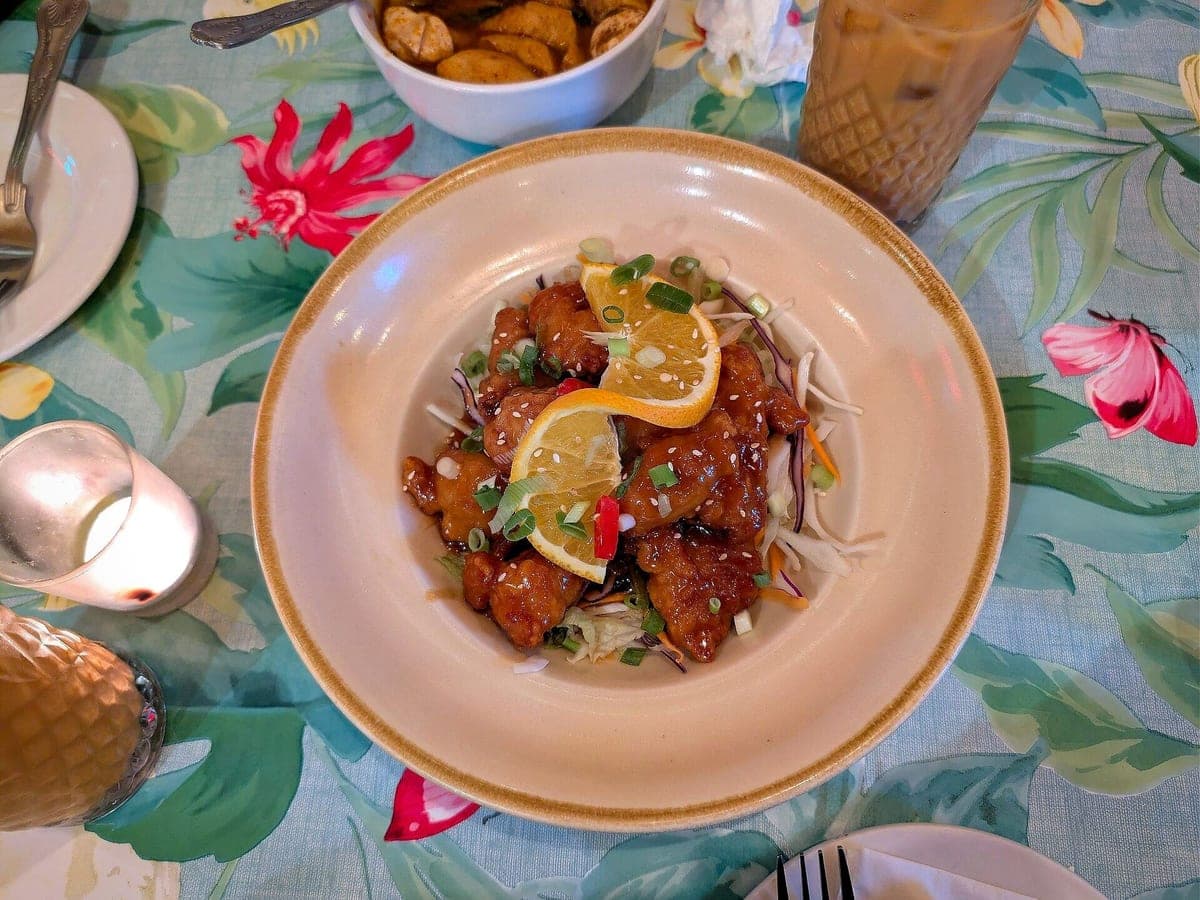
Orange chicken · real phone photo
- 02 · Pick a look
Upload it and it starts right away with Delivery Ready, the safe pick for delivery apps. Want something else? Five more looks are one tap away under the result, each using one photo.
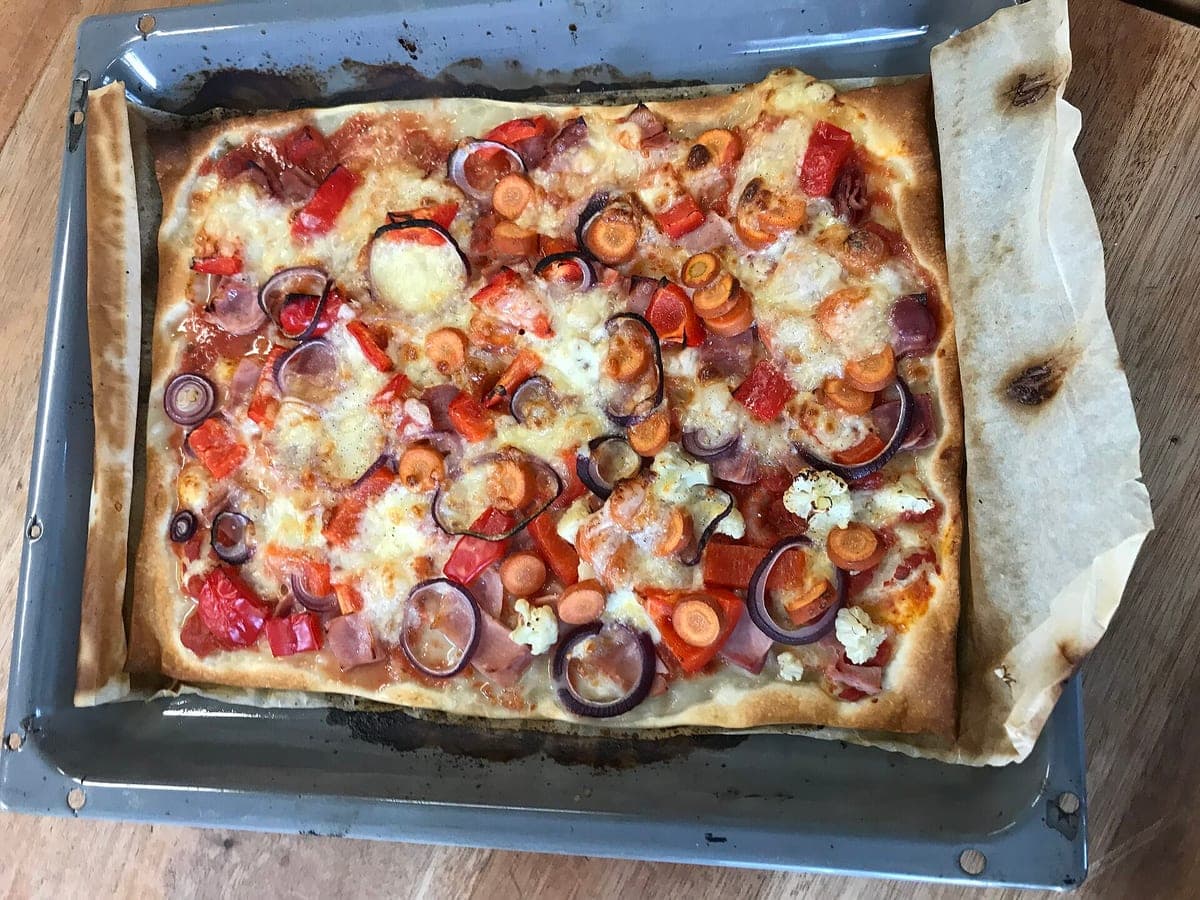
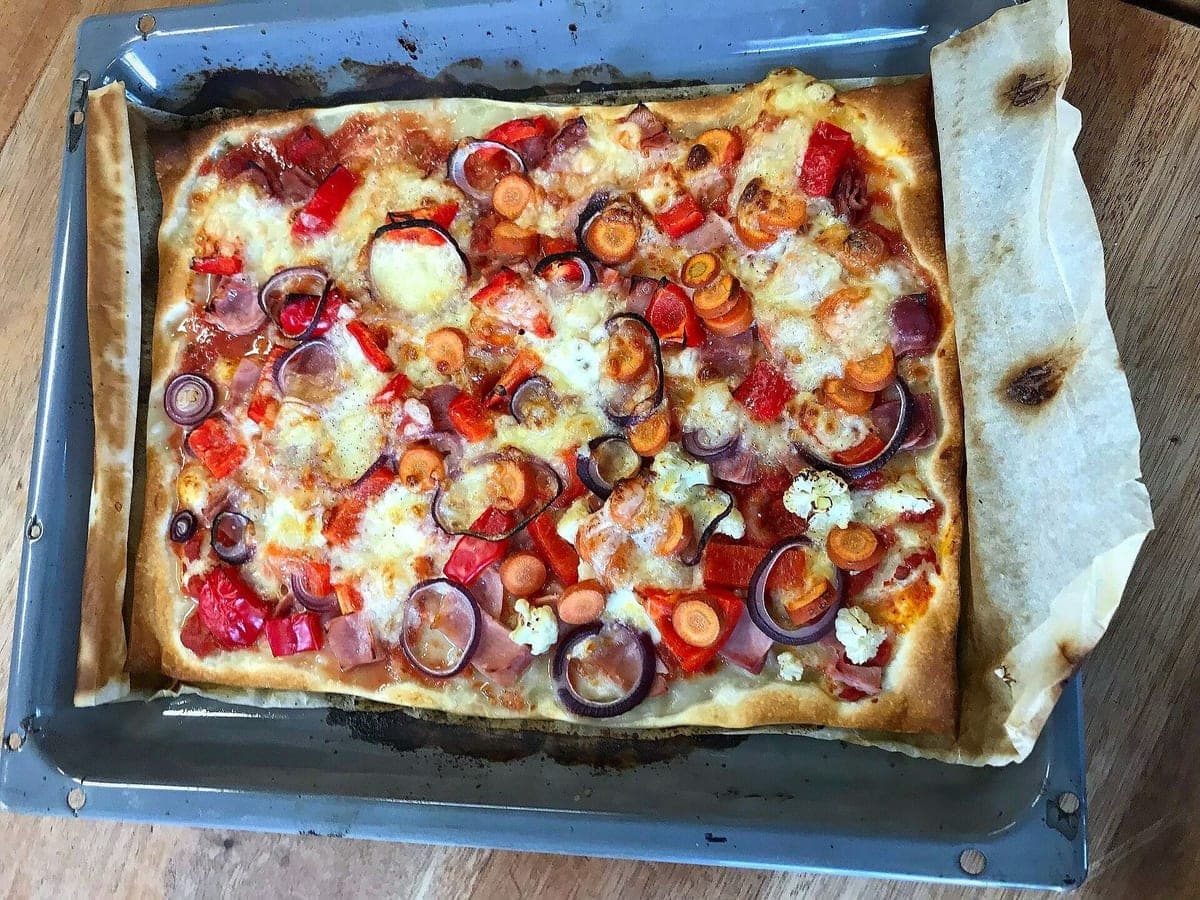
Veggie sheet-pan pizza · real phone photo
- 03 · Download every size
Compare before and after with the slider, preview each crop, then download one size or all six in a ZIP: DoorDash, Uber Eats, Grubhub, menu, Instagram and square.
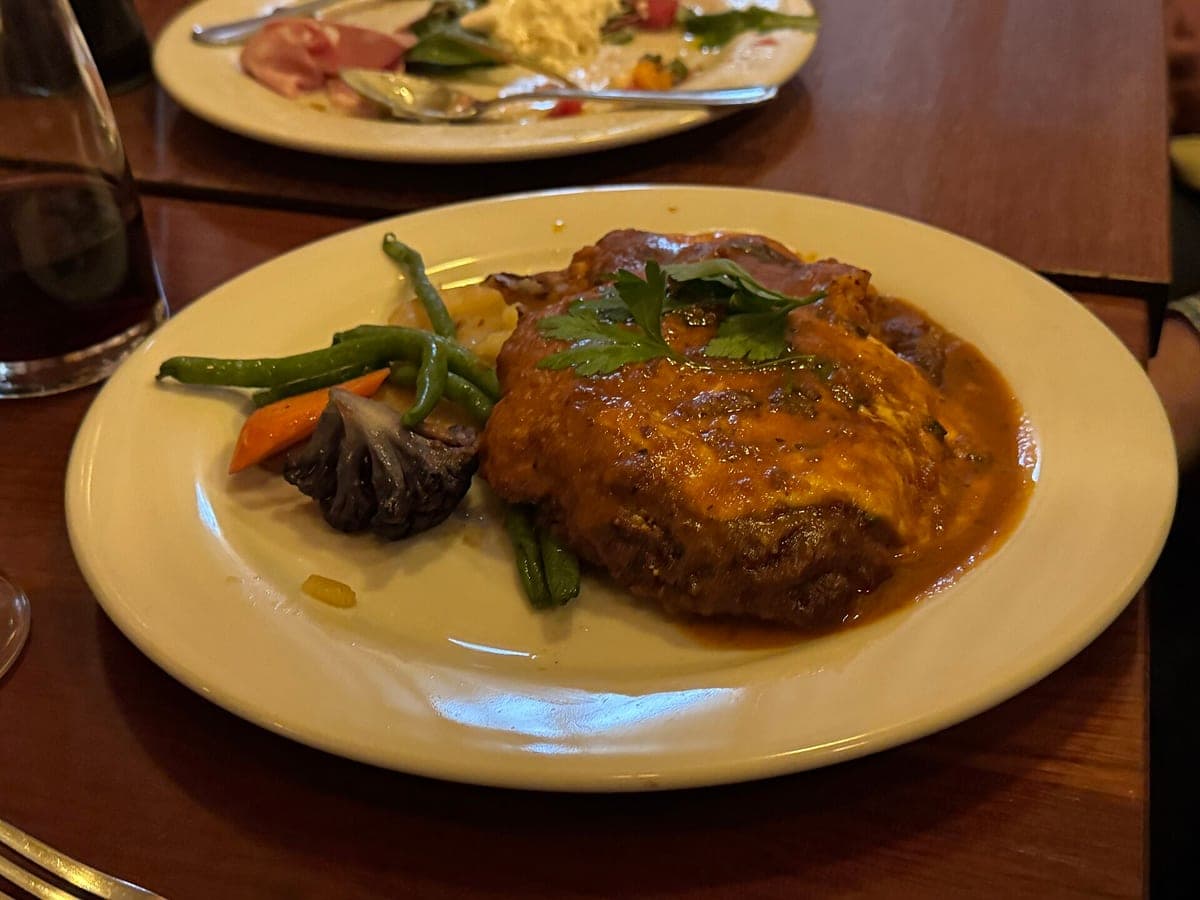
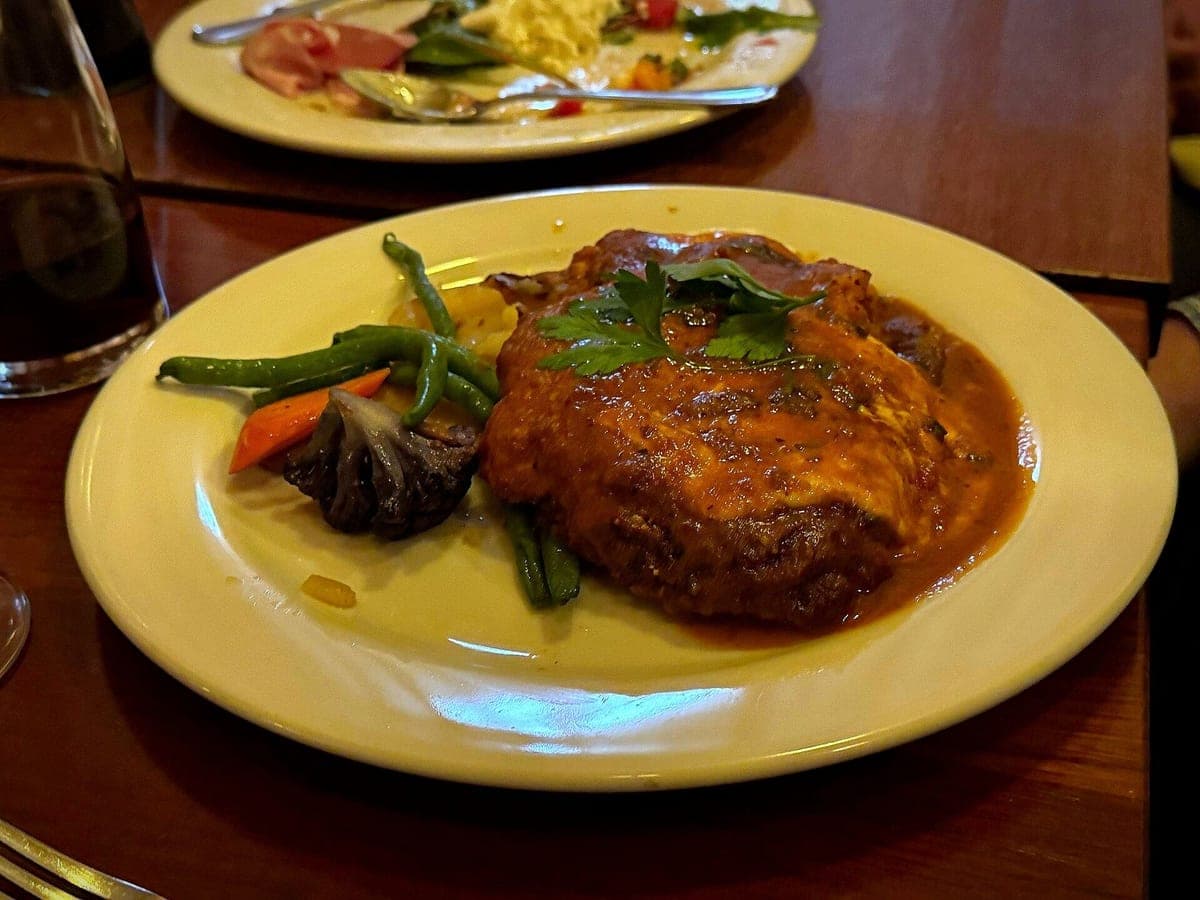
Steak plate with green beans · real phone photo
What we change, and what we never touch
The model gets your photo with strict instructions: same ingredients, same piece count, same portion, same garnish in the same places, same plate. Then fix the light, background and framing.
- Light and white balance
- Background and table surface
- Angle and straightening
- Framing and crop
- Clutter around the plate (napkins, receipts, crumbs on the table)
- The food itself
- Portion size and piece count
- Sauces, garnish and toppings
- Your plate, bowl, basket or container
- Doneness and natural food color
The 6 looks
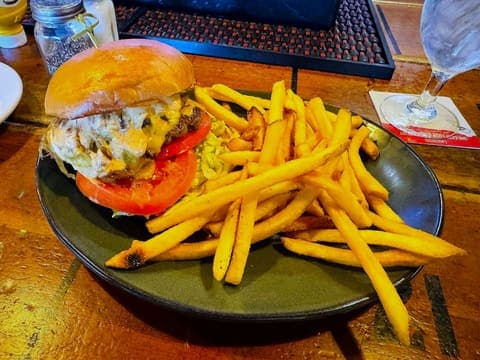
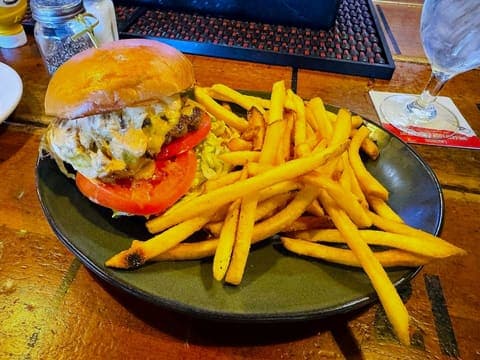
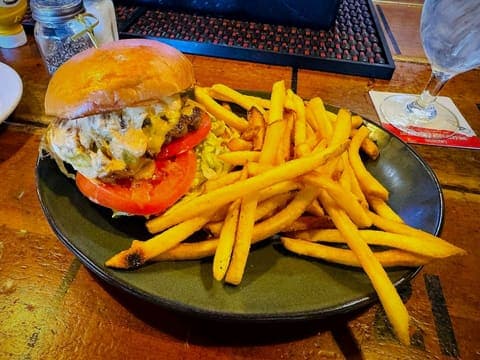
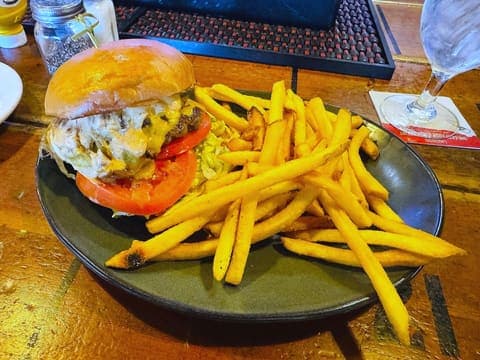
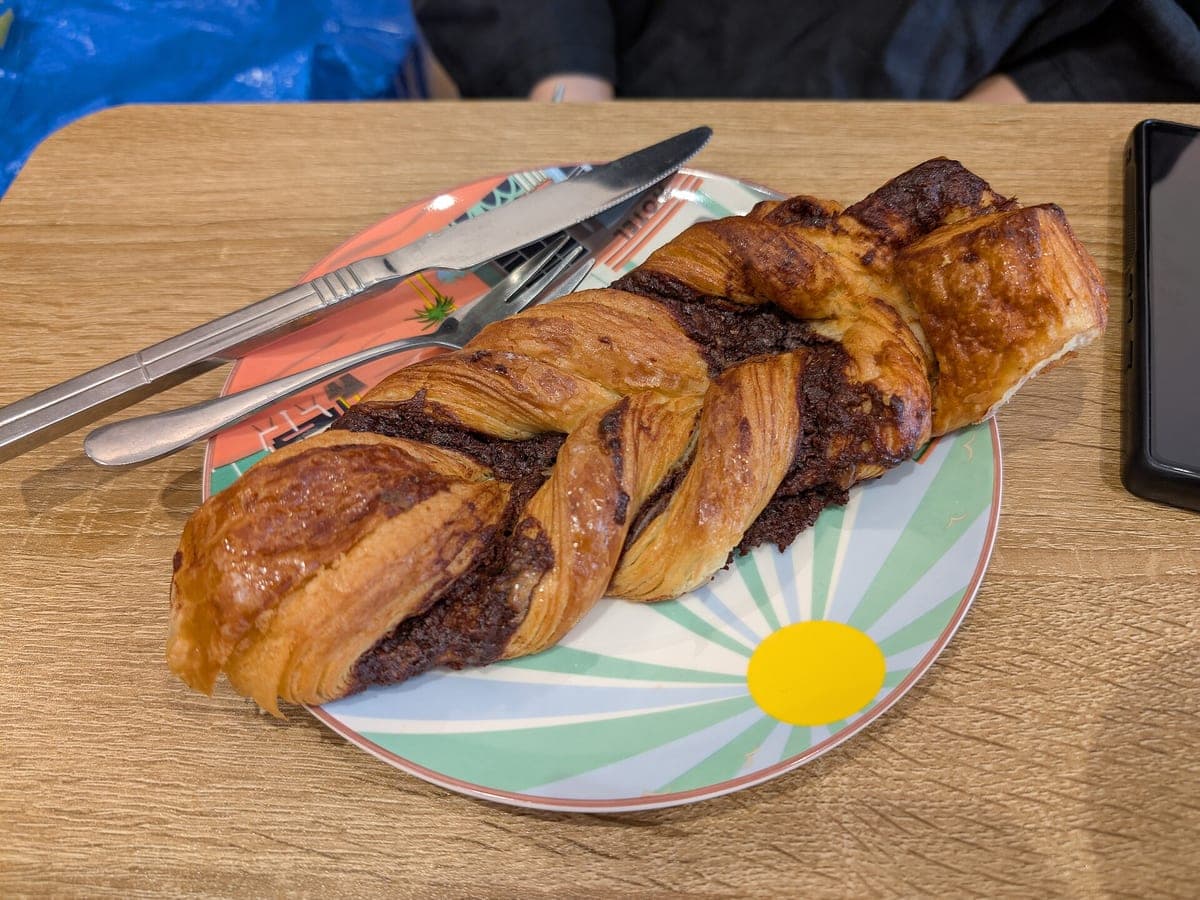
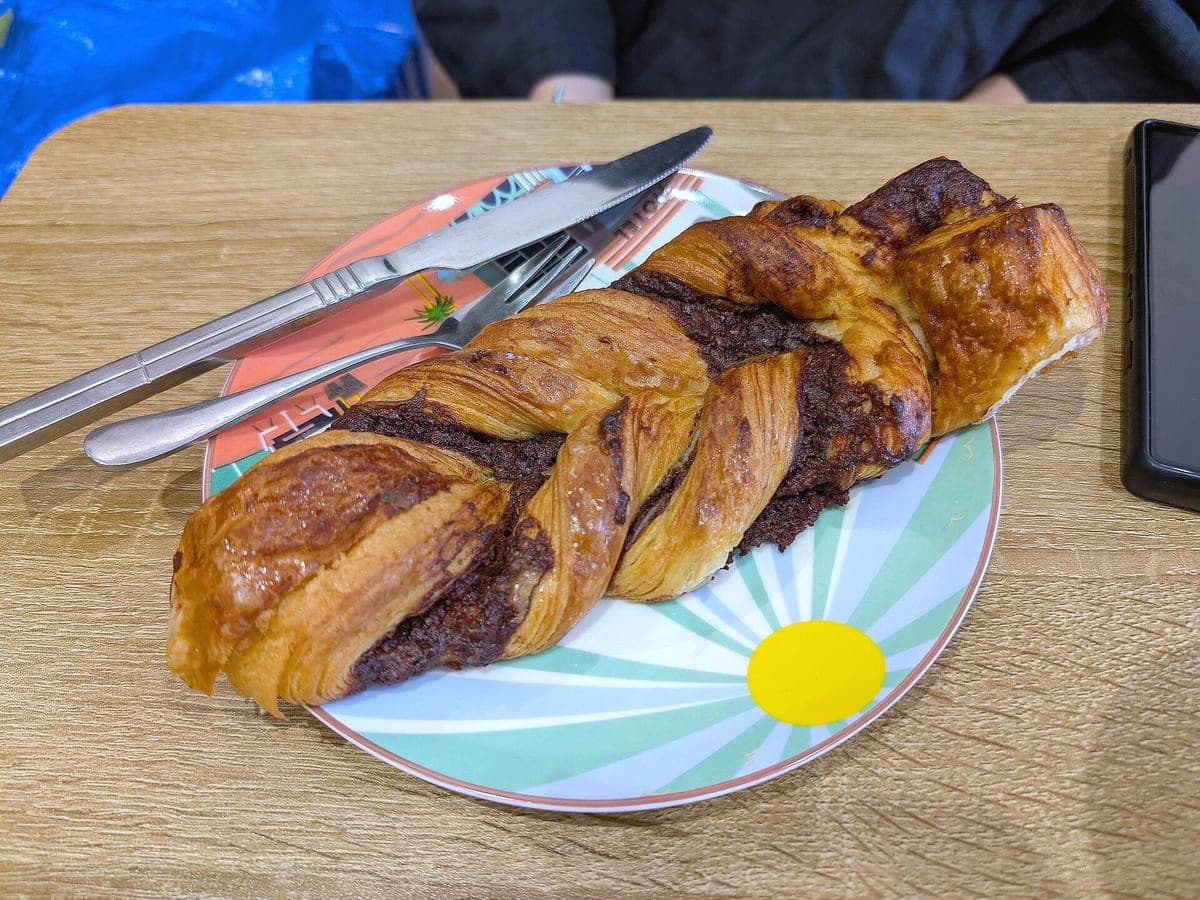
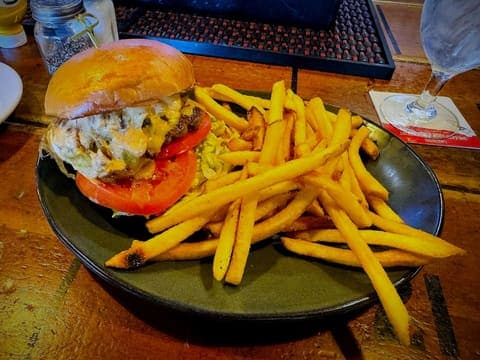
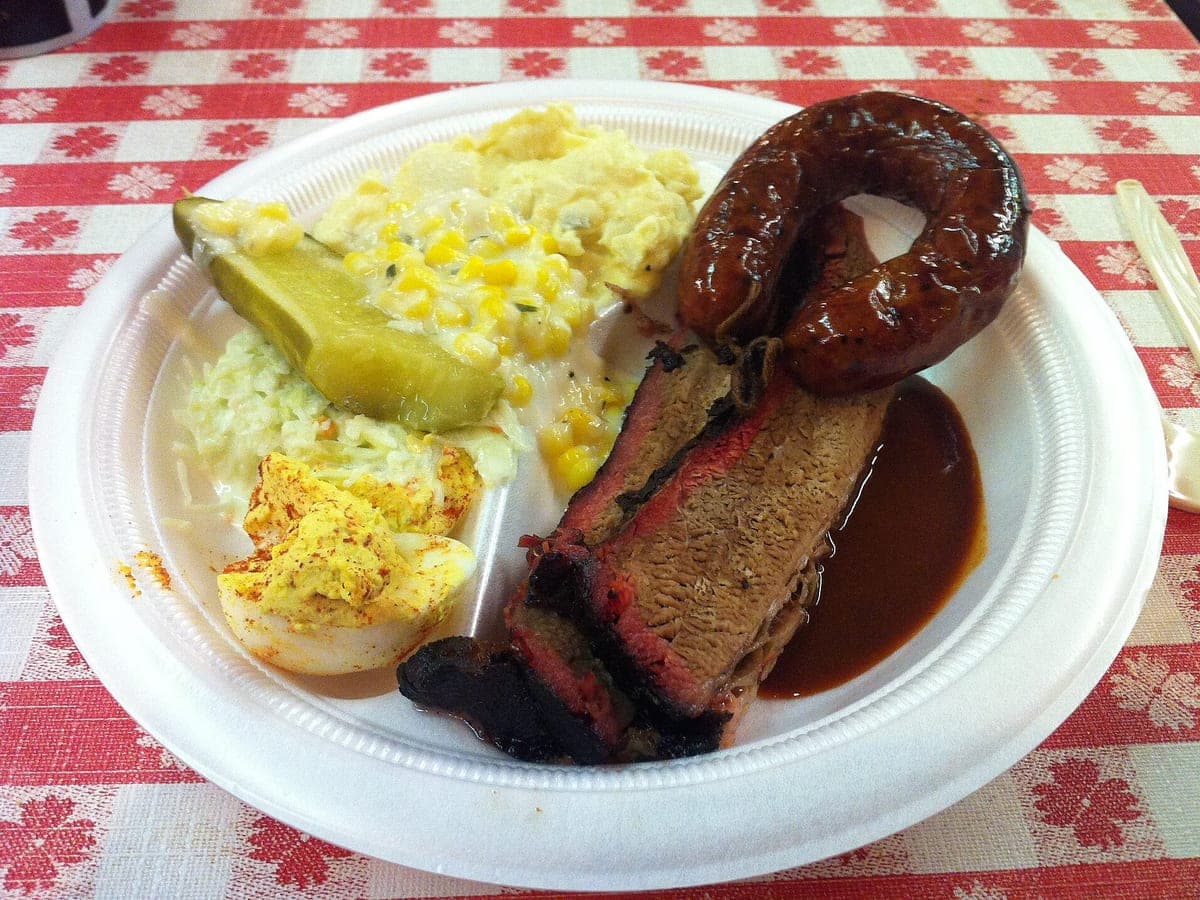
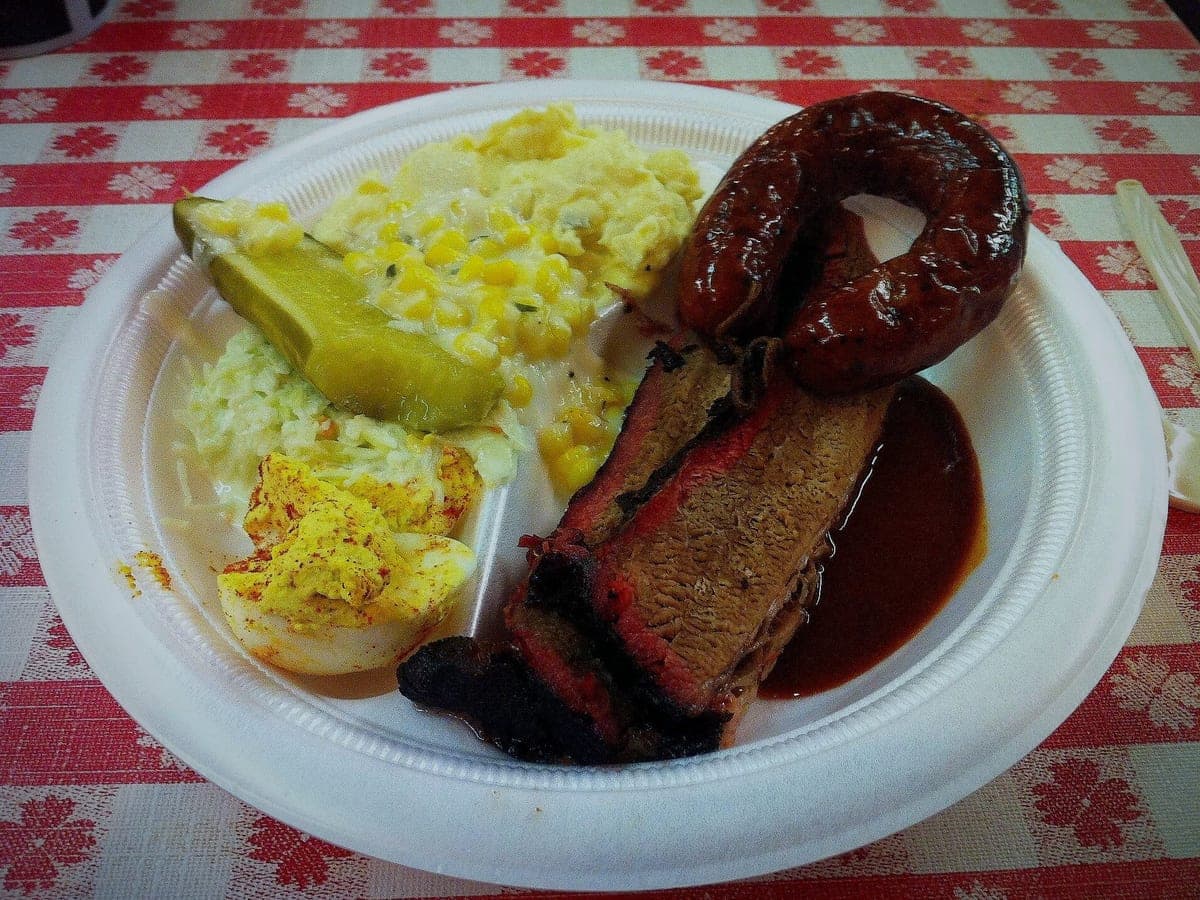
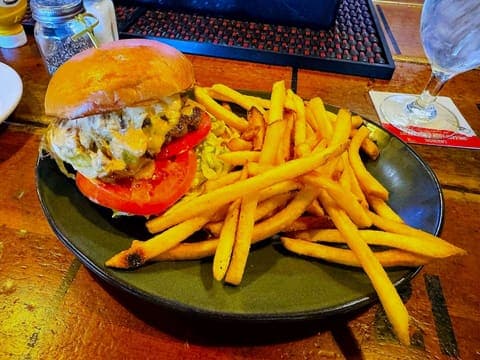
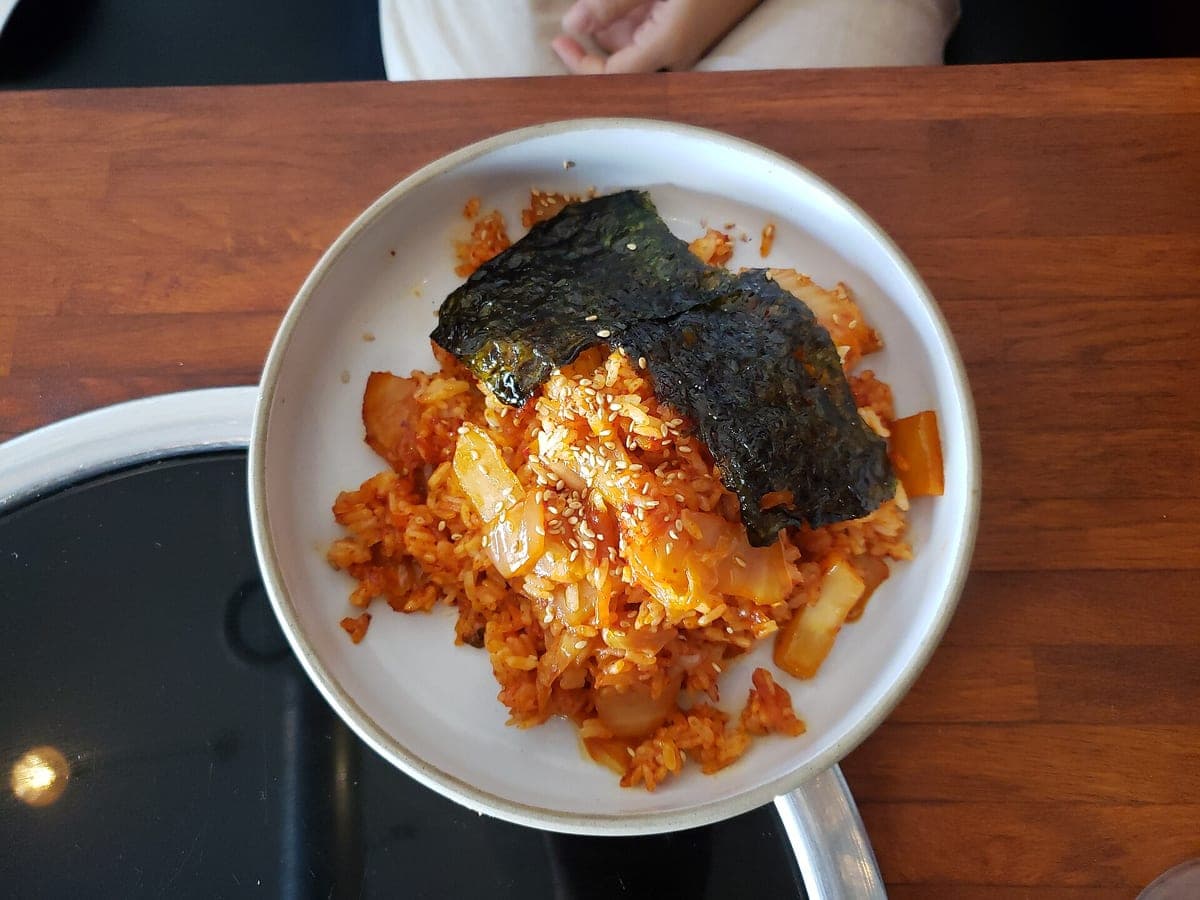
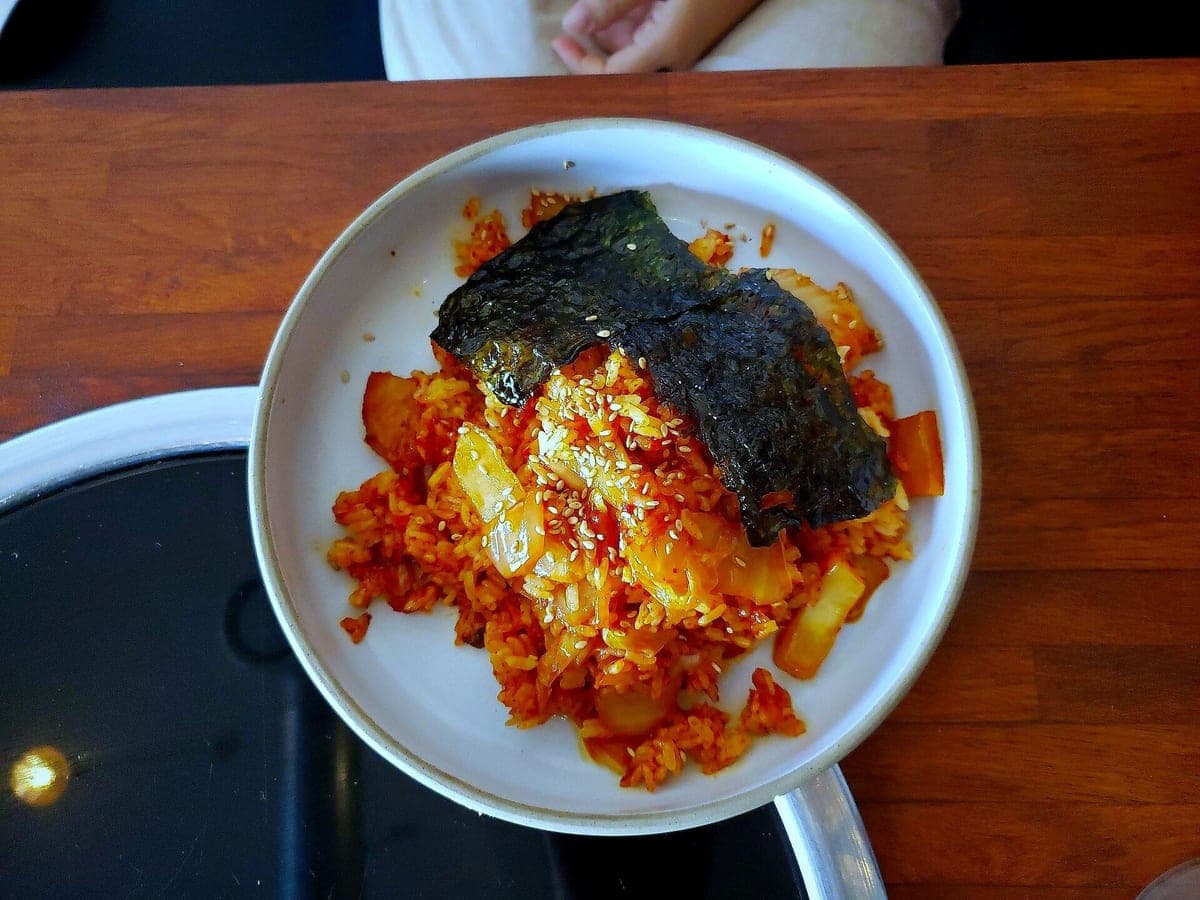
The 6 sizes
Every result starts as a 4:3 master with room around the dish, then gets cut to each size so the food stays centered. All six come with every photo; you never pay per crop.
| Size | Ratio | Pixels | Where it's used |
|---|---|---|---|
| DoorDash | 16:9 | 1600×900 | DoorDash item and header photos |
| Uber Eats | 16:9 | 1600×900 | Uber Eats menu items |
| Grubhub | 3:2 | 1500×1000 | Grubhub menu items |
| Menu / Website | 4:3 | 1600×1200 | Your website, QR and printed menus |
| Instagram feed | 4:5 | 1080×1350 | Instagram feed posts |
| Square (Google, Yelp, Facebook) | 1:1 | 1200×1200 | Google Business Profile, Yelp, Facebook |
Checked Oct 17, 2026: DoorDash asks for 16:9, at least 1400×800 (merchant help). Uber Eats and Grubhub publish no fixed size; ours are safe working sizes.
If it doesn't look like your dish
AI isn't perfect. If a result moves a garnish, drops a fry or swaps your plate, tap Doesn't look like my dish under it. We refund that photo and redo it free with the same look. If the redo is still off, email us and we refund it.
Upload a dish photoGuides for shooting the original
A better phone photo going in means a better photo coming out.