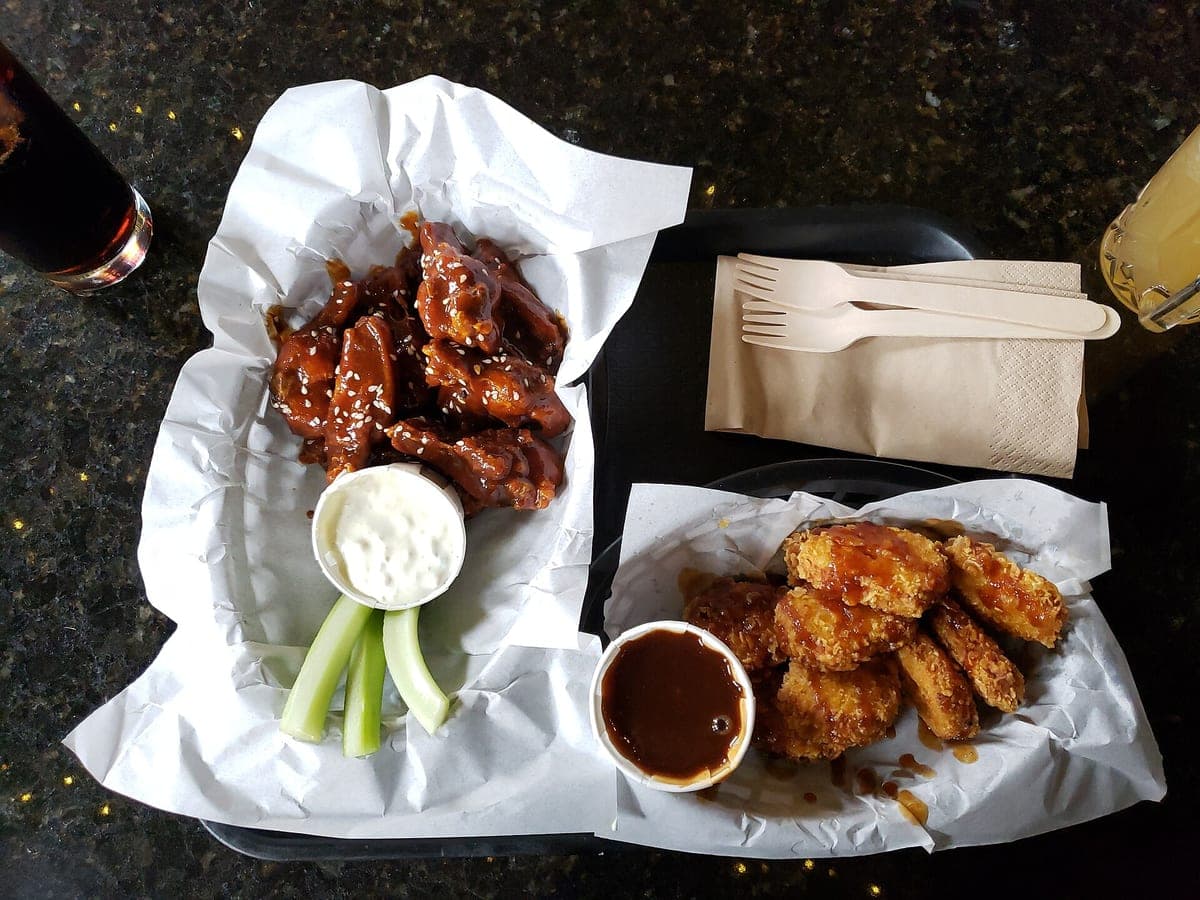
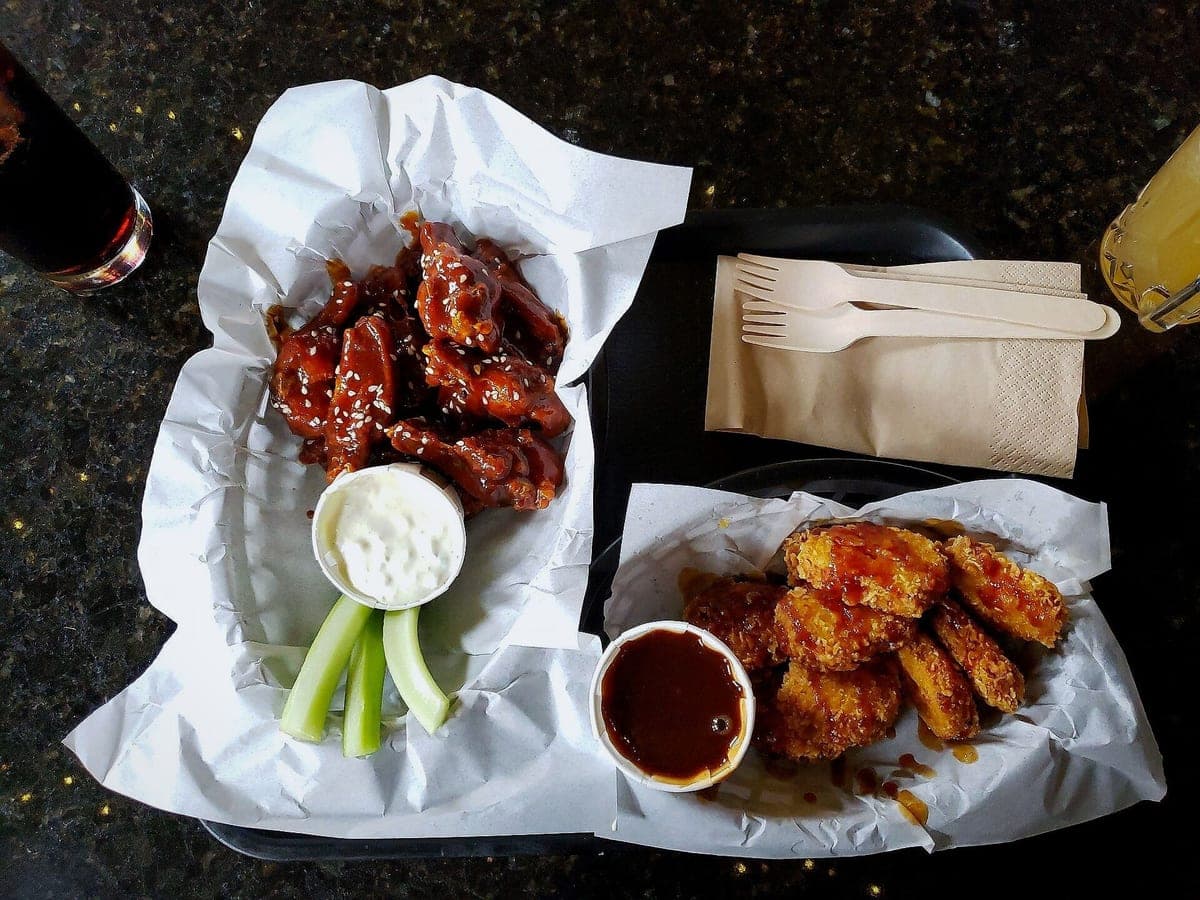
Glazed wings, ranch & celery
Before: Galaxy S9, unedited · After: Delivery Ready look
Photo: Andy Li · CC0
3 free · no sign-up · sized for DoorDash, Uber Eats & Grubhub
JPG, PNG, WebP or HEIC · up to 10 MB · we improve the photo, not the food
Snap your dish on your phone. In about a minute you get a bright, clean, delivery-app-ready photo, still your exact food, already sized for DoorDash, Uber Eats, Grubhub, your menu and Instagram.
One dish per look, before on the left, after on the right. Drag any photo to compare.
Before: Galaxy S9, unedited · After: Delivery Ready look
Photo: Andy Li · CC0
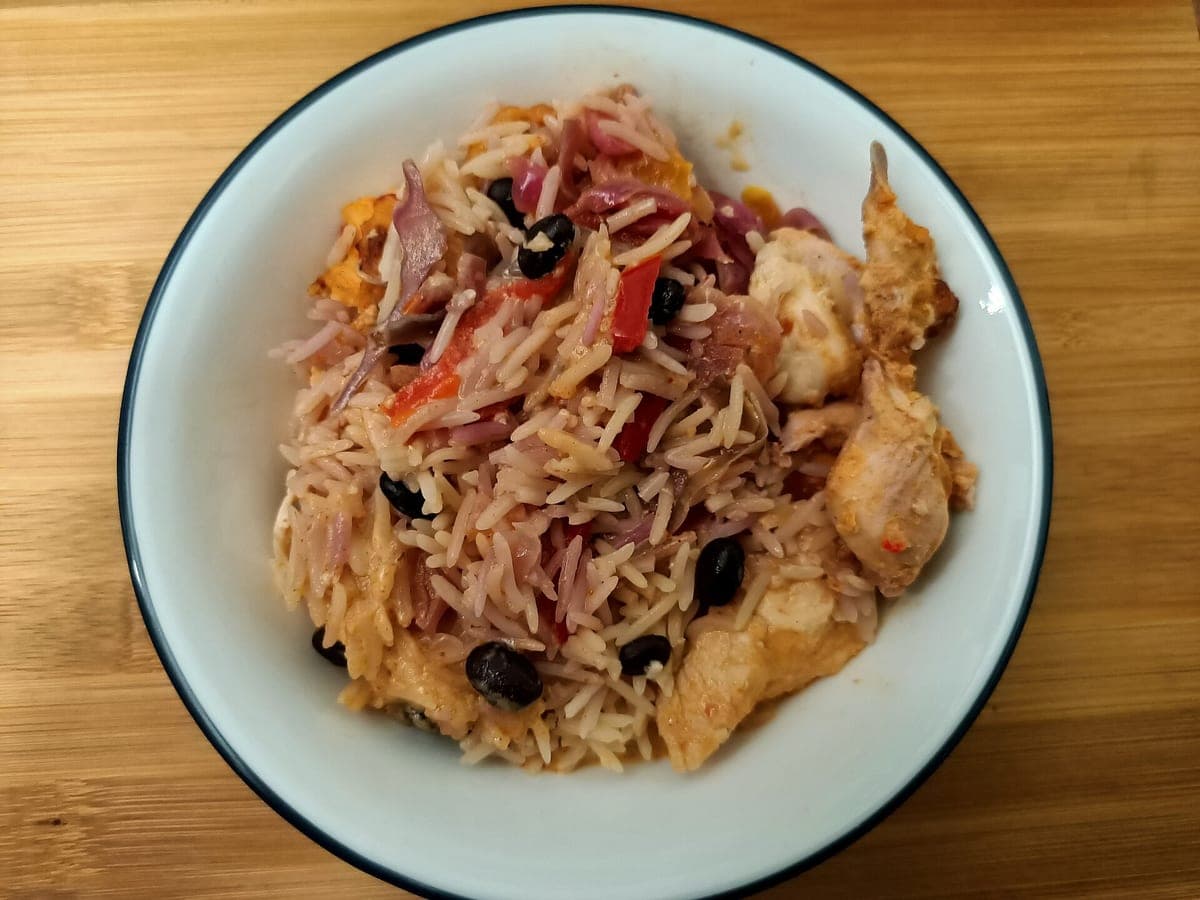
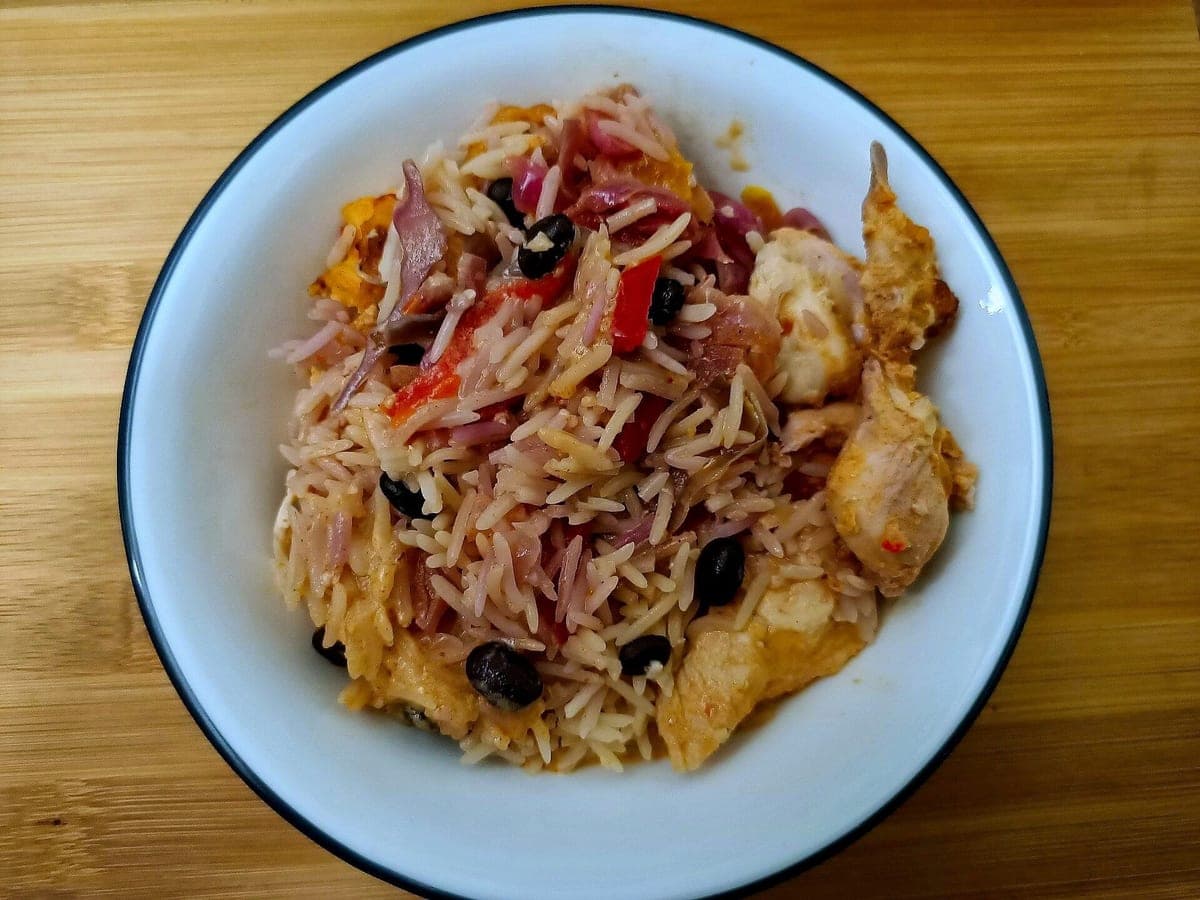
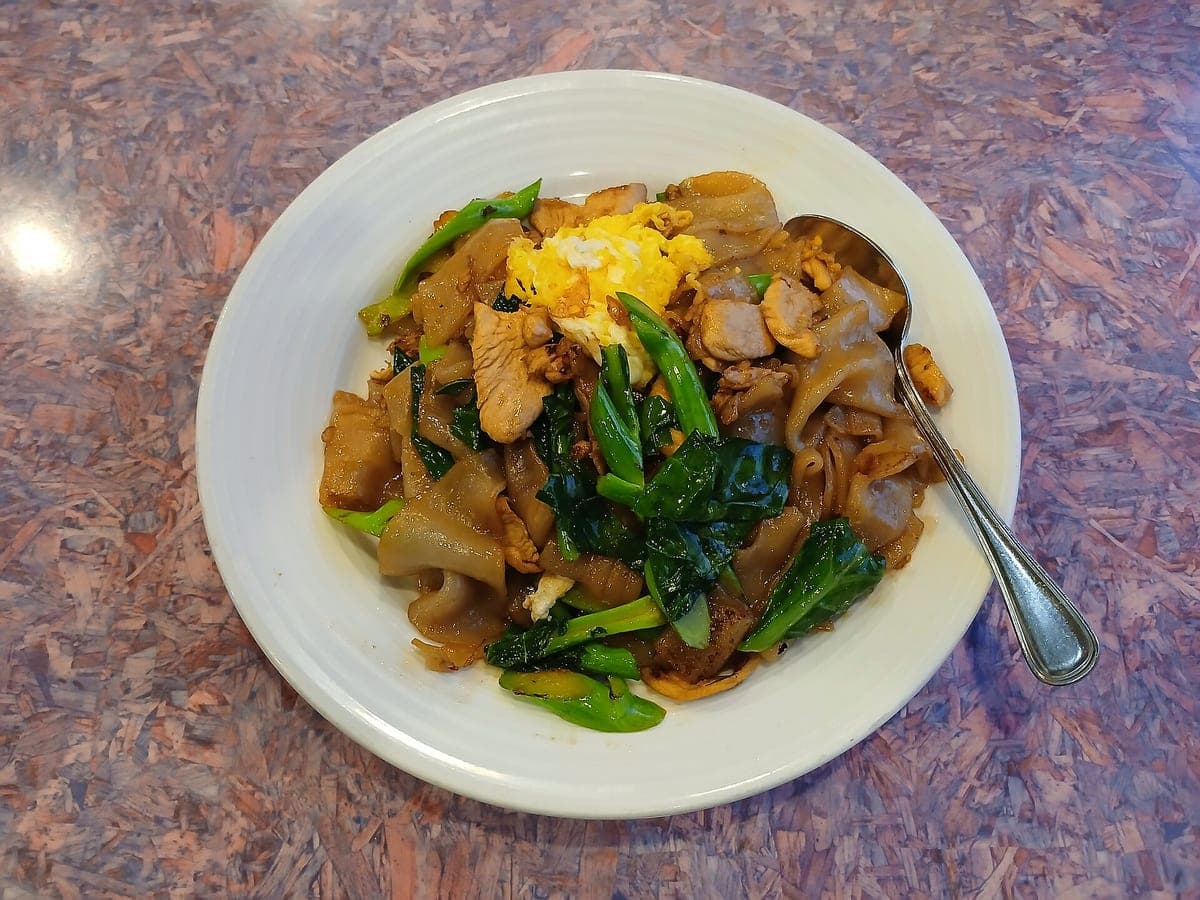
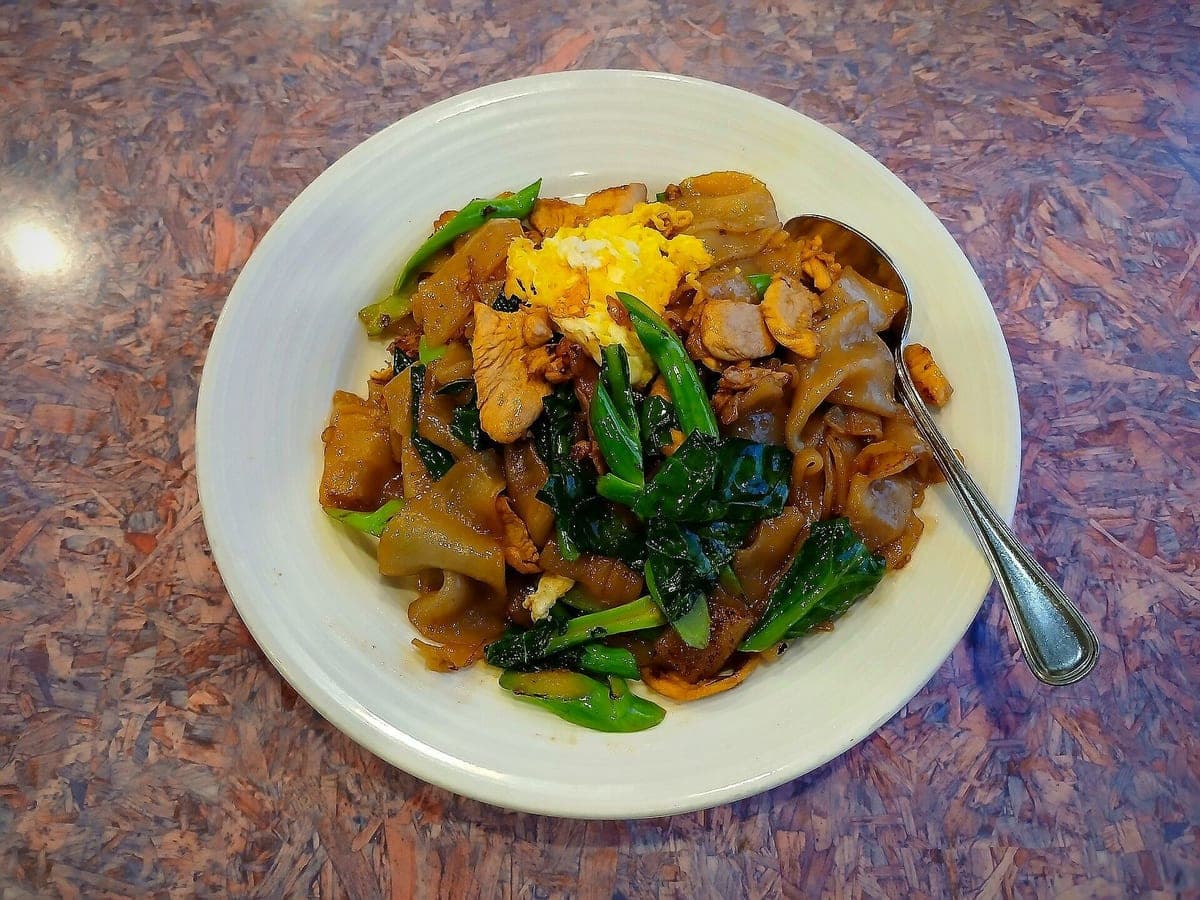
Before: Galaxy A15 5G, unedited · After: Restaurant Table look
Photo: Ser Amantio di Nicolao · CC0
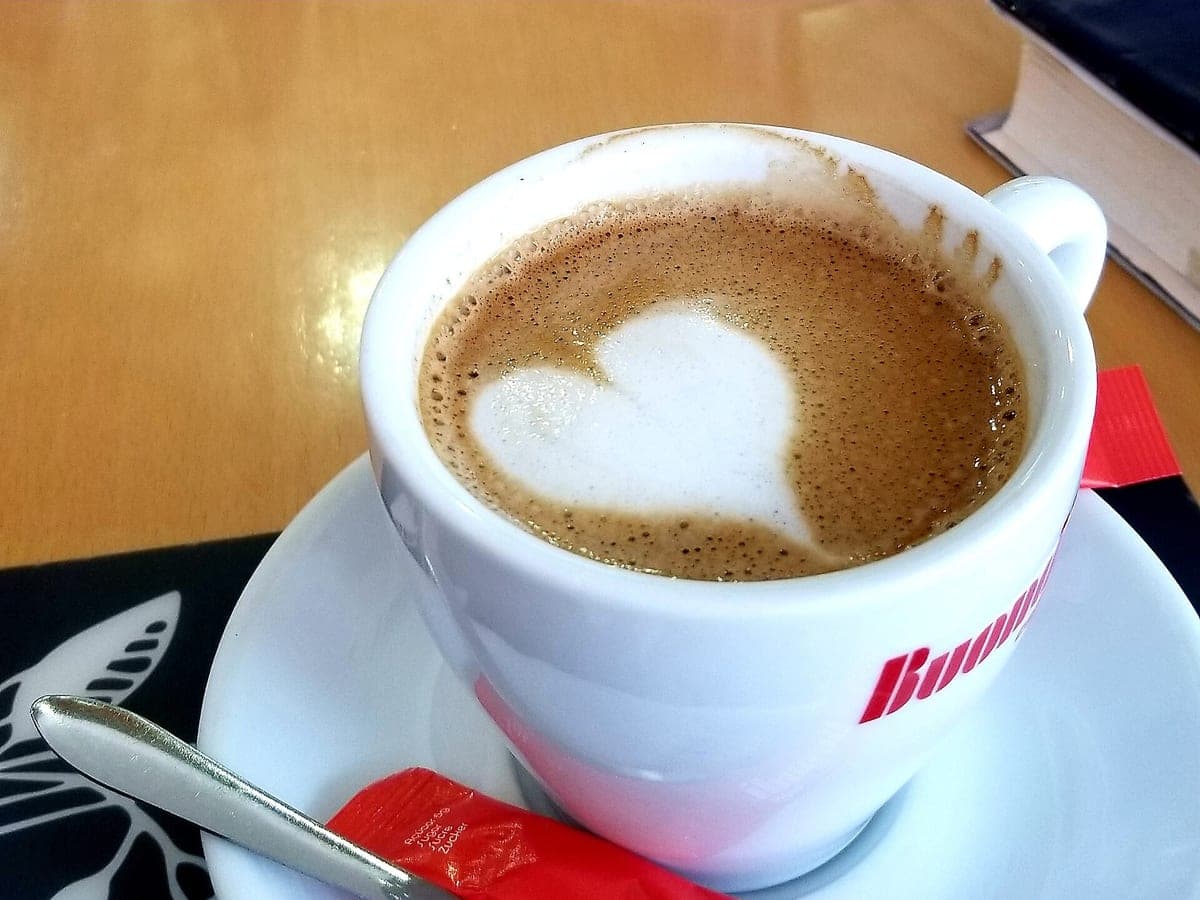
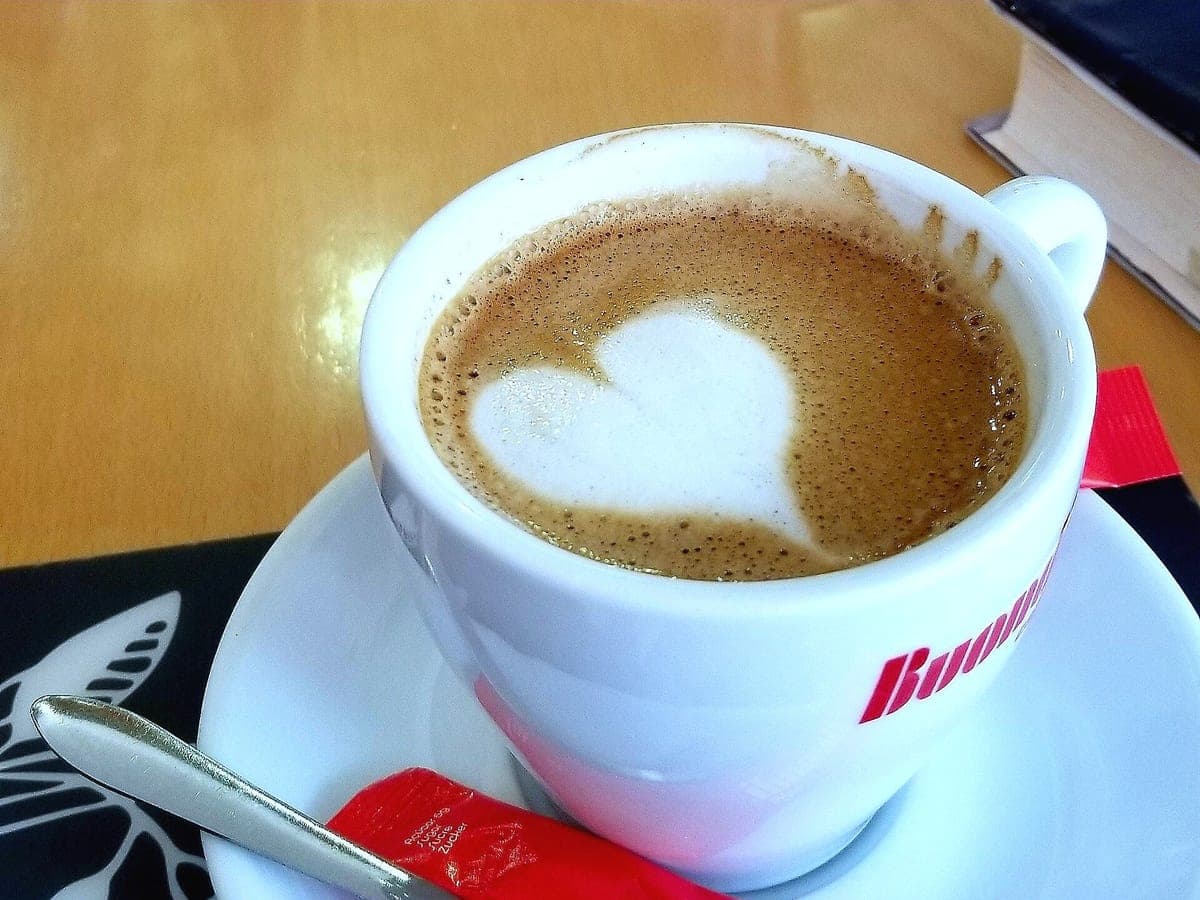
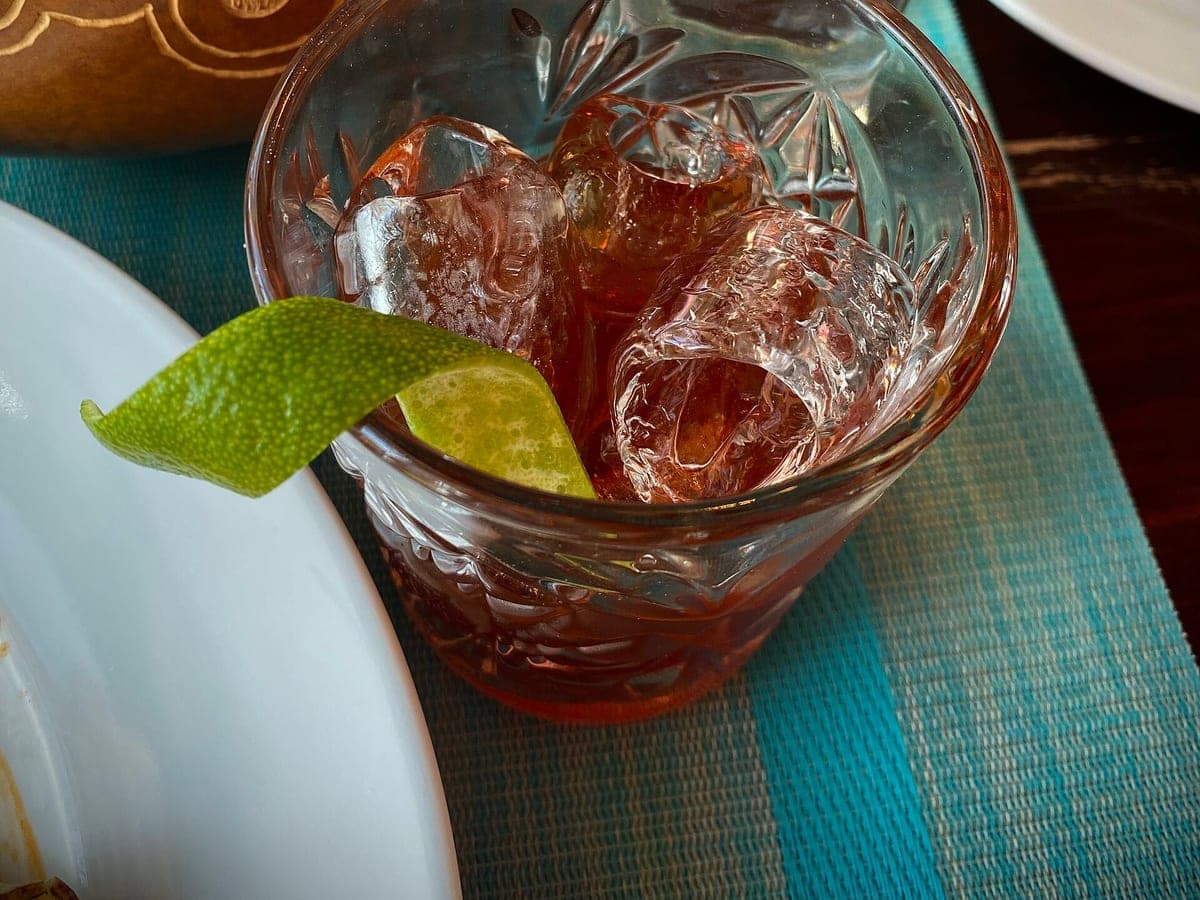
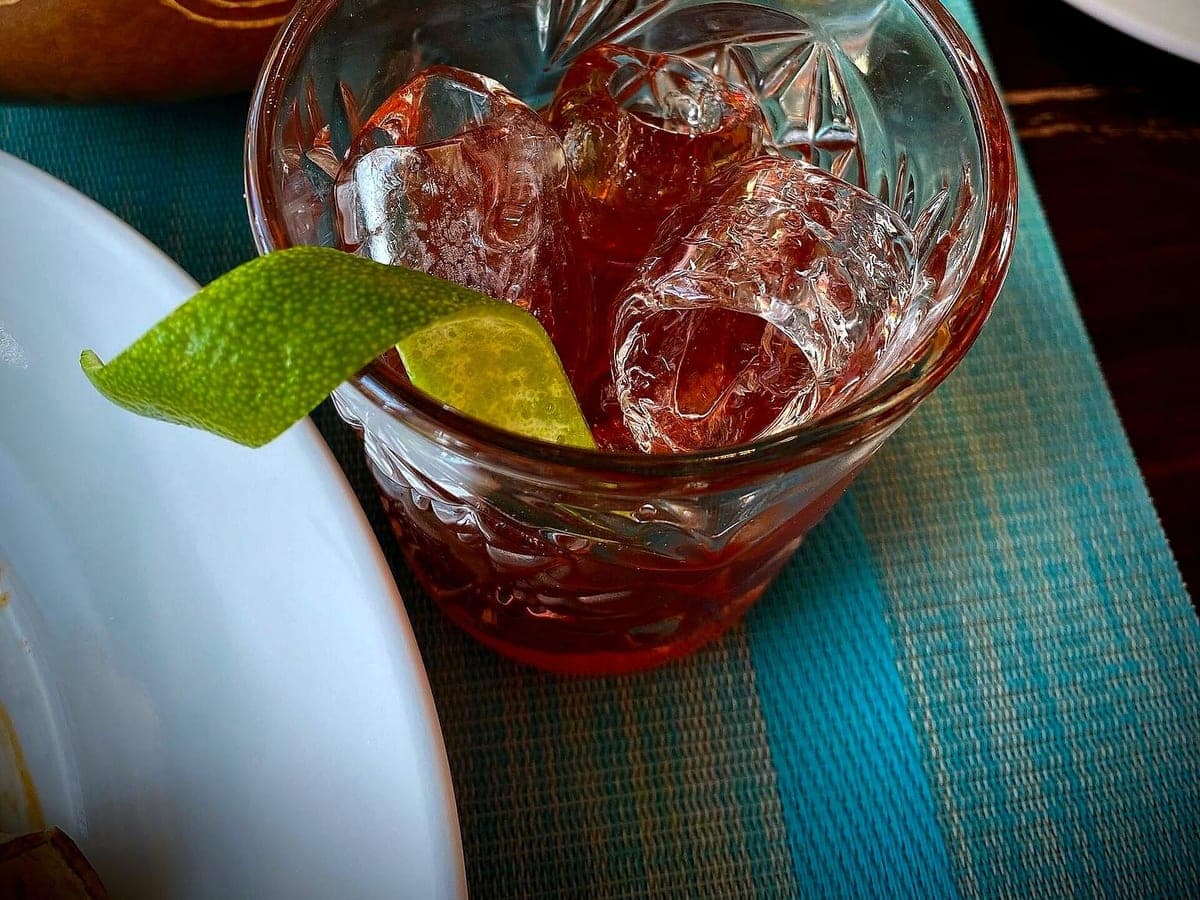
Before: iPhone 11 Pro, unedited · After: Dark & Moody look
Photo: Sharon Hahn Darlin · CC BY 2.0
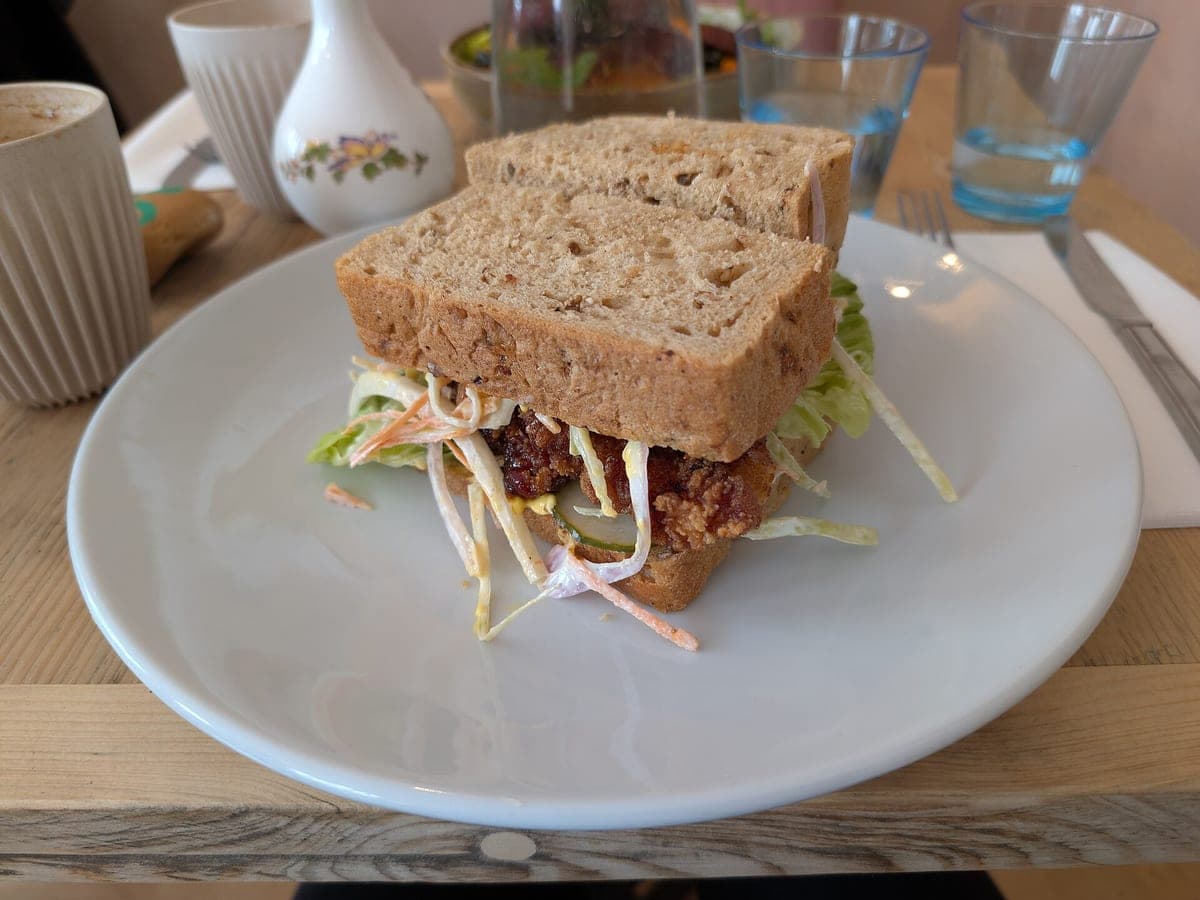
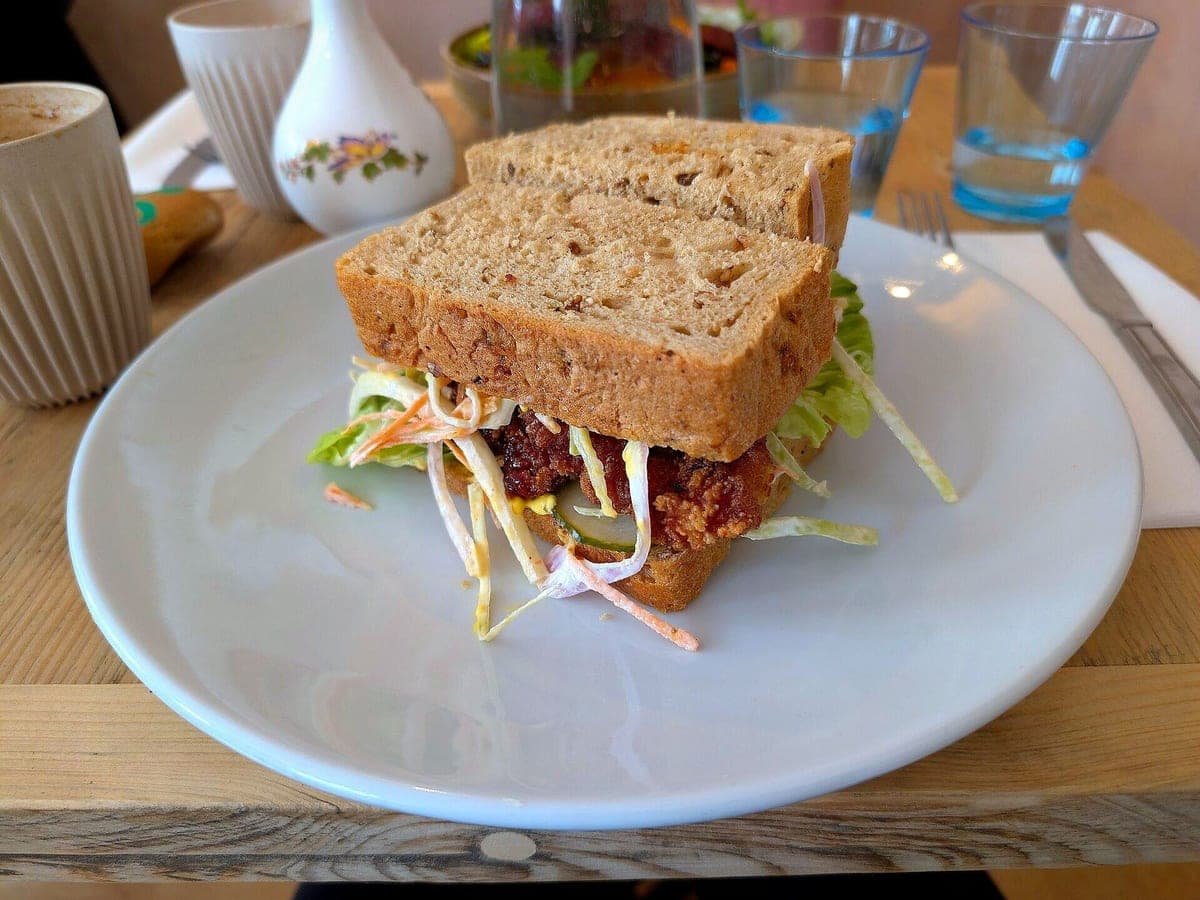
Before: Pixel 8 Pro, unedited · After: Color Pop look
Photo: Andy Li · CC0
Shooting for a specific kind of kitchen? See how it works for cafes and bakeries, food trucks, ghost kitchens, or a full restaurant menu. New to this? How AI food photos stay honest.
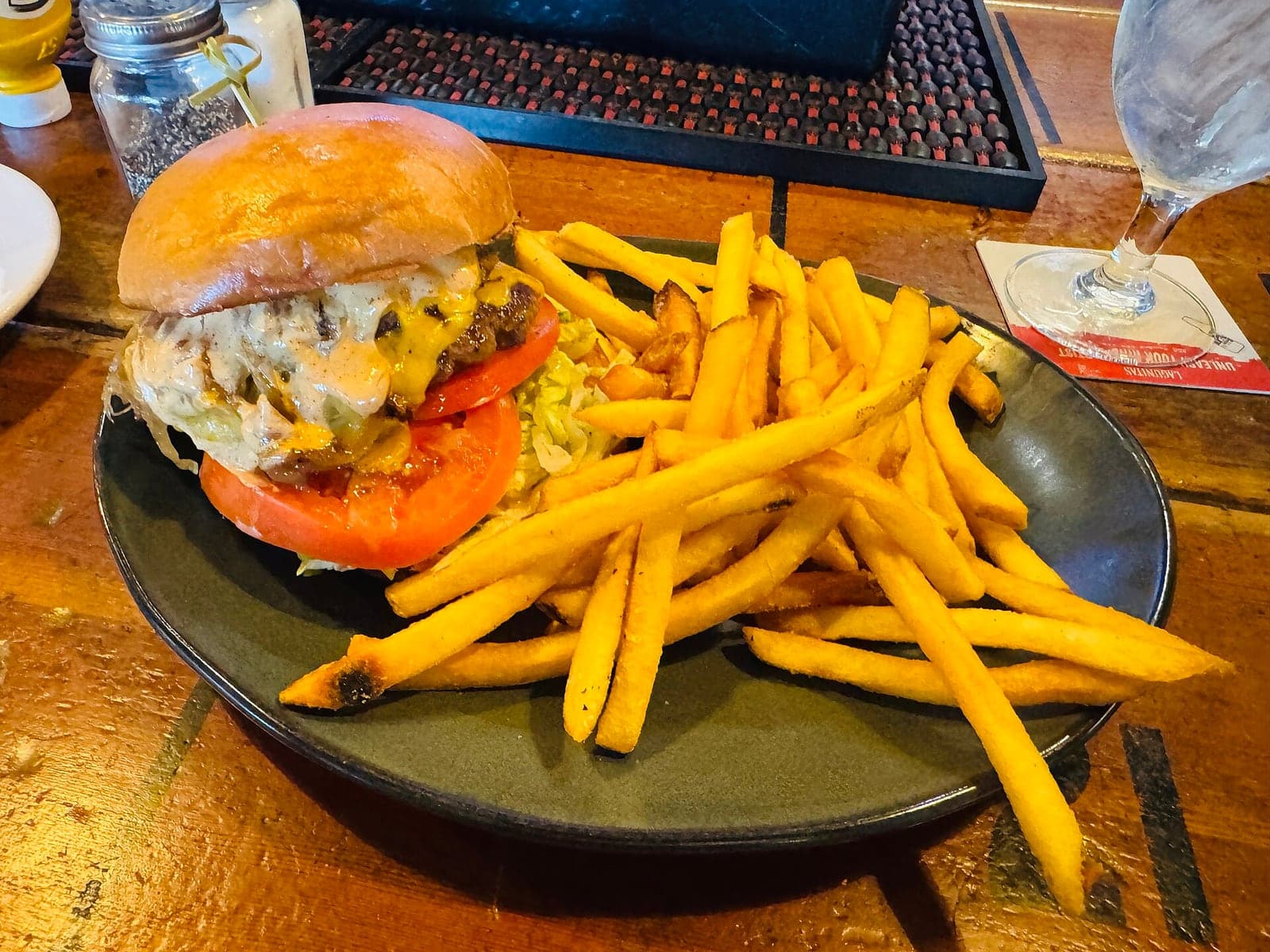
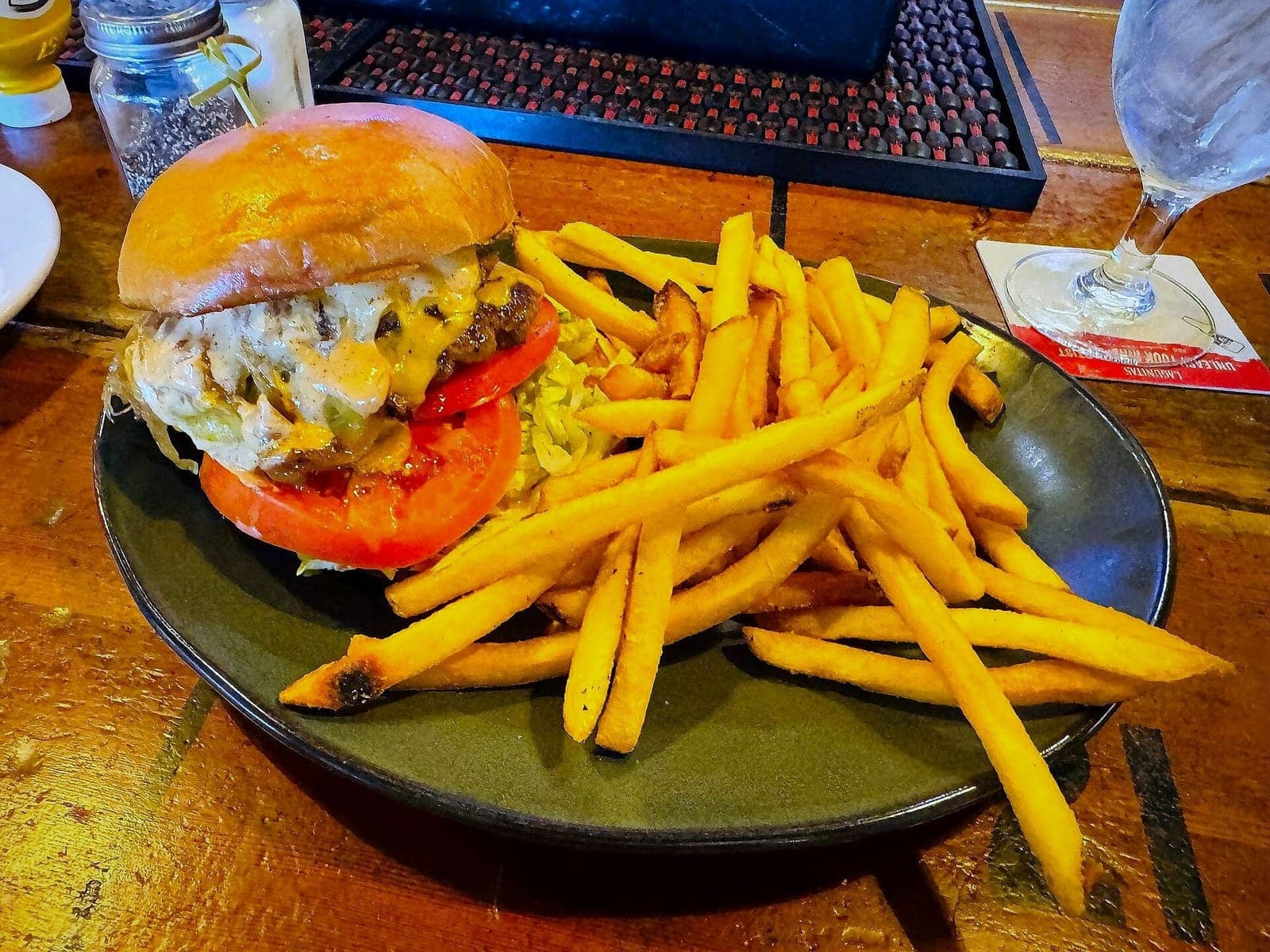
The burger above, cut for DoorDash, Uber Eats, Grubhub, your menu, Instagram and a square post. The dish stays centered in every one.
DoorDash
16:9 · 1600×900
Uber Eats
16:9 · 1600×900
Grubhub
3:2 · 1500×1000
Menu / Website
4:3 · 1600×1200
Instagram feed
4:5 · 1080×1350
Square (Google, Yelp, Facebook)
1:1 · 1200×1200
One upload, all six files. Sized to what each app asks for. Read the DoorDash photo requirements and the Uber Eats photo requirements.
Three steps, about a minute, no photographer.
Shoot the dish the way you serve it.
Delivery Ready is on by default. Five more if you want them.
DoorDash, Uber Eats, Grubhub, menu, Instagram and square, from one photo.
Old fashioned · iPhone 11 Pro, unedited → Dark & Moody look · Photo: Sharon Hahn Darlin, CC BY 2.0
Yes, as long as the photo shows the real item a customer will get. That is exactly why we never change the food: we fix the light, background, angle and crop, and the dish stays the dish. You are still responsible for following each platform’s own photo rules, so check their merchant help pages before you upload.
No. We change what a food photographer would change: light, white balance, background, table surface, angle and framing. We never add, remove, move or "upgrade" food, garnish, sauce or sides, and your plate or container stays the same.
Straight answer: the finished image is re-rendered by AI, starting from your photo. The rule we hold it to is that the dish, the portion and the plating must stay the same. If a result ever looks like a different plate, tap "Doesn’t look like my dish" and we refund that photo and redo it free.
Every photo comes in six sizes: DoorDash 16:9 (1600×900), Uber Eats 16:9 (1600×900), Grubhub 3:2 (1500×1000), Menu or website 4:3 (1600×1200), Instagram feed 4:5 (1080×1350) and Square 1:1 (1200×1200), plus the full 4:3 original.
| Size | Ratio | Pixels | Where it's used |
|---|---|---|---|
| DoorDash | 16:9 | 1600×900 | DoorDash item and header photos |
| Uber Eats | 16:9 | 1600×900 | Uber Eats menu items |
| Grubhub | 3:2 | 1500×1000 | Grubhub menu items |
| Menu / Website | 4:3 | 1600×1200 | Your website, QR and printed menus |
| Instagram feed | 4:5 | 1080×1350 | Instagram feed posts |
| Square (Google, Yelp, Facebook) | 1:1 | 1200×1200 | Google Business Profile, Yelp, Facebook |
Checked Oct 17, 2026: DoorDash asks for 16:9, at least 1400×800 (merchant help). Uber Eats and Grubhub publish no fixed size; ours are safe working sizes.
About a minute per photo. Busy times can take a bit longer. You can leave the page while it cooks; the photo waits on your ticket rail when you come back.
Photos in packs never expire and packs are one-time payments, no subscription needed. The Kitchen Plan is optional, for places that change specials every month. If you cancel it, the photos you already got stay yours.
We built Menu Photo Enhancer because every AI food tool we tried made a prettier dish than the one leaving the kitchen. Ours keeps your real plate and fixes the photo around it.
Read our story →Got a dish on the pass? Shoot it now.