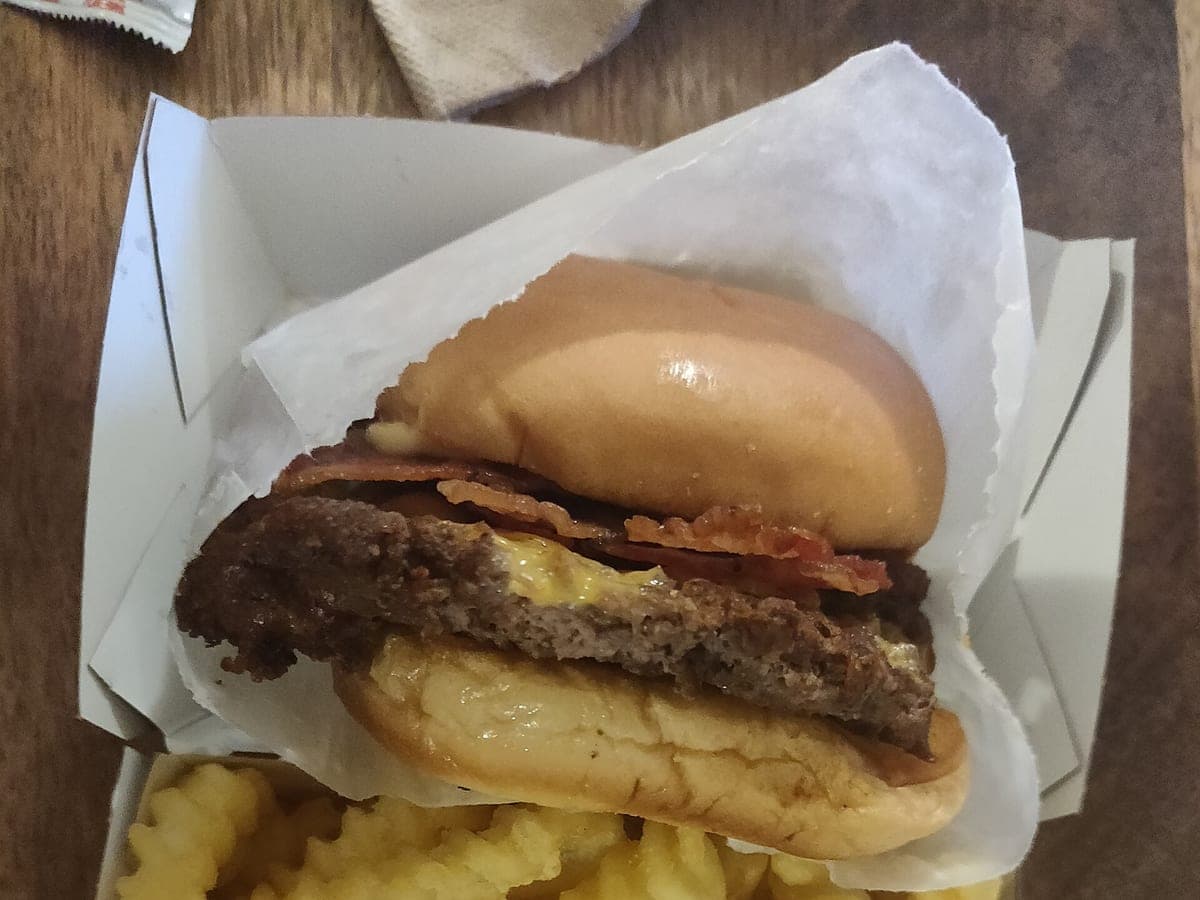
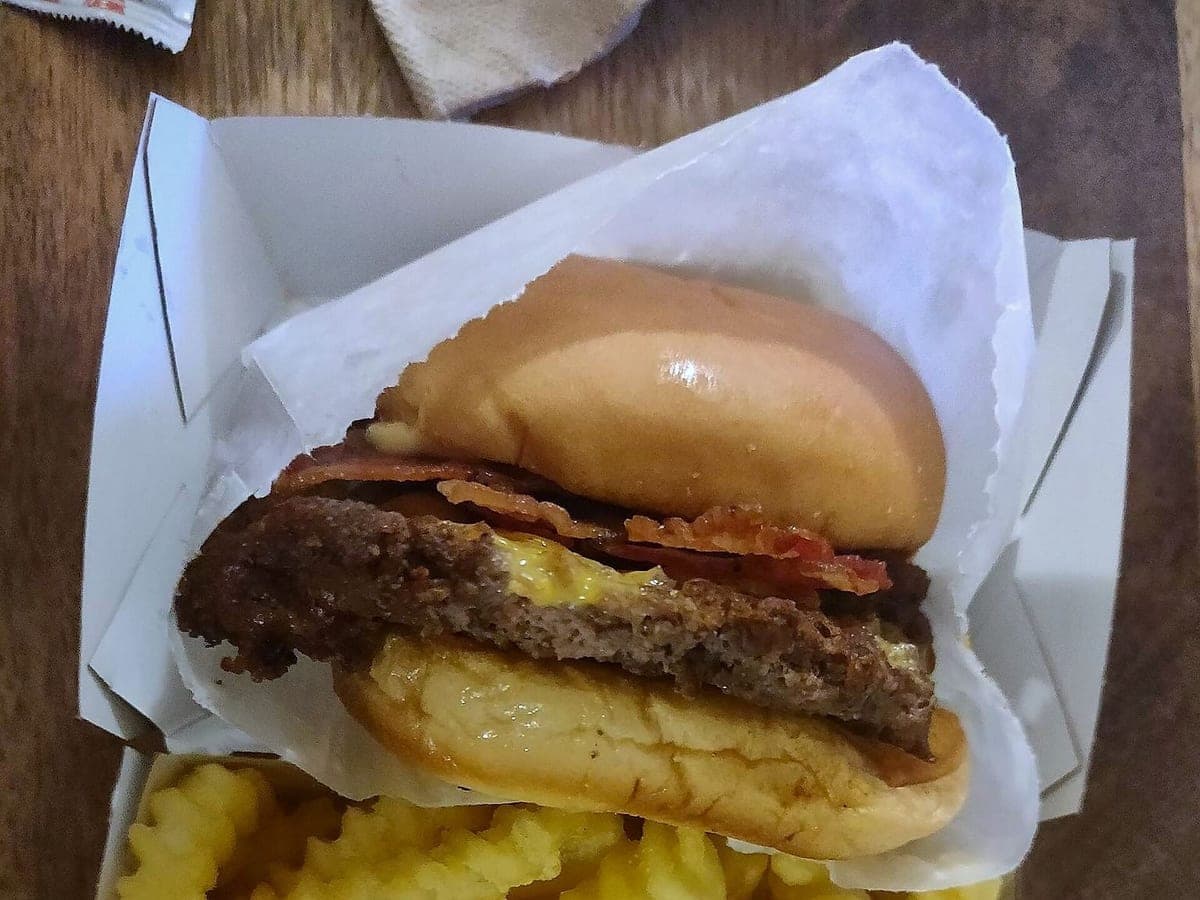
Bacon cheeseburger & crinkle fries
Before: OnePlus 6T, unedited · After: Delivery Ready look
Photo: Kurt Kaiser · CC0
DoorDash · 1600×900
Look: DELIVERY READY ·
3 free · no sign-up · sized for DoorDash, Uber Eats & Grubhub
JPG, PNG, WebP or HEIC · up to 10 MB · we improve the photo, not the food
Before: OnePlus 6T, unedited · After: Delivery Ready look
Photo: Kurt Kaiser · CC0
DoorDash · 1600×900
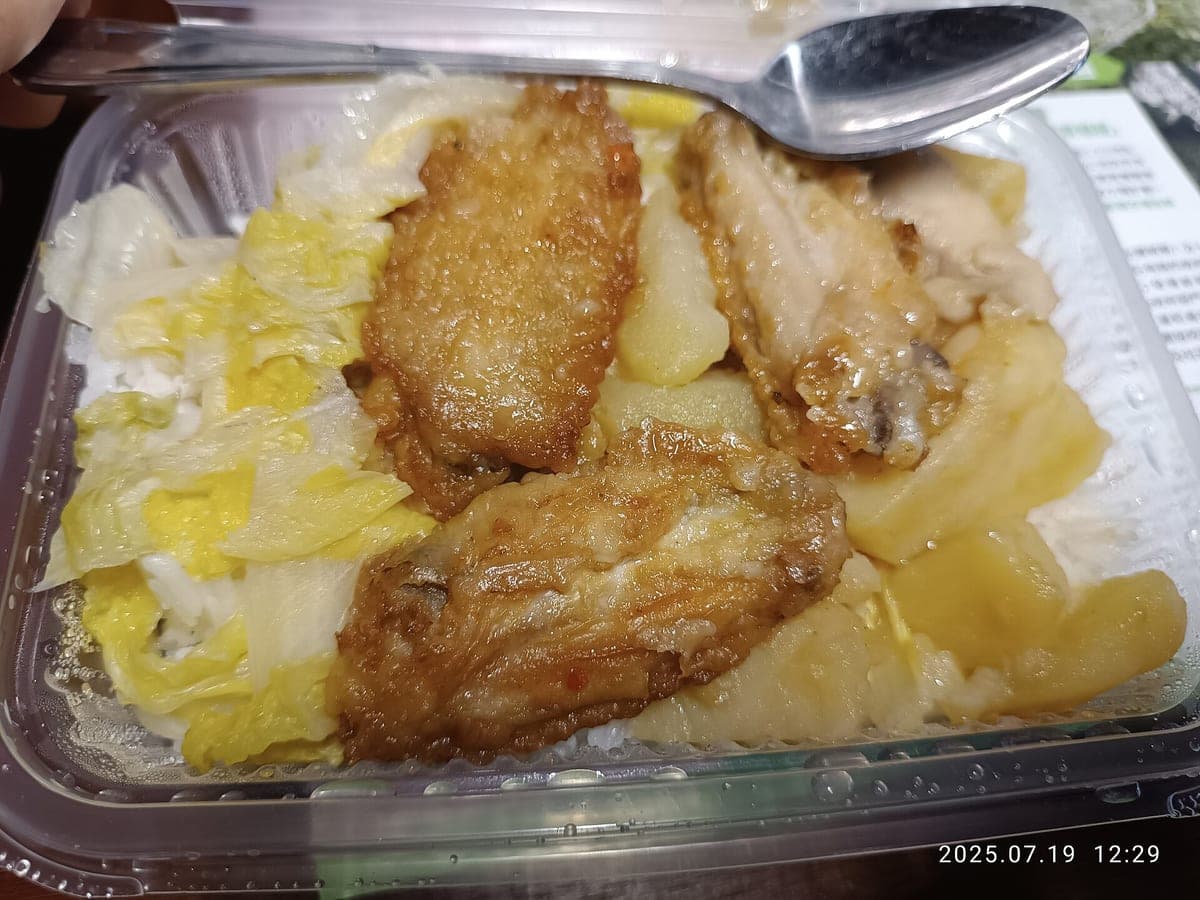
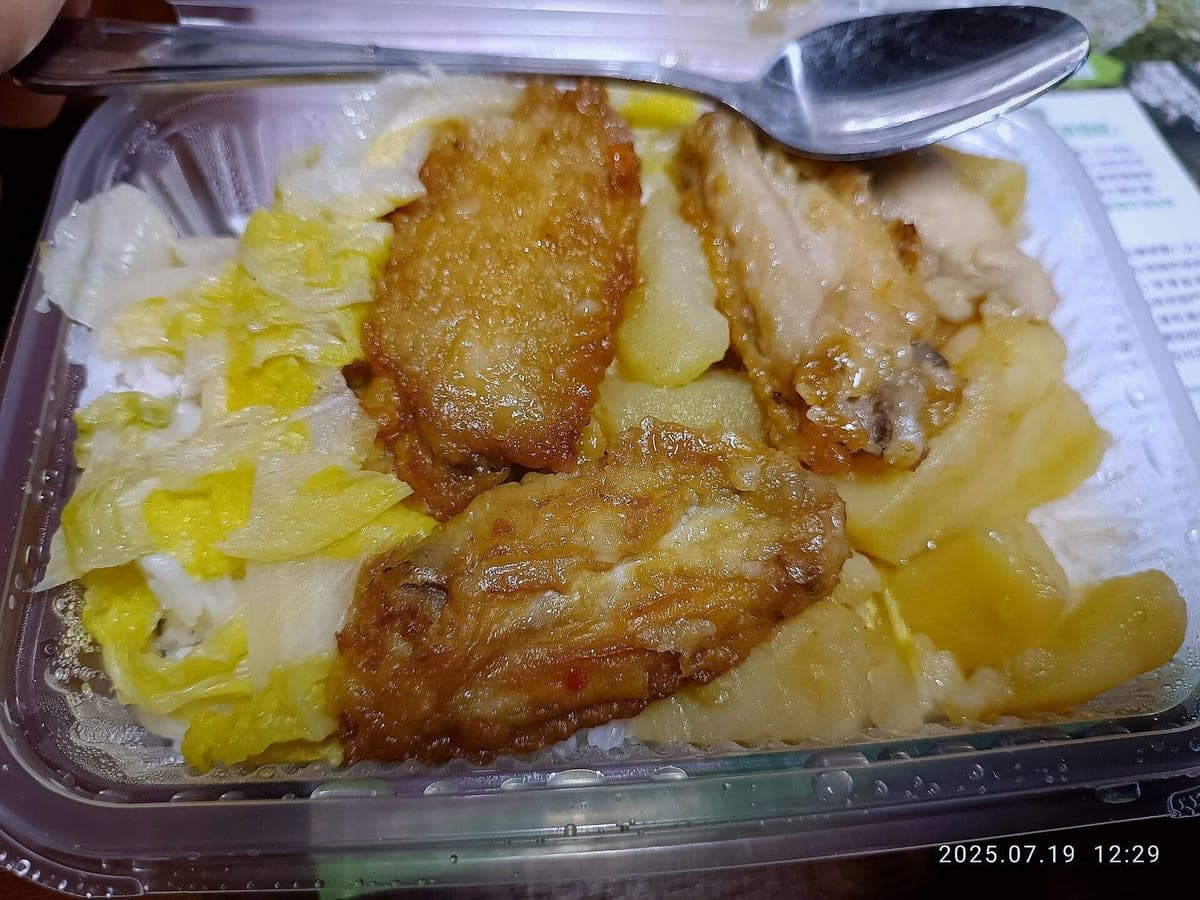
Before: Xiaomi phone, unedited · After: Delivery Ready look
Photo: TONGAU DADSAM · CC0
DoorDash · 1600×900
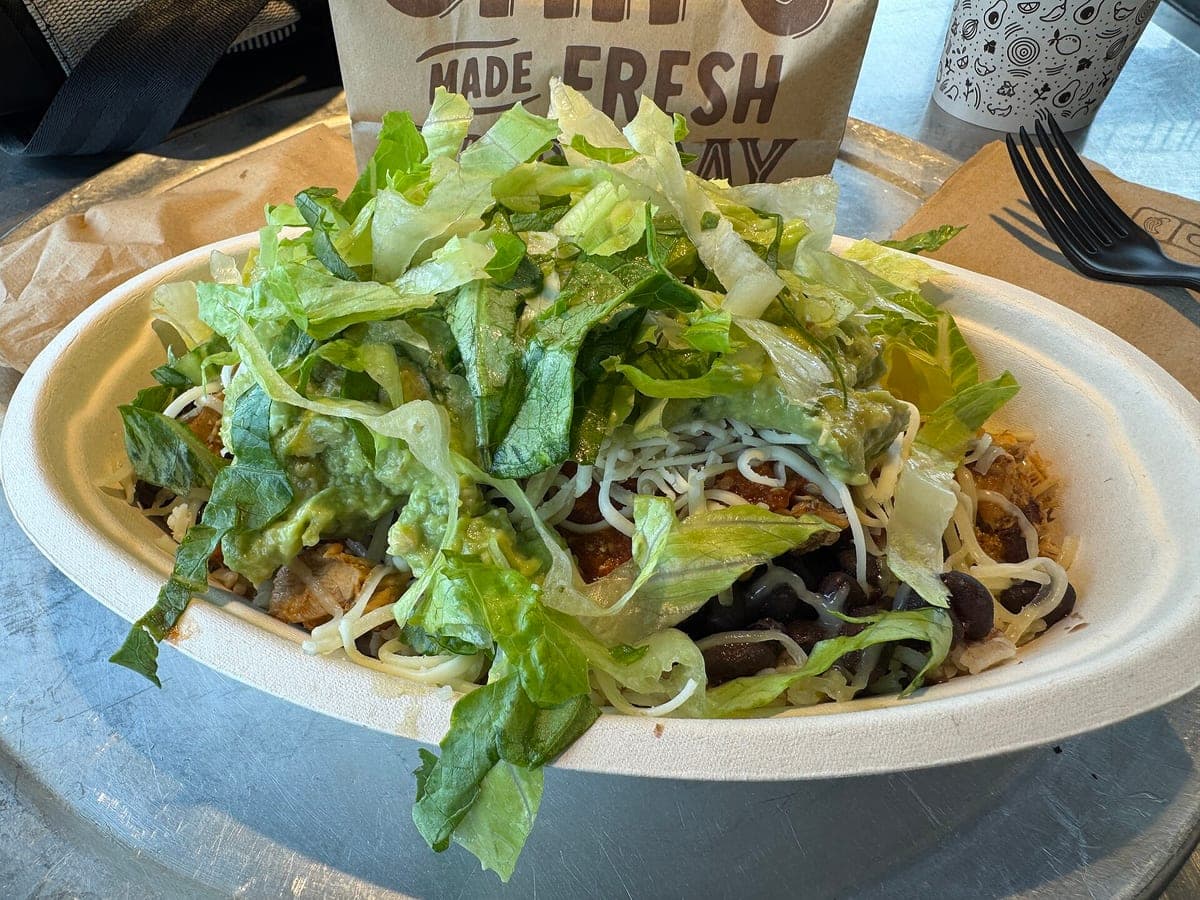
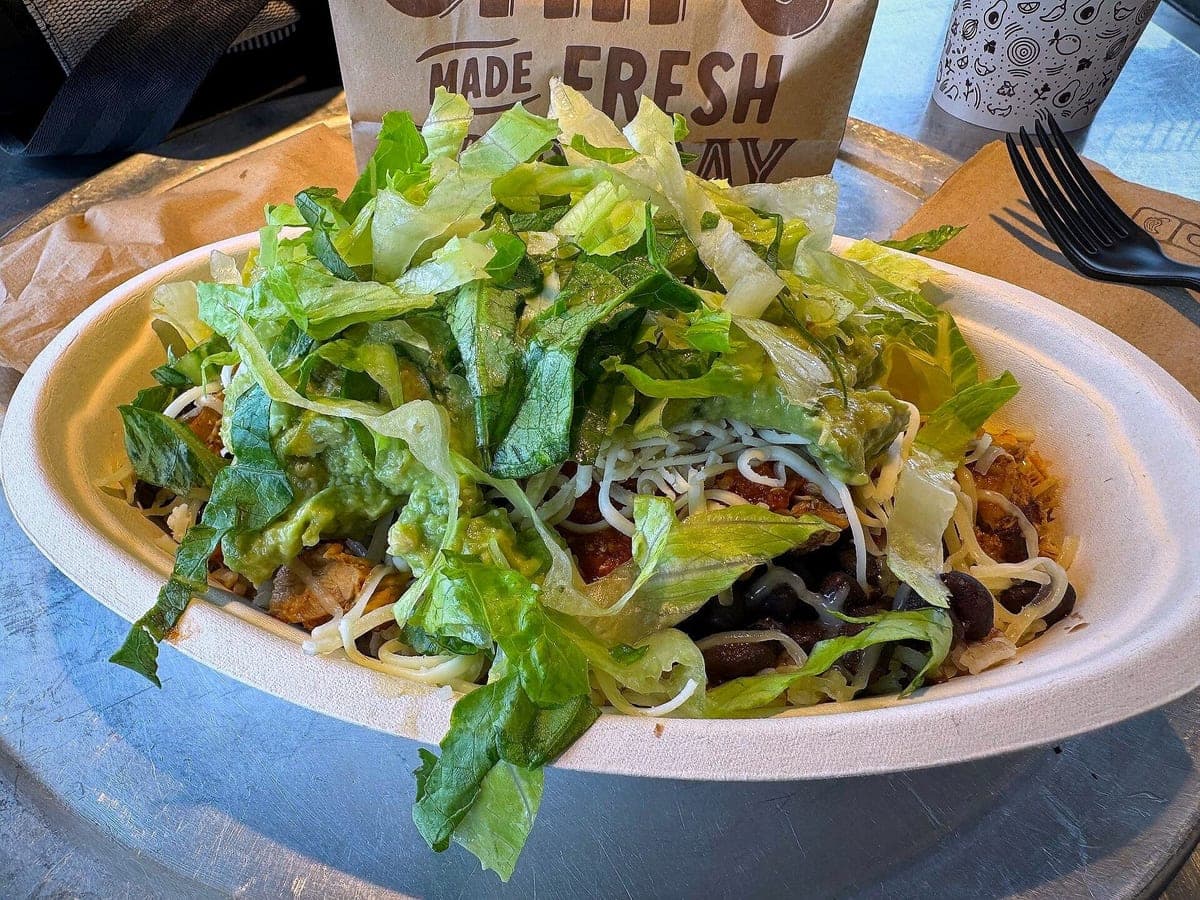
Before: iPhone 15 Pro Max, unedited · After: Delivery Ready look
Photo: Missvain · CC BY 4.0
DoorDash · 1600×900
Items with photos get tapped more than items without them, and on a delivery app the photo is the only thing a hungry customer can judge you by. Most owners know that. What stops them is time: nobody has a free afternoon and a photographer budget for 40 menu items.
So shoot it on the line, on your phone, the way it goes out the door. Upload it here and you get back the same burger, the same basket and the same fries, with better light, a clean background and a 16:9 crop that fits how DoorDash shows menu photos.
A photo that oversells the food turns into a refund request, a one-star review and a customer who doesn’t come back. Delivery apps know this, which is why their photo guidance keeps coming back to the same point: show what the customer will actually get.
That is the whole idea behind this tool. We fix what a phone gets wrong (yellow kitchen light, a cluttered prep table, a crooked angle) and leave the food alone. Same portion, same toppings, same container. If a result ever looks like a different dish, tap "Doesn’t look like my dish" and you get that photo back plus a free redo.
Wide crops are unforgiving: a plate shot too tight loses its edges, and a basket shot from too far looks tiny. Every result is built from a 4:3 master with margin around the dish, then cut to 16:9 so the food sits centered with room to breathe. Tap the DoorDash chip under your result to see the exact framing before you download.
You also get the Uber Eats, Grubhub, menu, Instagram and square sizes from the same photo, so one shoot covers every app you’re on.
We can’t speak for DoorDash’s review process. What we can say is that our photos show your real item with no text, logos or borders, which is what delivery apps ask for. Check DoorDash’s merchant help pages for their current rules.
Delivery apps sometimes add or swap photos for items that don’t have good ones. Uploading a clear, real photo of each item yourself is the simplest way to stay in control of how your menu looks.
Download the DoorDash size, open your merchant portal, go to Menu, pick the item and replace its photo. It takes about a minute per item.
Photos never expire. Every photo includes all 6 sizes. Start with 3 free.
Taster
10photos
$15
$1.50/photo
Good for: trying it on your best sellers
Menu Pack
40photos
$39
$0.98/photo
Good for: a full delivery menu
Multi-Menu
120photos
$99
$0.83/photo
Good for: several brands or locations
Not affiliated with or endorsed by DoorDash, Uber Eats or Grubhub. Trademarks belong to their owners.