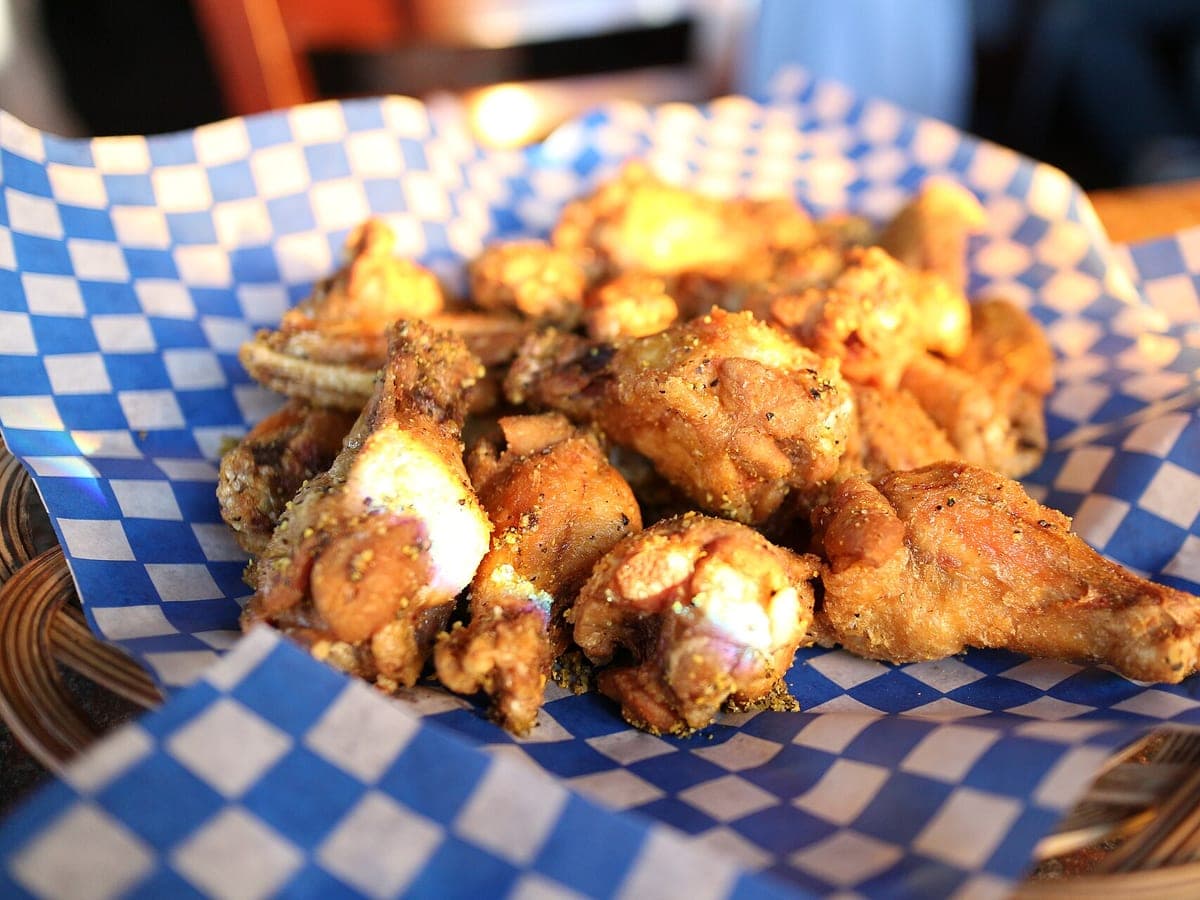
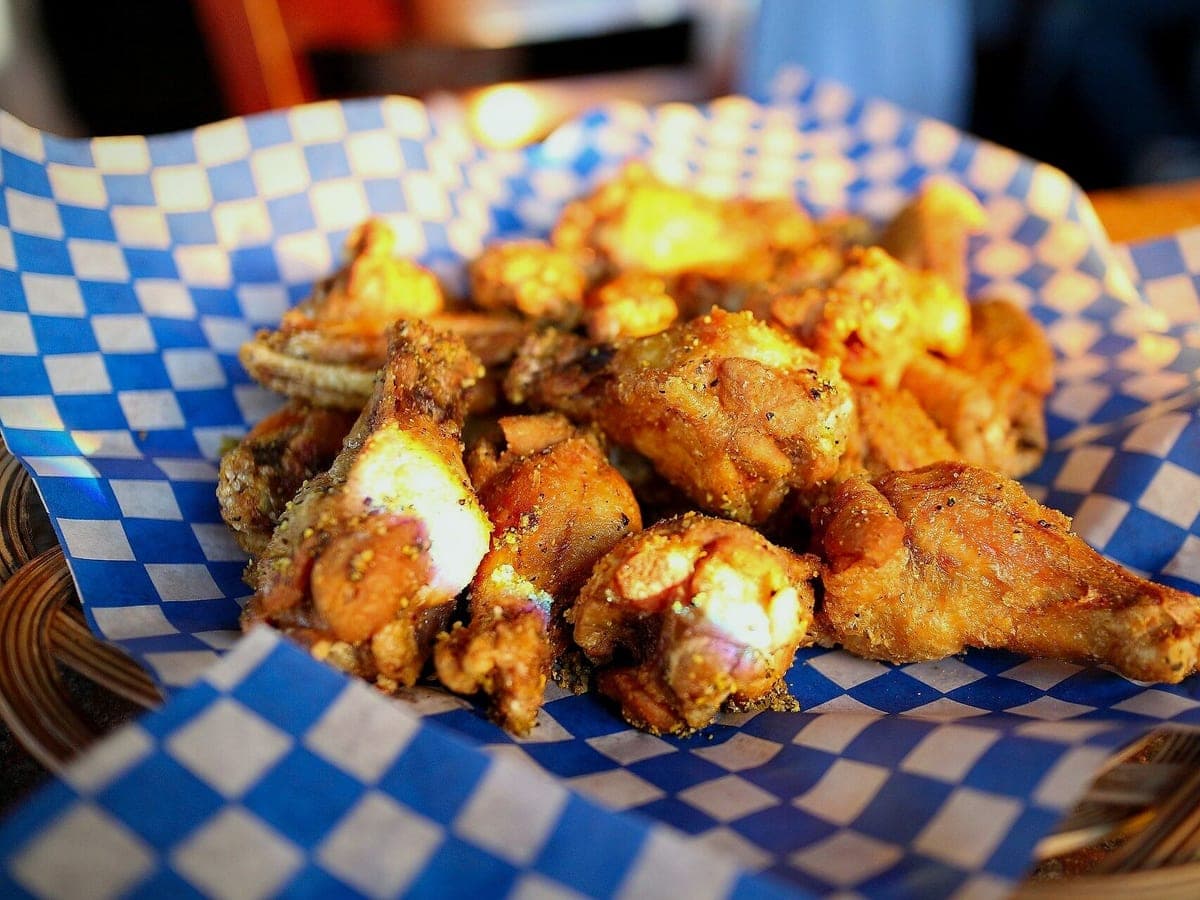
Lemon pepper wings
Before: Canon camera, unedited · After: Restaurant Table look
Photo: Elsie Hui · CC BY 2.0
Look: RESTAURANT TABLE ·
3 free · no sign-up · sized for DoorDash, Uber Eats & Grubhub
JPG, PNG, WebP or HEIC · up to 10 MB · we improve the photo, not the food
Before: Canon camera, unedited · After: Restaurant Table look
Photo: Elsie Hui · CC BY 2.0
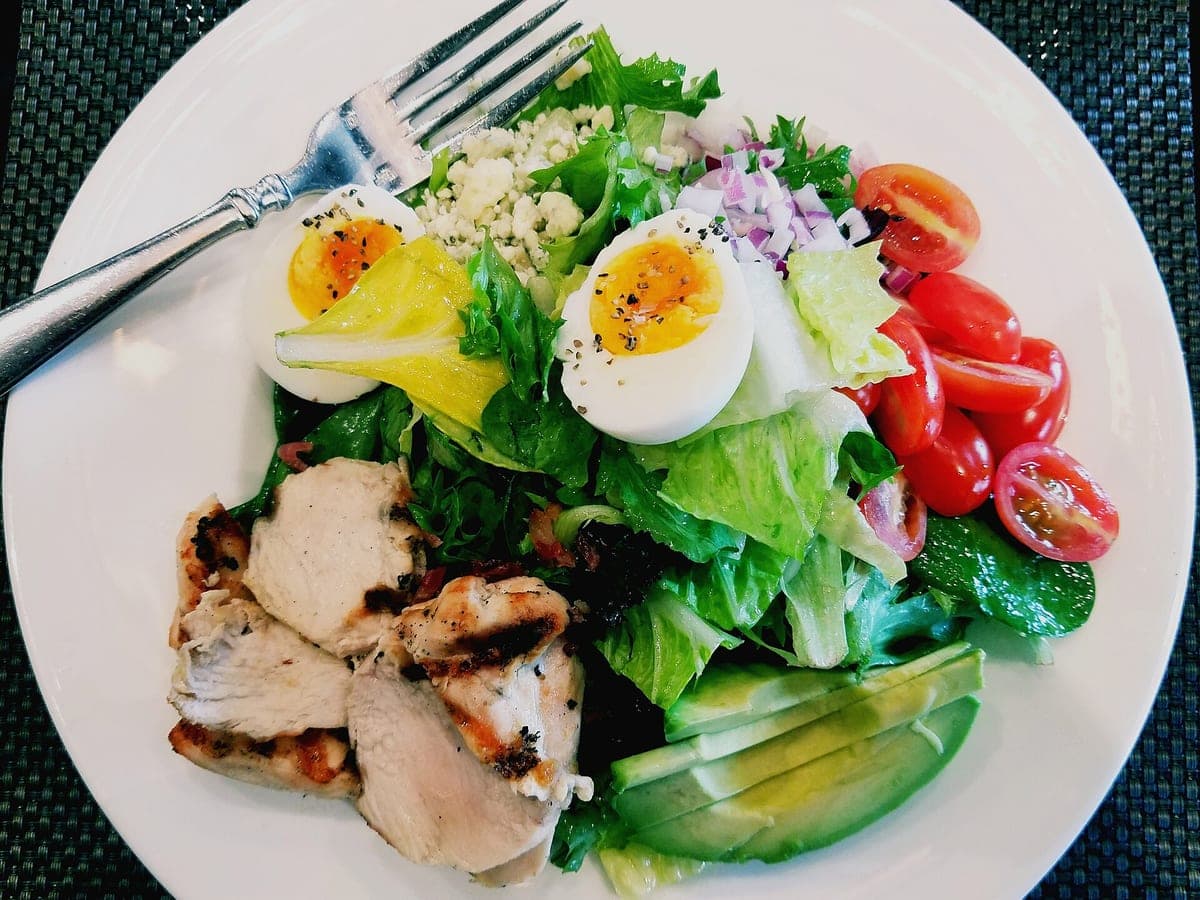
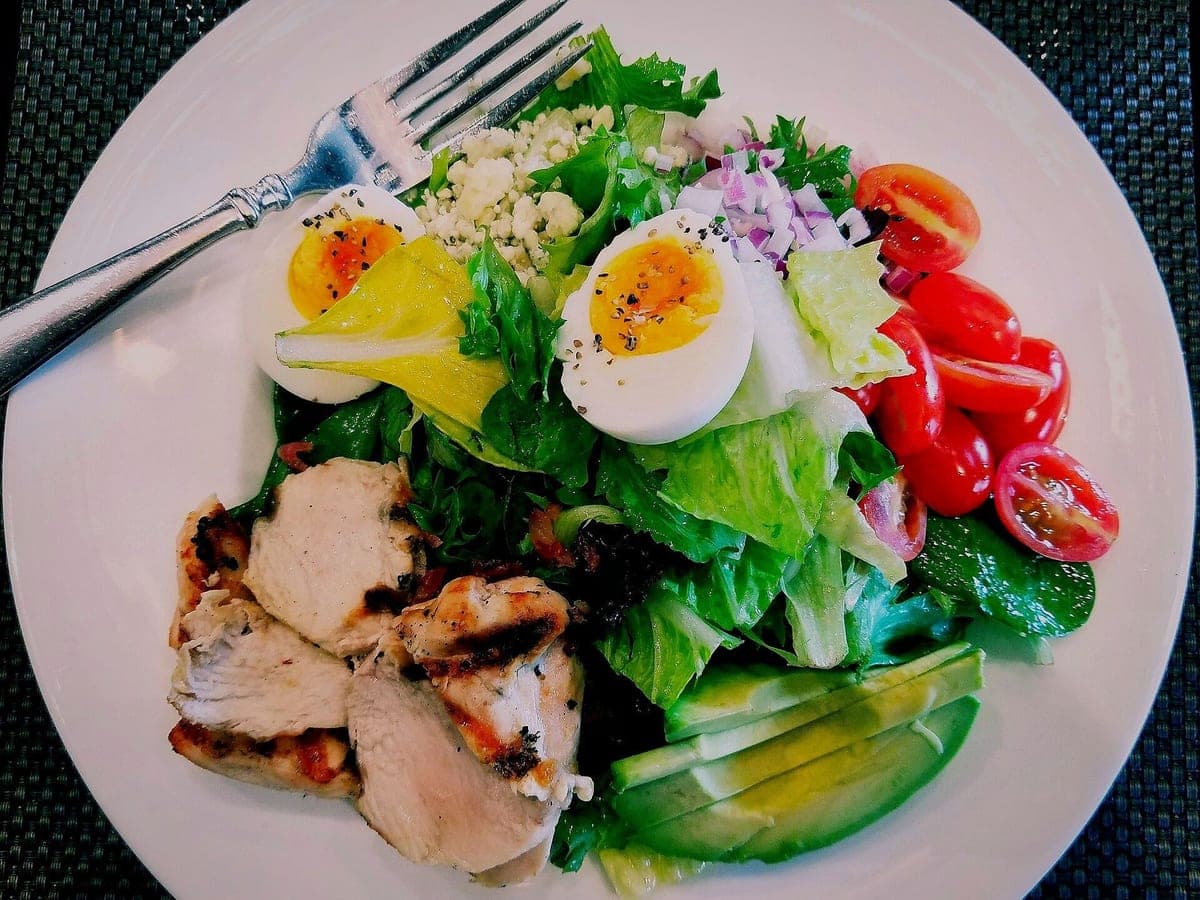
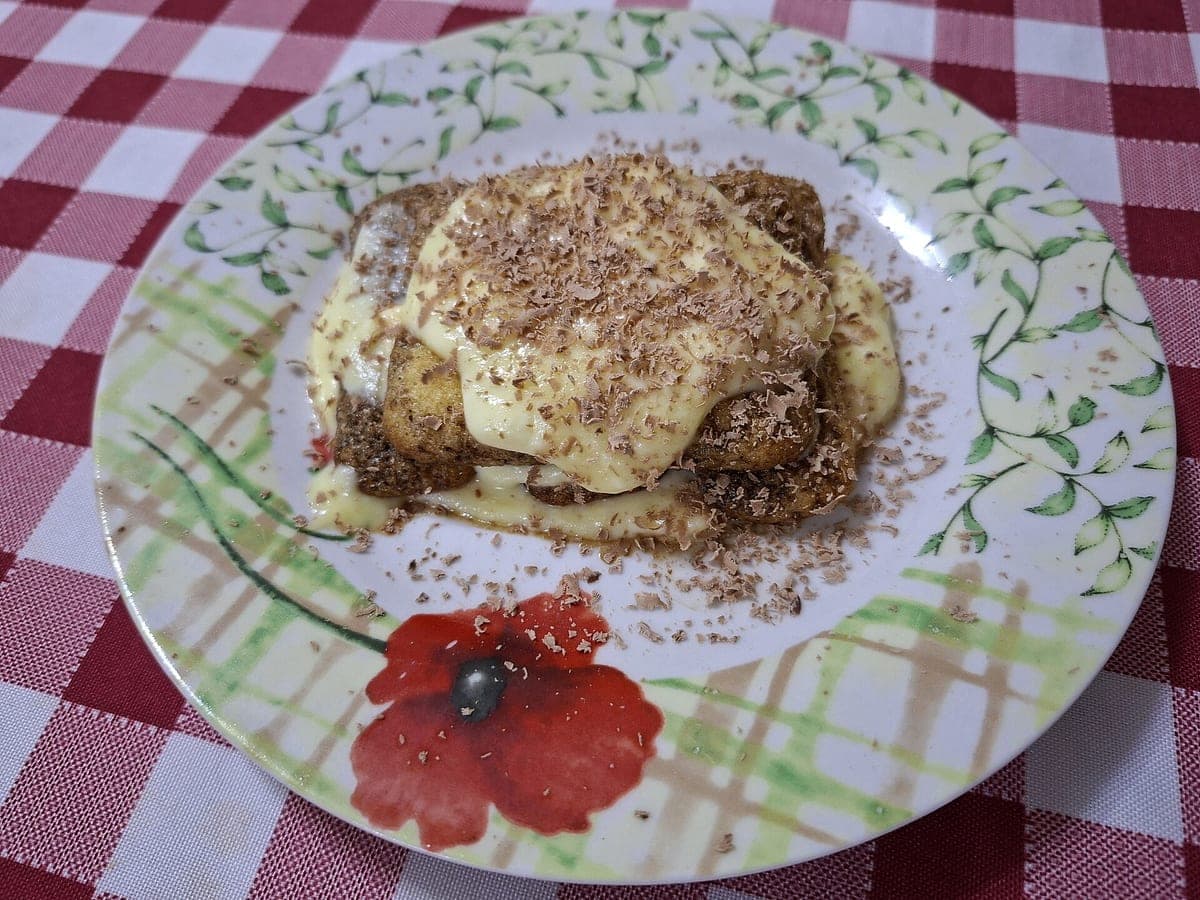
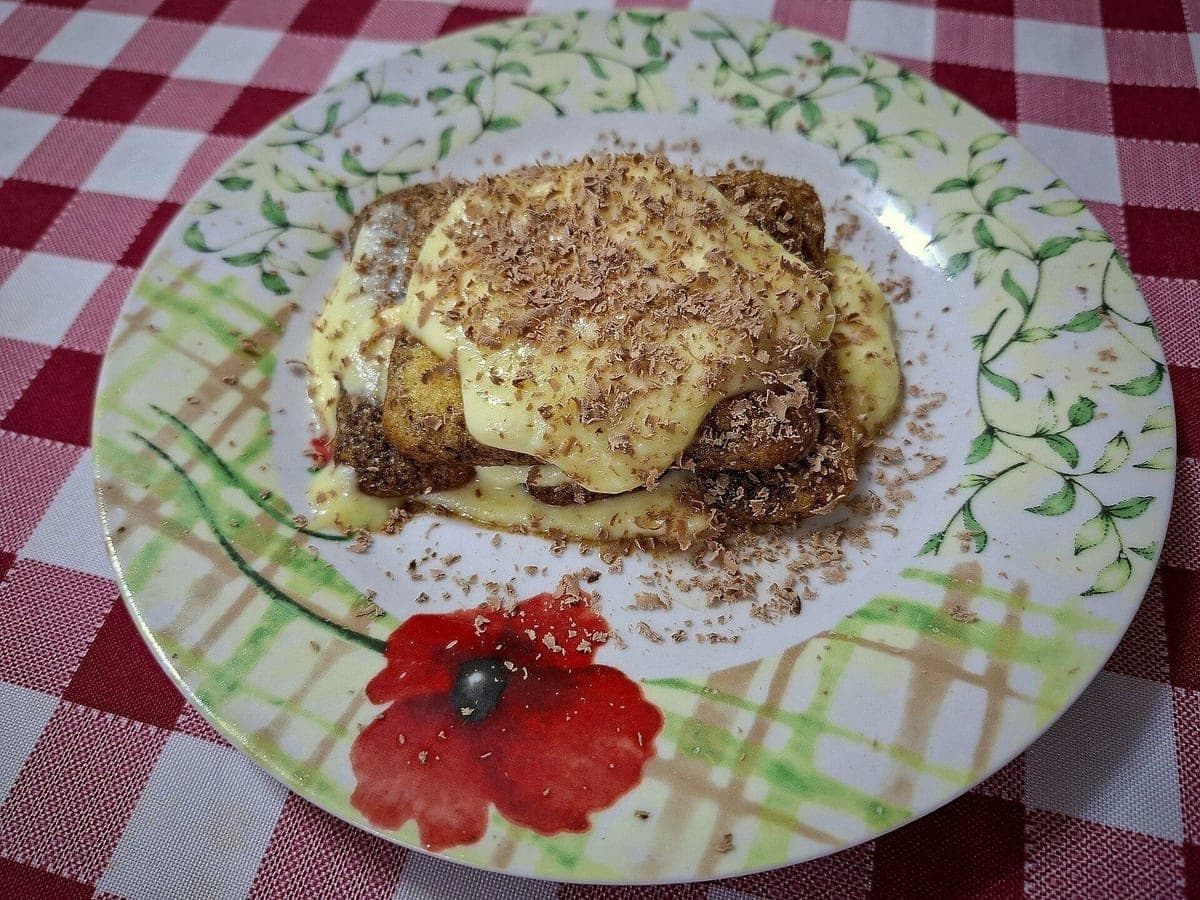
Before: Galaxy A56 5G, unedited · After: Restaurant Table look
Photo: Anna.Massini · CC BY 4.0
Most free menu makers hand you a template full of stock photos of someone else’s food. That’s fine for a mock-up and a problem for a real menu: a customer orders the lemon pepper wings because of the photo, and what shows up looks nothing like it.
This menu maker works the other way around. The layouts are simple and prepared for you, the text is yours, and the photos are your own dishes. Enhance a dish in the tool at the top of the page and it shows up in the menu maker’s photo picker, or add photos straight from your device.
Keep it to one page if you can. Group items the way people order (starters, mains, sides, desserts, drinks) and keep each section short; long lists slow people down and push them toward whatever they already know. Put the dishes you most want to sell at the top of each section, where eyes land first.
Write descriptions that say what’s in the dish and how it’s cooked, in a few words: “smoked brisket, pickled onion, house BBQ sauce” sells better than “our famous sandwich.” Leave out the dollar signs if you like; plenty of menus show just “14”. Pick one style and use it everywhere.
A photo next to every item makes a menu look like a fast-food board. Most sit-down menus do better with three to six photos of signature dishes, which is what the Photo Grid and Diner Classic templates are built around. The Chalkboard template works with no photos at all.
Whatever you show, show the real dish. If the photo on the menu is a plate the kitchen actually sends out, regulars trust it and new customers order it with confidence. That’s why there are no stock photos in this tool.
Download the PDF and take it to any print shop, or print it at home on heavy letter-size paper. Ask for matte or silk paper, at least 100 lb text or 80 lb cover; glossy paper shows fingerprints and glare under restaurant lights. For a QR menu or your website, use the PNG; it’s sized for phones to zoom in on.
Yes. Making and downloading menus is free, with no account and no watermark on the menu. Enhancing dish photos uses your free photos first, then a photo pack if you want more.
Yes. Tap a photo slot and choose “From this device” to use any photo you own. Please only use photos of food you actually serve.
Free previews carry a light watermark until you unlock the HD photo. Once a photo is unlocked, the menu maker uses the clean version.
US Letter, 8.5 × 11 inches. The PDF prints at full size and the PNG is 1275 × 1650 pixels.
Photos never expire. Every photo includes all 6 sizes. Start with 3 free.
Taster
10photos
$15
$1.50/photo
Good for: trying it on your best sellers
Menu Pack
40photos
$39
$0.98/photo
Good for: a full delivery menu
Multi-Menu
120photos
$99
$0.83/photo
Good for: several brands or locations