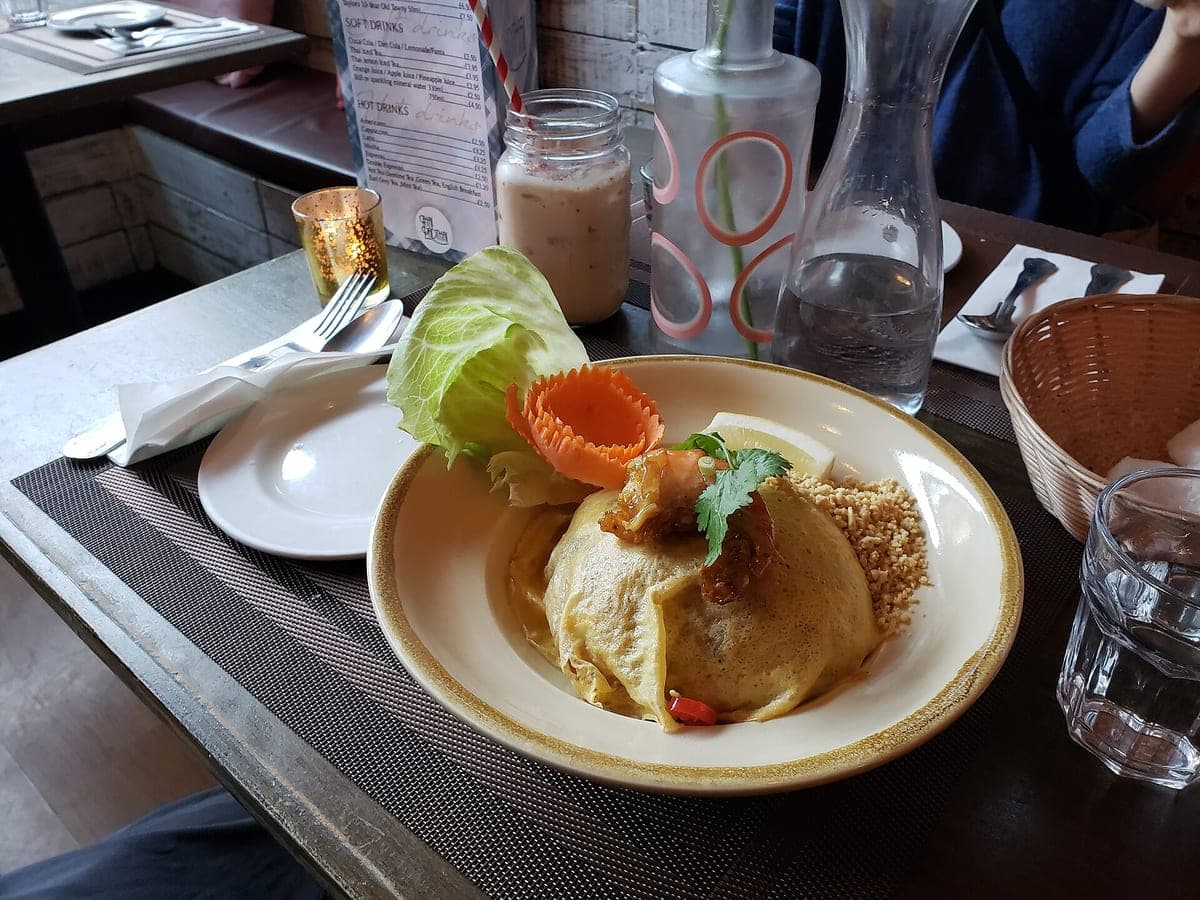
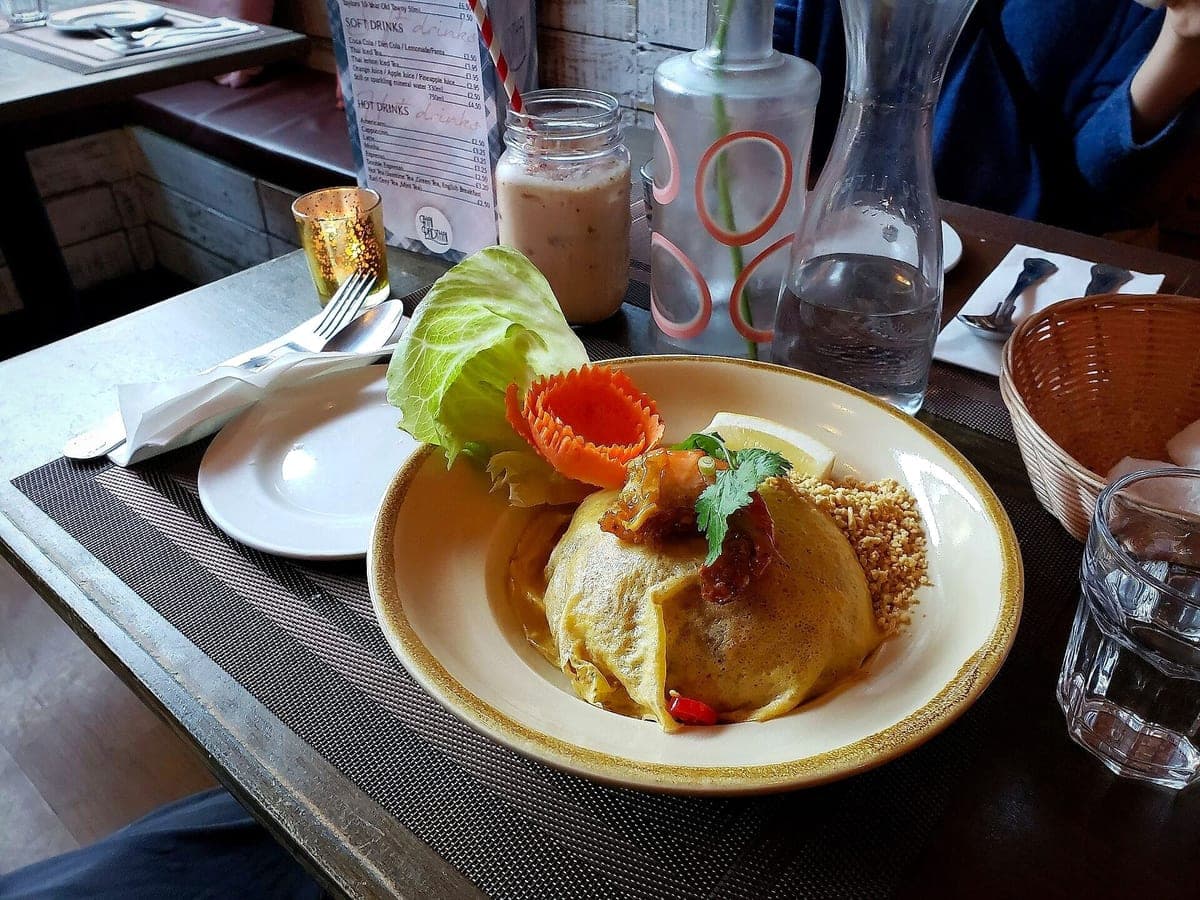
Pad thai
Before: Galaxy S9, unedited · After: Delivery Ready look
Photo: Andy Li · CC0
Uber Eats · 1600×900
Look: DELIVERY READY ·
3 free · no sign-up · sized for DoorDash, Uber Eats & Grubhub
JPG, PNG, WebP or HEIC · up to 10 MB · we improve the photo, not the food
Before: Galaxy S9, unedited · After: Delivery Ready look
Photo: Andy Li · CC0
Uber Eats · 1600×900
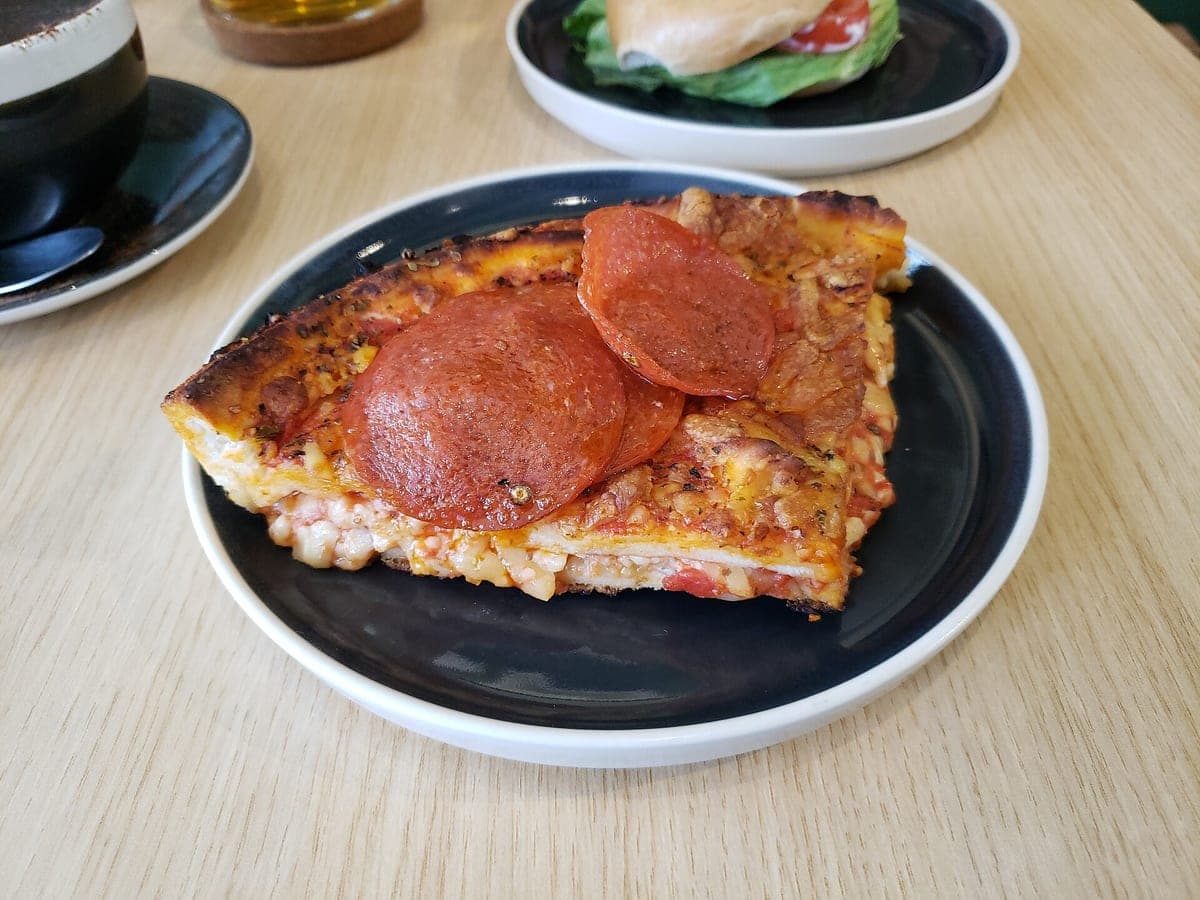
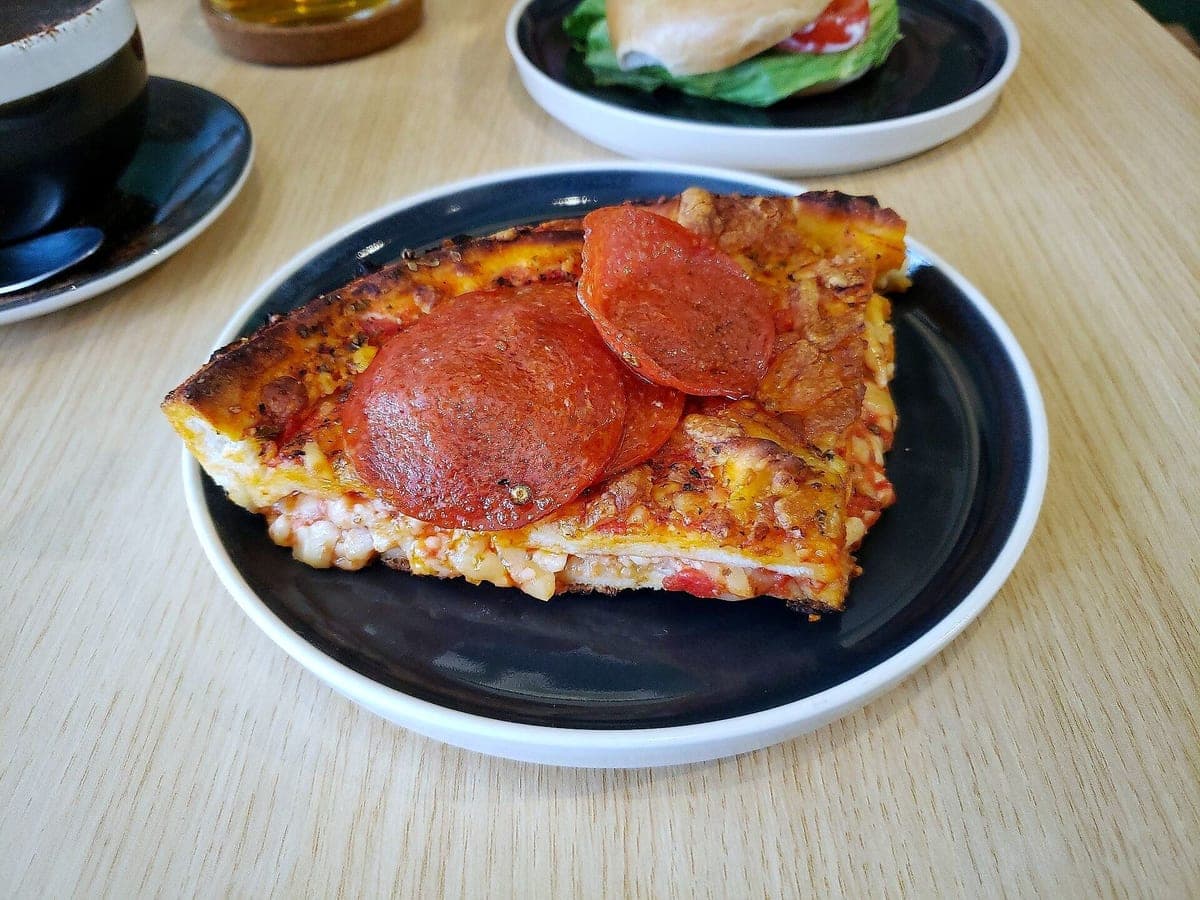
Before: Galaxy S9, unedited · After: Top-Down look
Photo: Andy Li · CC0
Uber Eats · 1600×900
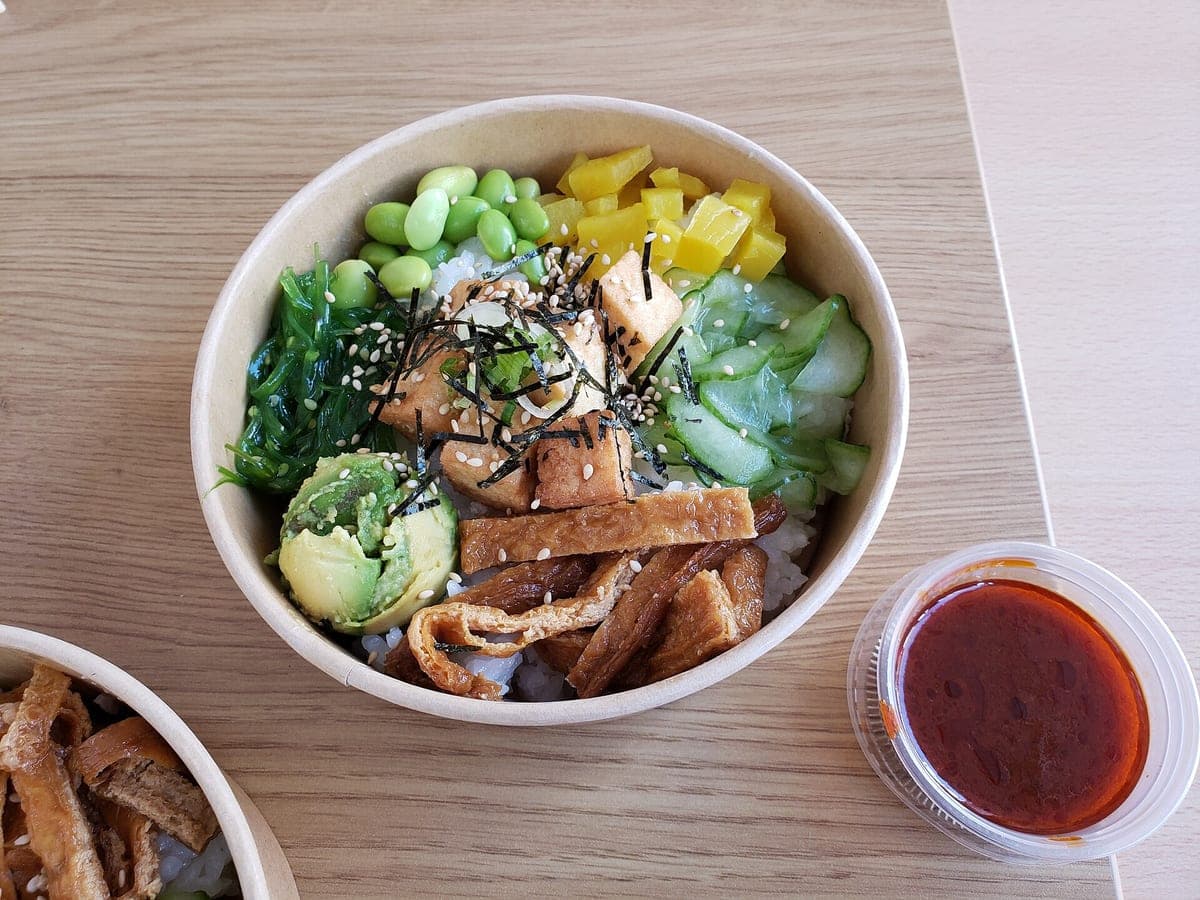
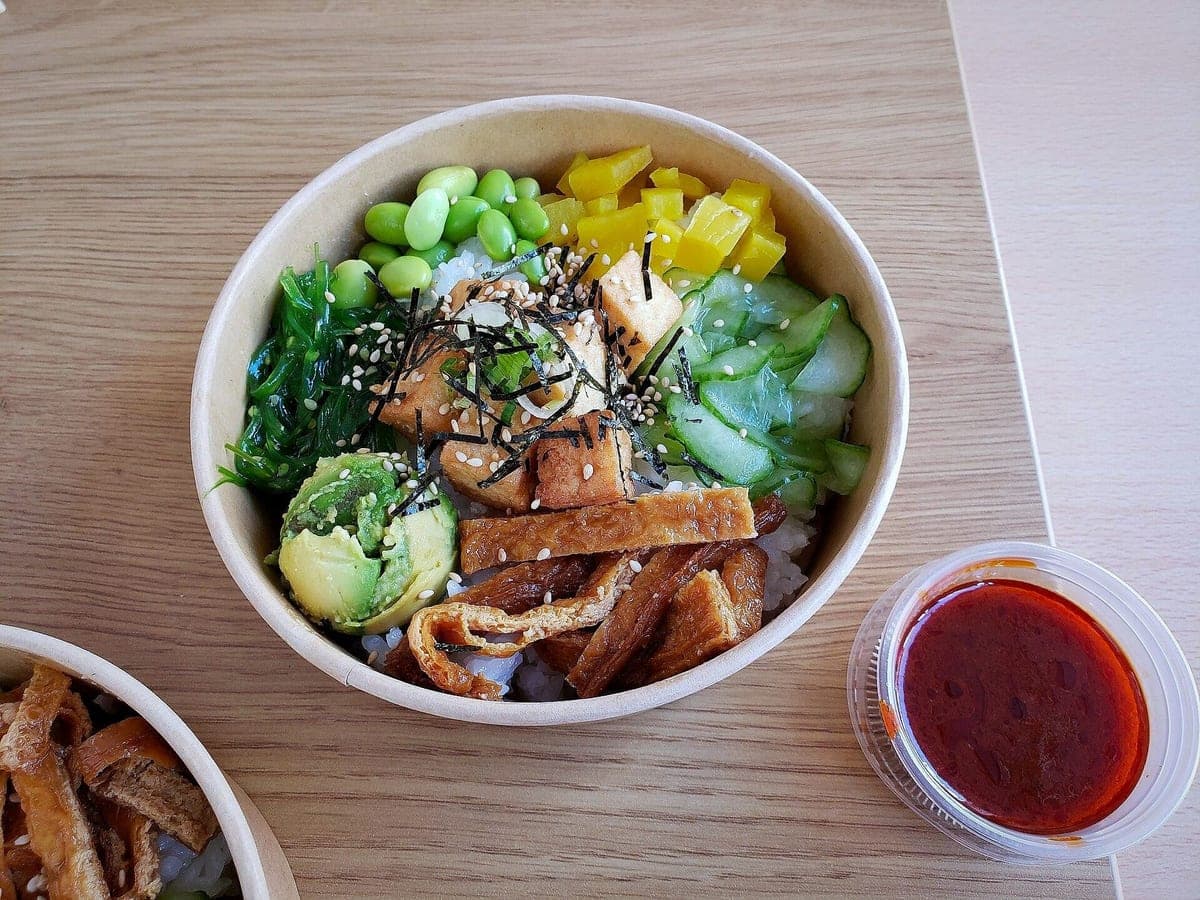
Before: Galaxy S9, unedited · After: Delivery Ready look
Photo: Andy Li · CC0
Uber Eats · 1600×900
Uber Eats is picky about photos for a good reason: customers order with their eyes, and they complain when the bag doesn’t match the picture. Overlaid text, logos, borders and photos that make the food look like something else are the usual reasons an item photo gets rejected or ignored.
This enhancer is built around those rules. It takes the photo you shot during service, keeps your actual pad thai in your actual kraft container, and fixes the light, the background and the crop. Nothing gets written on the photo, ever.
Rejected photos cost you days on a menu item with a gray placeholder. The usual causes are easy to avoid: a sticker with your logo on the container, a "NEW!" banner added in an app, a stock photo of a dish that isn’t yours, or a shot so dark nobody can tell what it is.
Our output never adds text, logos or frames, and it starts from your own photo, so the two biggest problems are off the table. What’s left is the photo itself, and that’s the part we fix.
Delivery food lives in containers, and that’s fine. Customers actually like seeing what shows up at the door. The Delivery Ready look puts your container on a light, warm backdrop with a soft natural shadow, so a $0.30 clamshell reads as clean and appetizing instead of sad.
For pizza and bowls, try Top-Down: a straight overhead shot on a matte tabletop that shows every topping.
Free previews have a light watermark so you can judge the result. The HD files you download after unlocking have no watermark, no text and no borders.
Yes. We keep your container exactly as it is and clean up everything around it.
Use the Uber Eats download, a 16:9 file at 1600×900. Check Uber Eats merchant help for their current minimum size and format.
Photos never expire. Every photo includes all 6 sizes. Start with 3 free.
Taster
10photos
$15
$1.50/photo
Good for: trying it on your best sellers
Menu Pack
40photos
$39
$0.98/photo
Good for: a full delivery menu
Multi-Menu
120photos
$99
$0.83/photo
Good for: several brands or locations
Not affiliated with or endorsed by DoorDash, Uber Eats or Grubhub. Trademarks belong to their owners.