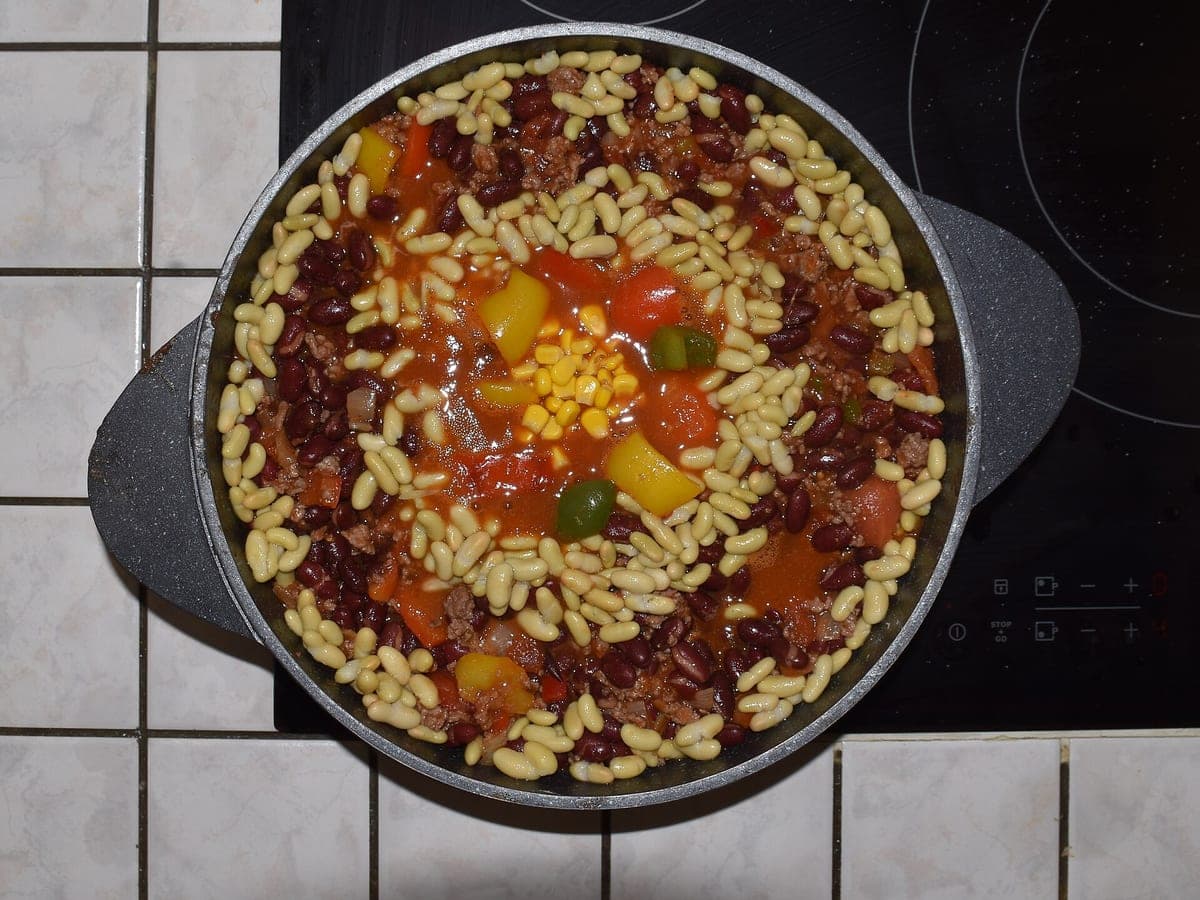
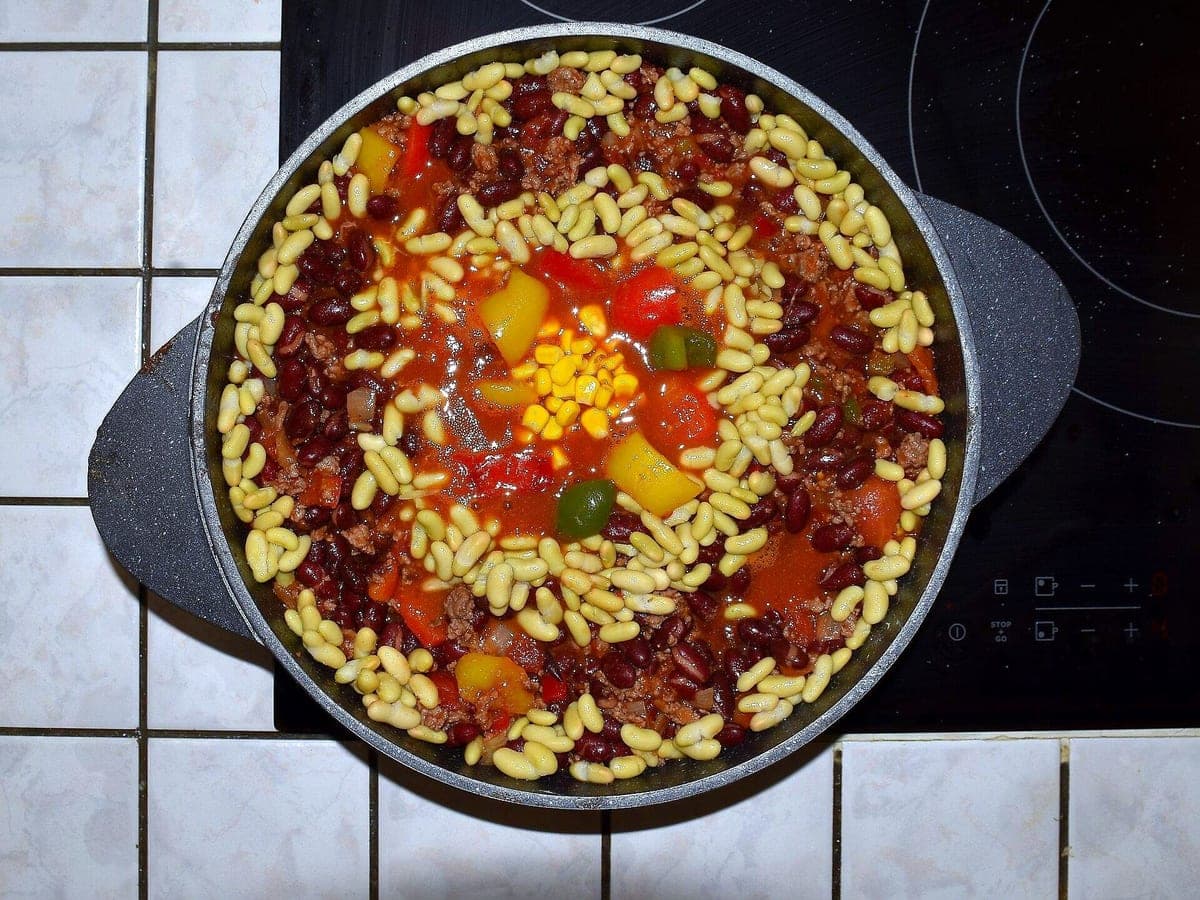
Look: DELIVERY READY ·
3 free · no sign-up · sized for DoorDash, Uber Eats & Grubhub
JPG, PNG, WebP or HEIC · up to 10 MB · we improve the photo, not the food
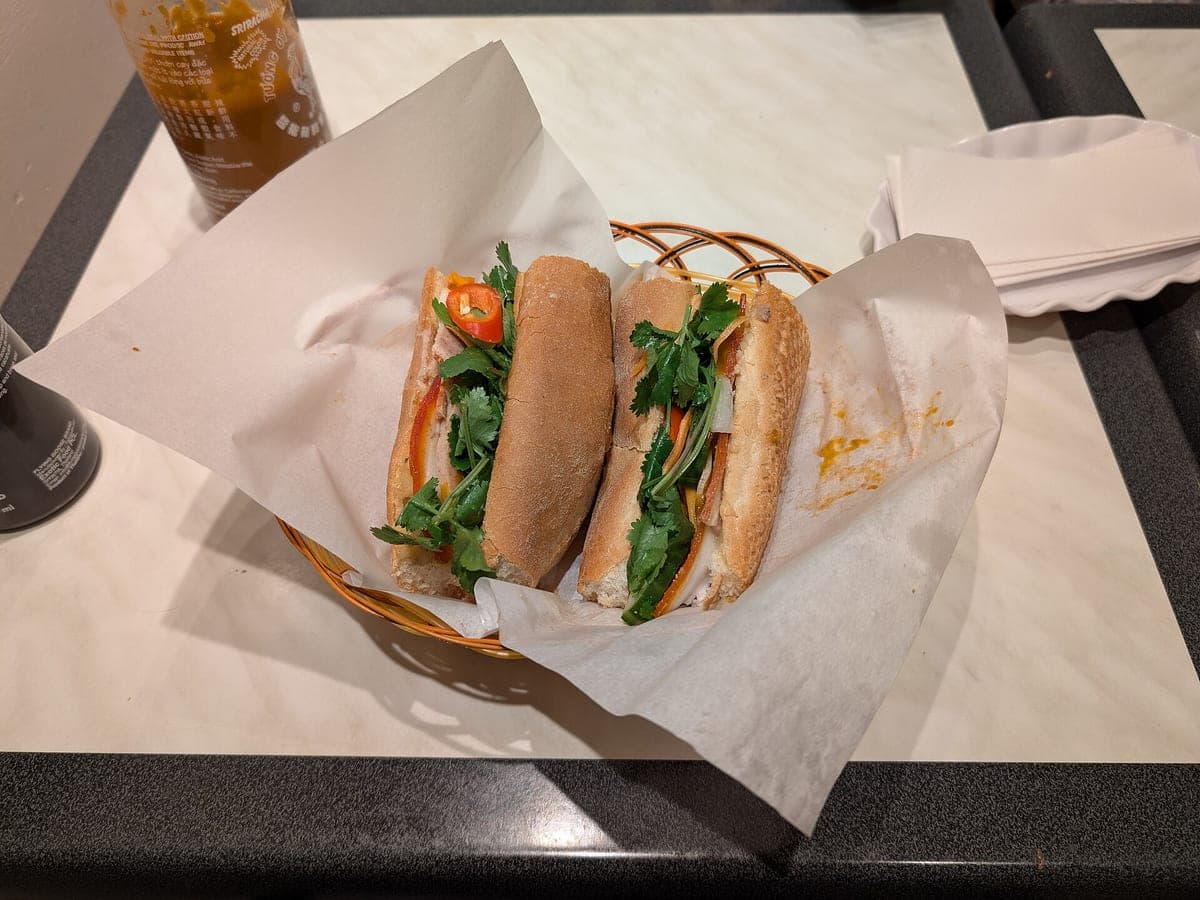
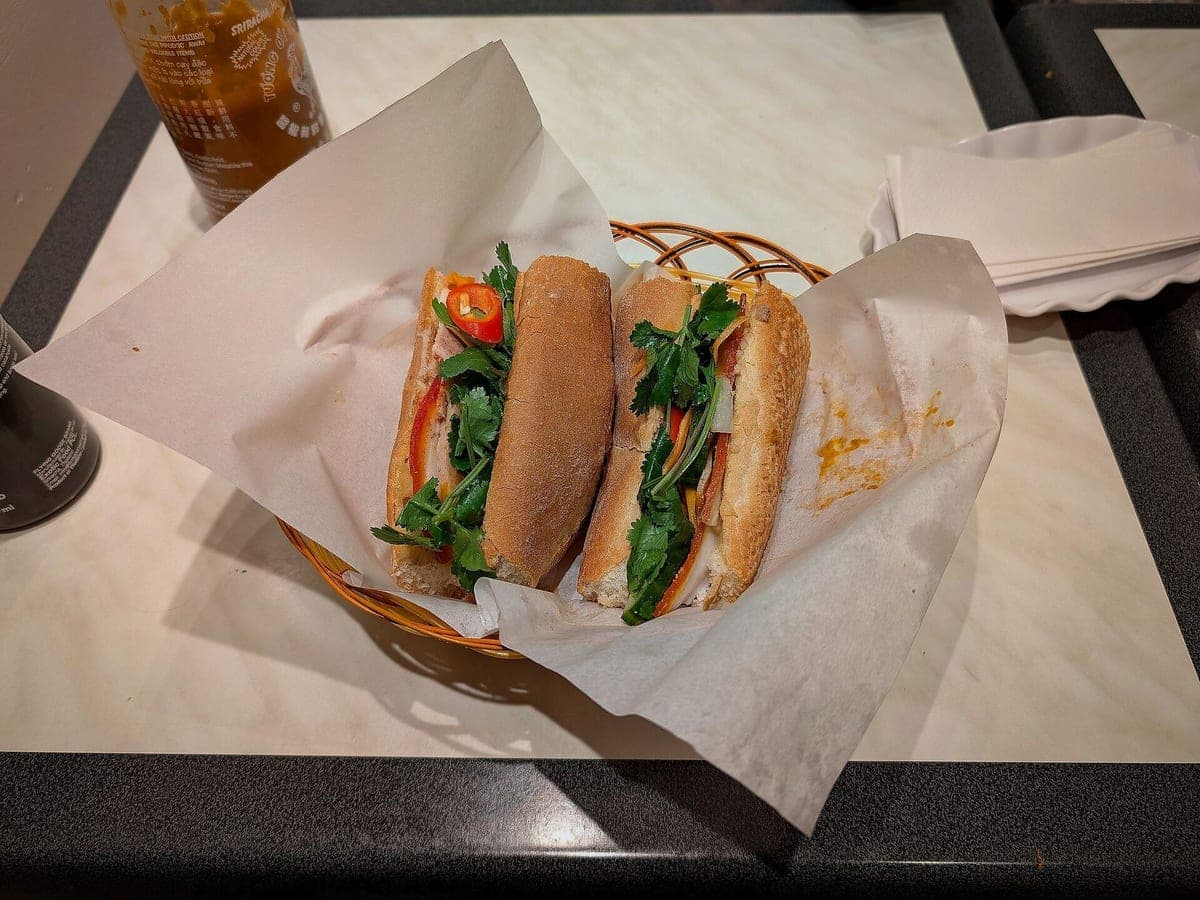
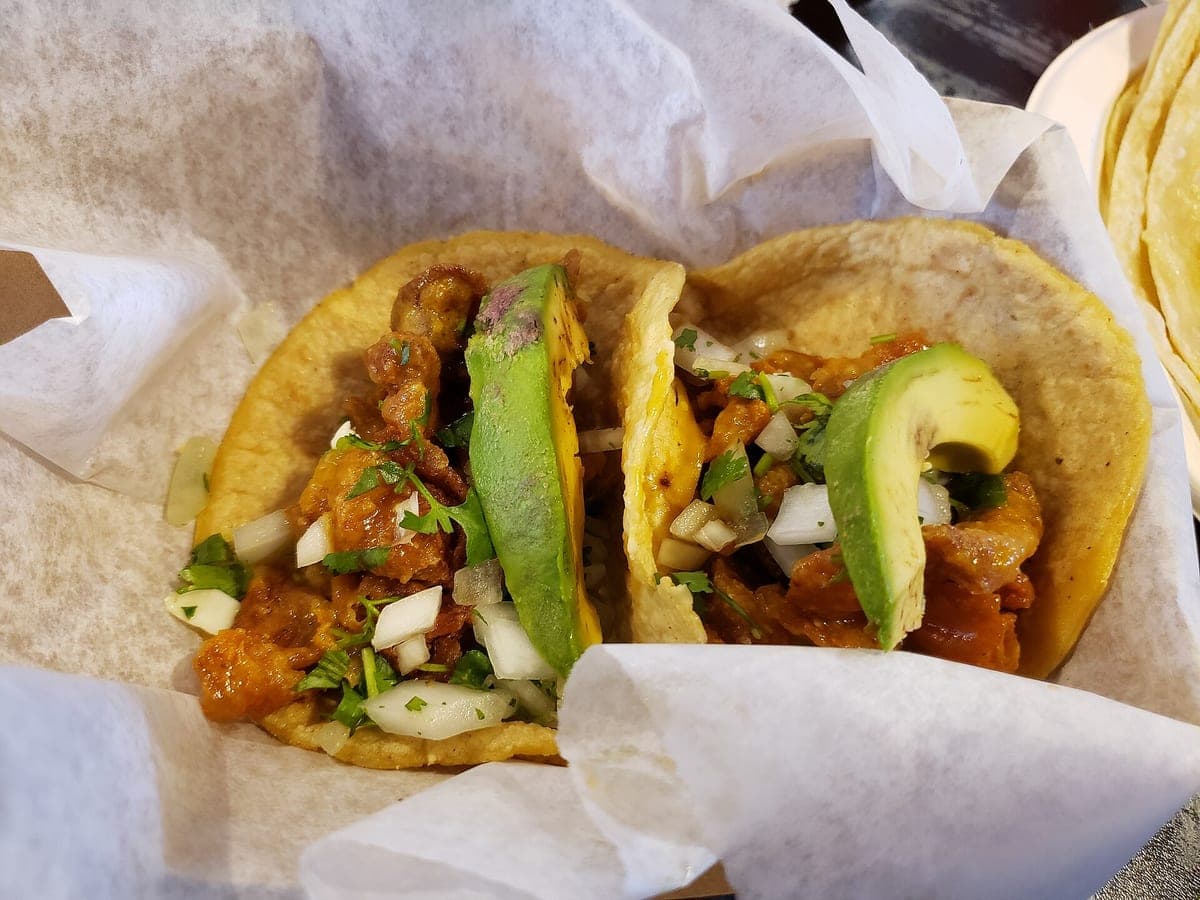
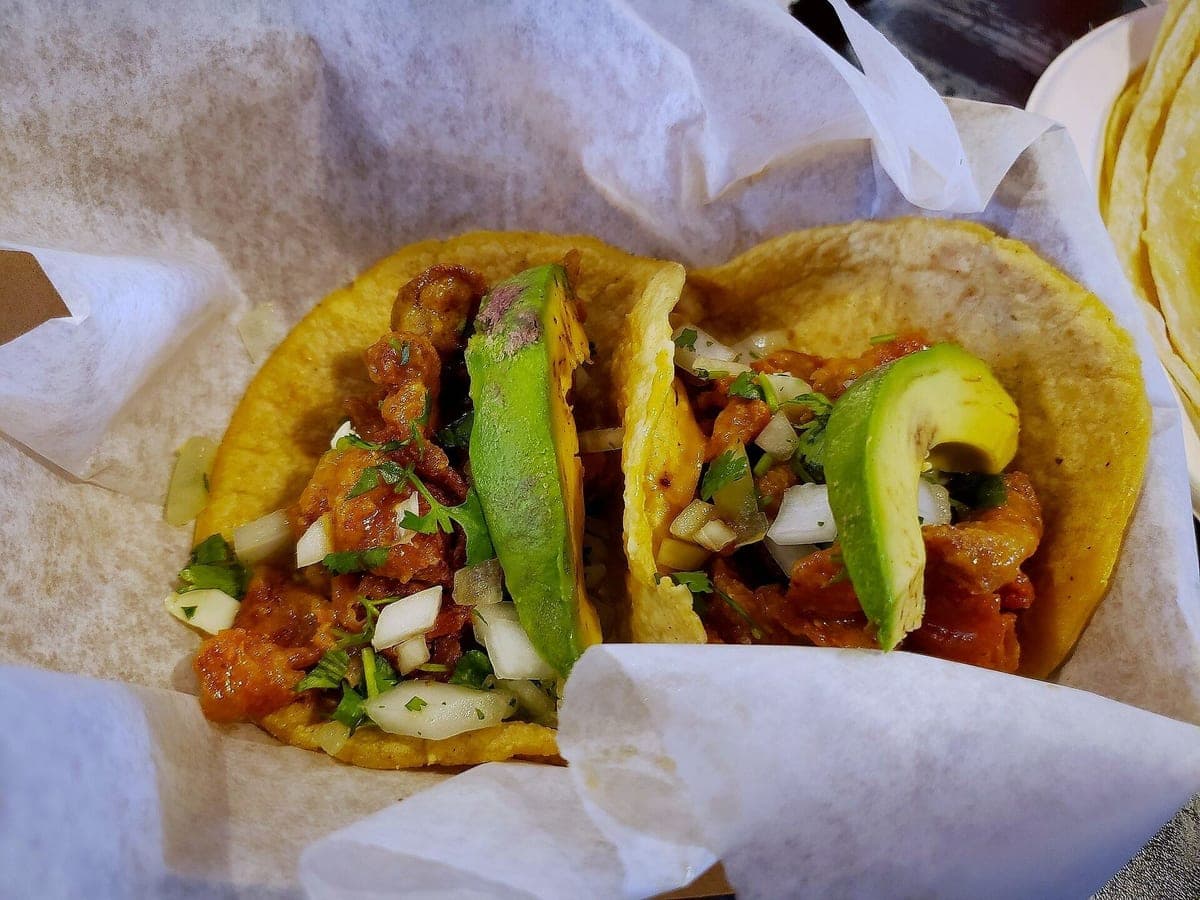
Before: Galaxy S9, unedited · After: Delivery Ready look
Photo: RightCowLeftCoast · CC BY 4.0
Stock food photos are tempting: they’re cheap, they look professional, and there’s a perfect-looking chili or banh mi for every menu. The trouble starts when a customer orders it. Your chili doesn’t have that exact garnish, your banh mi is on a different roll, and the photo just became a broken promise.
Delivery apps know this, which is why their photo guidance keeps asking for the real item. Stock images can also show up on dozens of other restaurants’ pages, and the license may not cover every use you have in mind. The alternative is simple: shoot your own dish on your phone and let the enhancer handle the light, background and crop.
Every photo you upload comes back with better light, a clean background and a proper crop, in six sizes: DoorDash, Uber Eats, Grubhub, your menu or website, Instagram and a square for Google and Yelp. The HD files are yours to use commercially, on menus, apps, your site and social.
Because it starts from your photo, nothing on the plate changes. Same portion, same toppings, same container. It’s the opposite of a stock photo: it looks professional and it’s actually what the customer gets.
Stock images of ingredients, kitchens or a generic table setting can work for a website banner or a blog post, as long as nobody would read them as a menu item. For anything a customer orders from, use the real dish.
| Item | Stock food photo | Food photographer | Your photo, enhanced here |
|---|---|---|---|
| Shows your actual dish | No | Yes | Yes |
| Fits delivery-app “real item” guidance | Usually not | Yes | Yes |
| Unique to your restaurant | No | Yes | Yes |
| Time per dish | Minutes to search | A scheduled shoot day | About a minute |
| Cost for a 40-item menu | Varies by license | Varies, usually a day rate | $39 Menu Pack ($0.98 a photo) |
| Sized for every app | You crop it yourself | Depends on the photographer | 6 sizes included with every photo |
Delivery apps generally ask for photos of the actual item you sell. Check each app’s merchant help pages for the current rules; a photo of your own dish is always the safest choice.
You do. You can use the HD files commercially on menus, apps, your website, print and social. See our Terms for the details.
No. We only change light, background and framing. The food, portion and plating stay as you served them, and we always show the original next to the result.
Photos never expire. Every photo includes all 6 sizes. Start with 3 free.
Taster
10photos
$15
$1.50/photo
Good for: trying it on your best sellers
Menu Pack
40photos
$39
$0.98/photo
Good for: a full delivery menu
Multi-Menu
120photos
$99
$0.83/photo
Good for: several brands or locations