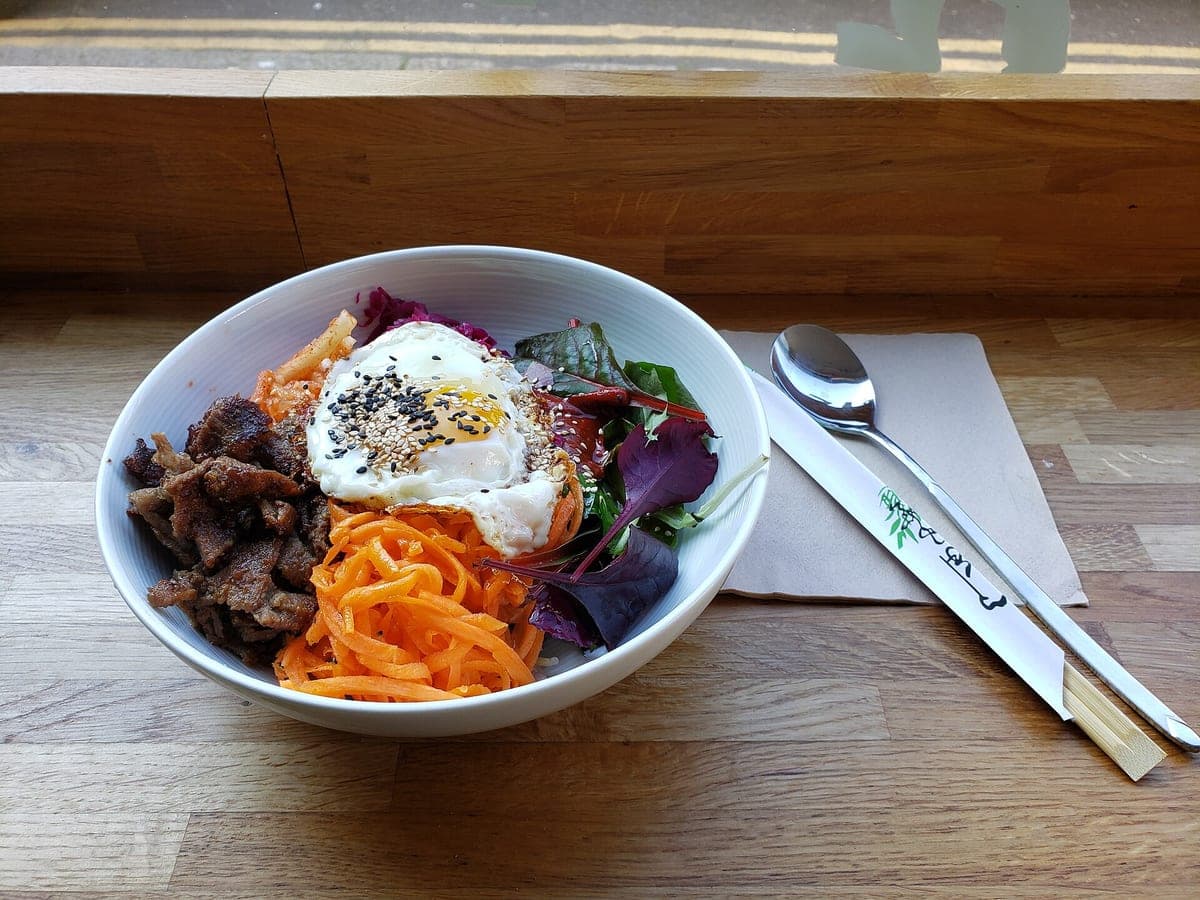
Beef bibimbap
Before: Galaxy S9, unedited · After: Top-Down look
Photo: Andy Li · CC0
Uber Eats · 1600×900
Look: DELIVERY READY ·
3 free · no sign-up · sized for DoorDash, Uber Eats & Grubhub
JPG, PNG, WebP or HEIC · up to 10 MB · we improve the photo, not the food
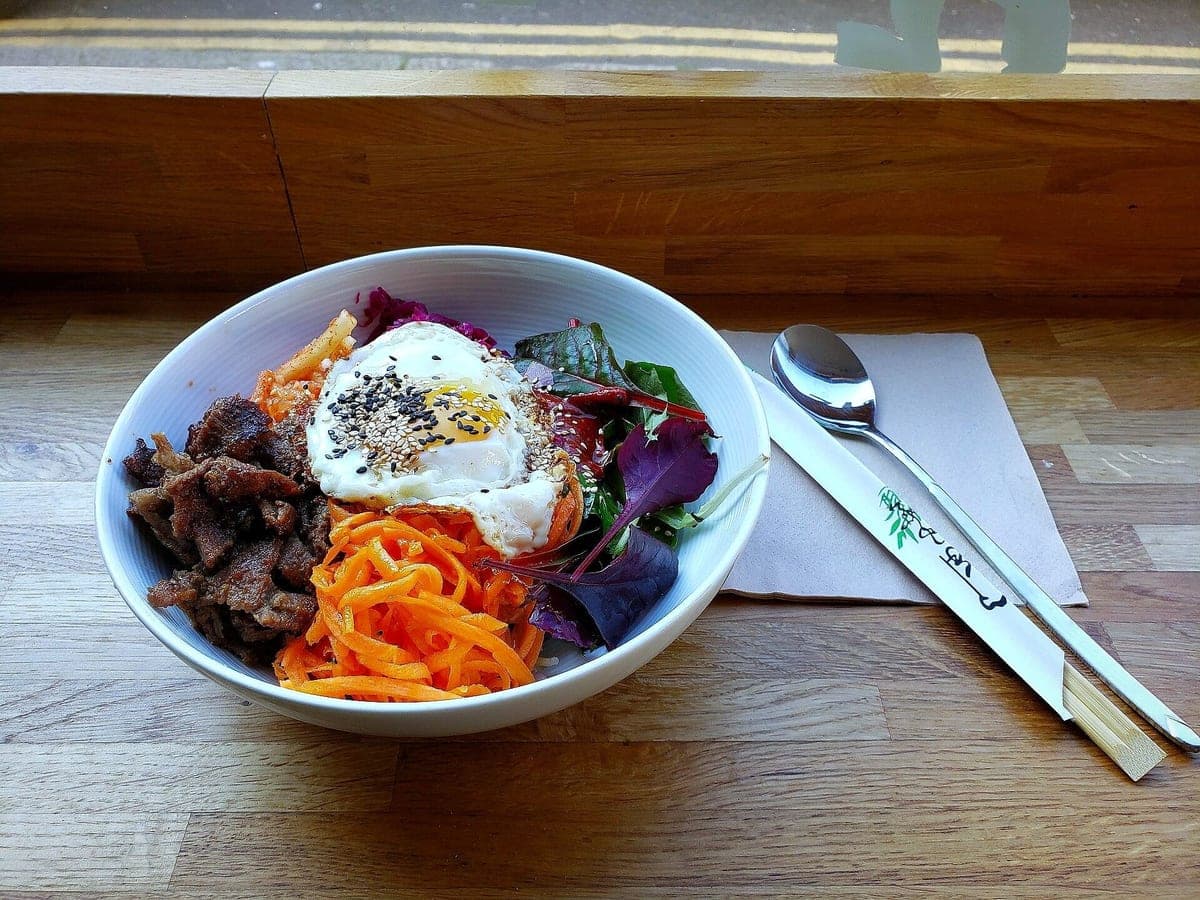
Before: Galaxy S9, unedited · After: Top-Down look
Photo: Andy Li · CC0
Uber Eats · 1600×900
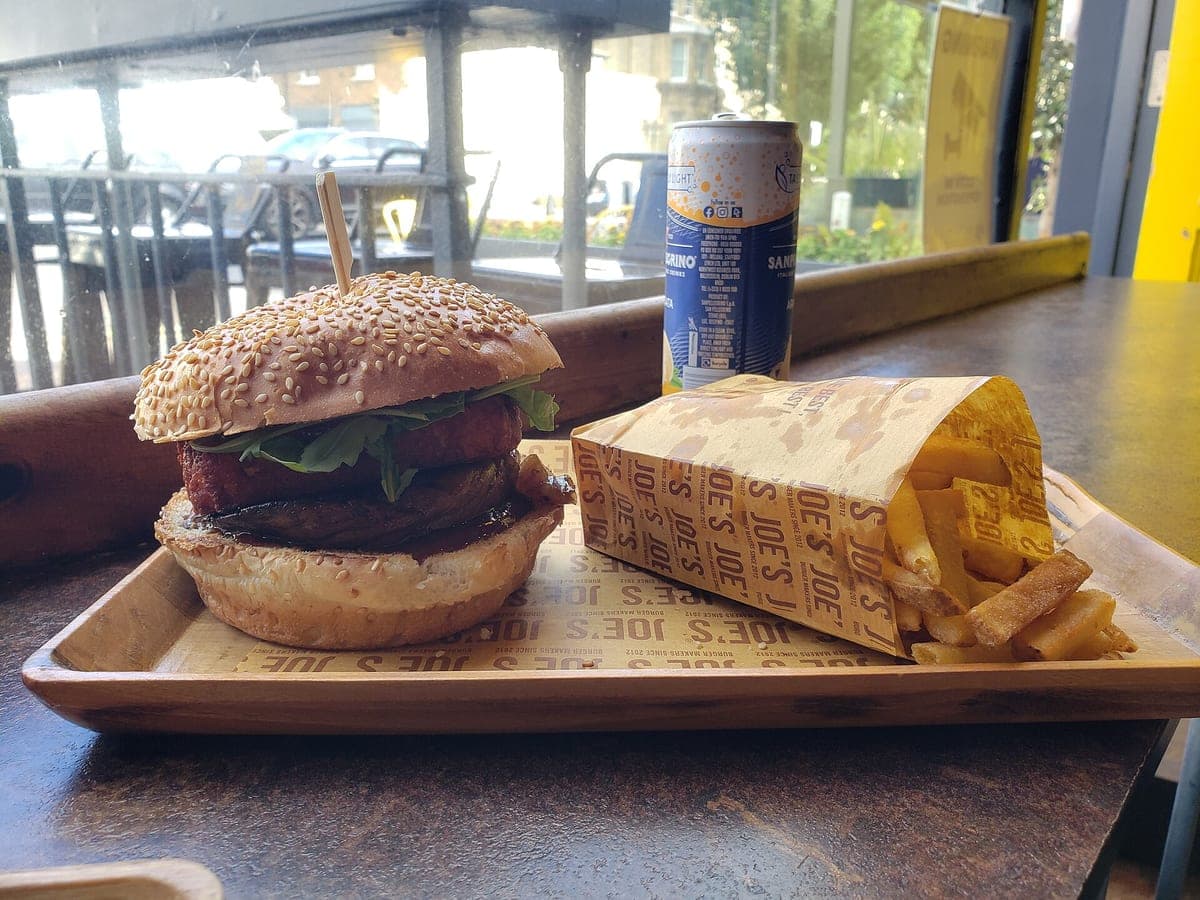
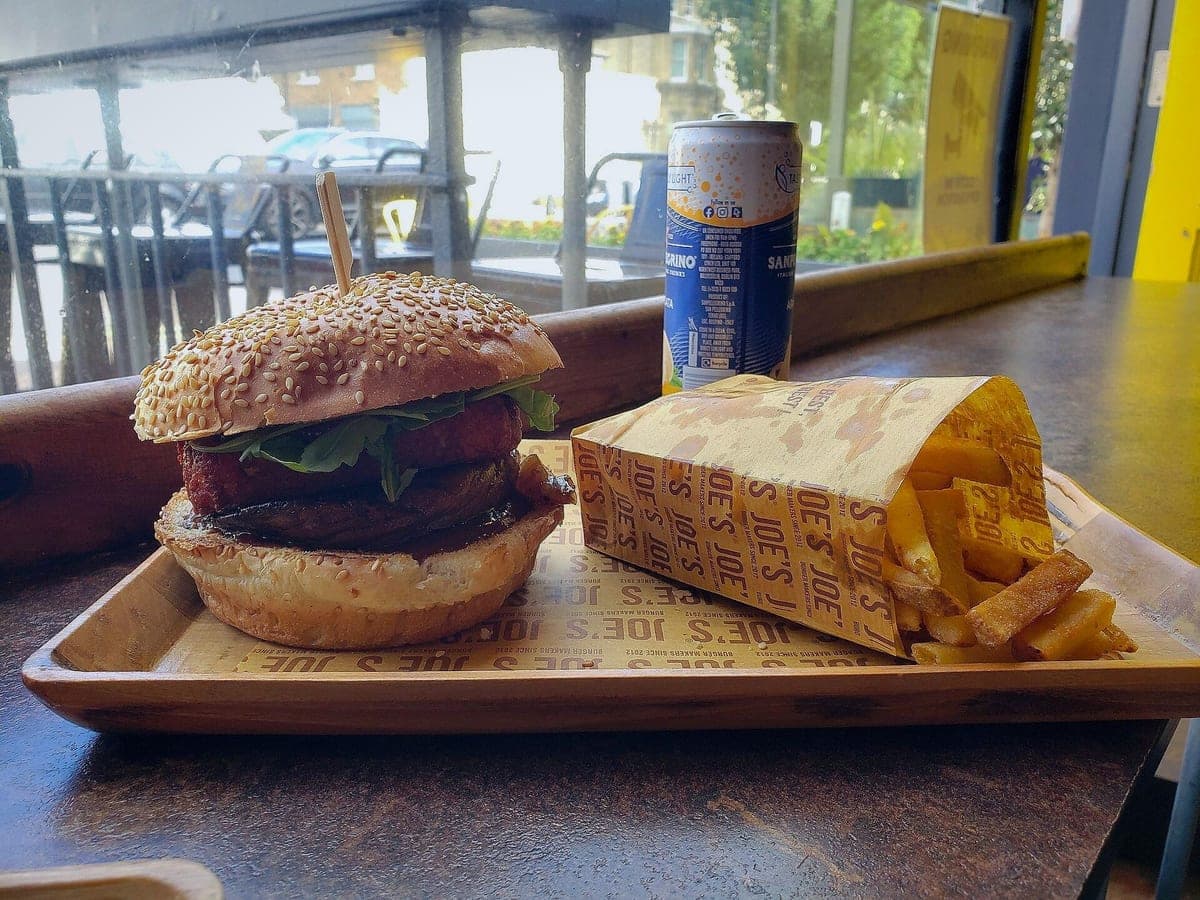
Before: Galaxy S9, unedited · After: Delivery Ready look
Photo: Andy Li · CC0
Uber Eats · 1600×900
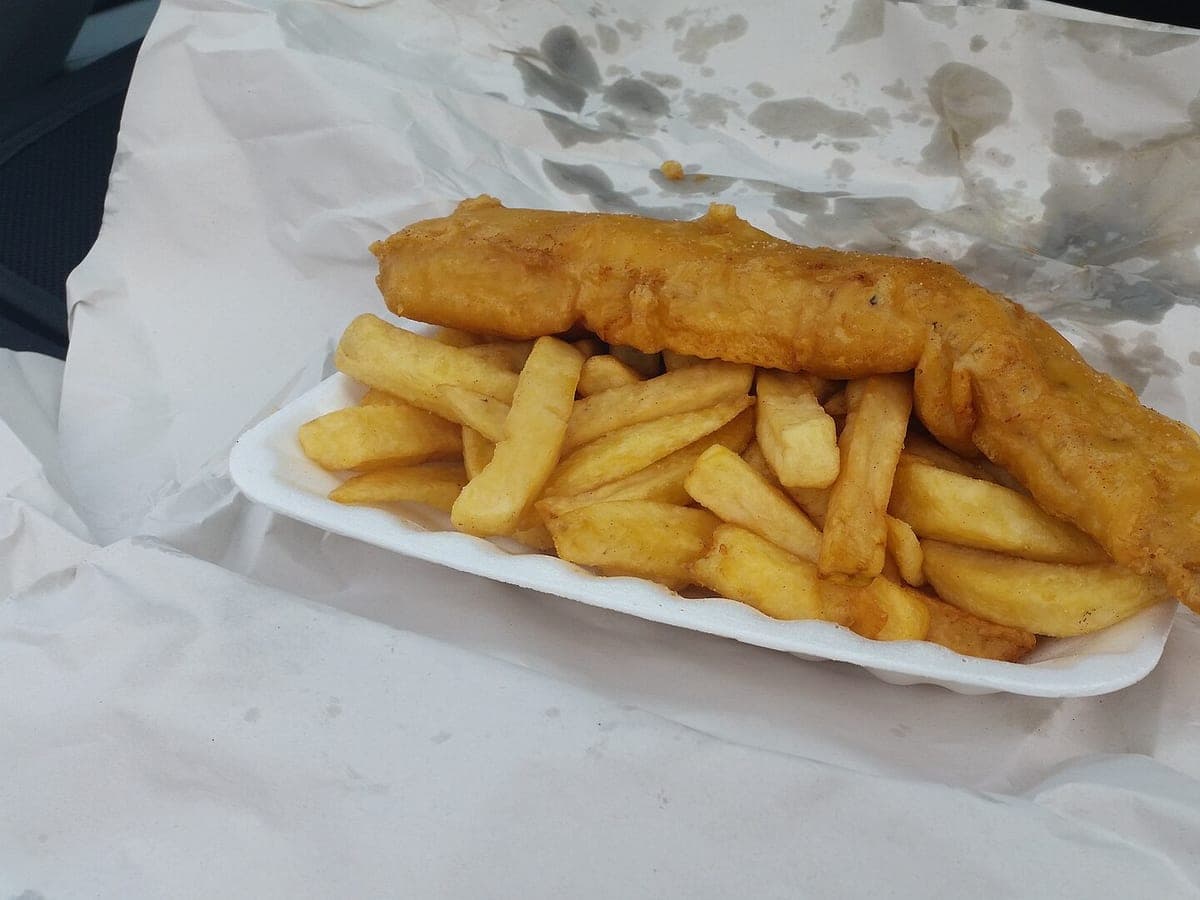
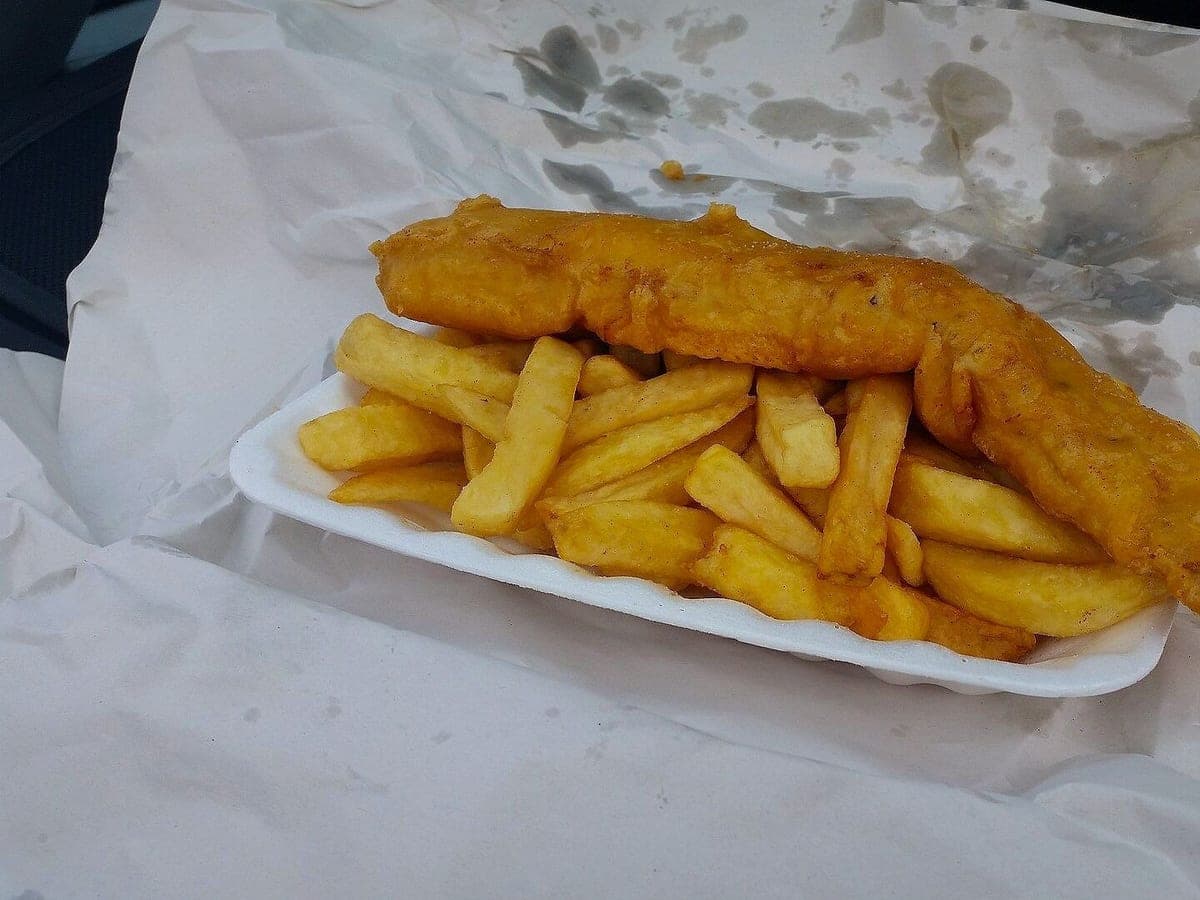
Before: Galaxy S5, unedited · After: Delivery Ready look
Photo: Gvjekoslav · CC0
Uber Eats · 1600×900
Uber Eats reviews item photos, and the ones that get turned down usually fail for the same few reasons: there’s text or a logo on the photo, it isn’t the real item, there are several dishes in the shot, or it’s too dark, blurry or small to read on a phone.
Below is a checklist built around those reasons, with what to look up in Uber Eats’ own guidelines and what our Uber Eats download already does. To skip straight to a photo that ticks the boxes, upload your dish at the top of this page.
Delivery food lives in containers, and showing the real packaging is honest: it’s what shows up at the door. What gets photos turned down is branding on that packaging (a big logo sticker facing the camera) or a messy shot. Peel the sticker or turn it away, open the lid fully and wipe the rim.
Download the Uber Eats size from your result. In Uber Eats Manager, go to Menu, open the item and upload the photo. New photos may be reviewed before they show in the app. If one is declined, the reason usually points to one of the checks above; fix it and upload again. Uber Eats changes its screens from time to time, so follow its current help article if the steps differ.
A menu where every photo has the same light and background looks more trustworthy than a patchwork. Pick one look (Delivery Ready is the safe default for Uber Eats) and use “Next dish” to keep it for every item you upload in a session.
Check each line against Uber Eats’ current photo guidelines before you upload. The right column is what our Uber Eats file does.
| Check | What to confirm with Uber Eats | Our Uber Eats file |
|---|---|---|
| The real item | The photo shows the actual menu item, not a similar dish | Made from your own photo; the food is never changed |
| No overlays | No text, prices, logos, borders, stickers or watermarks | None on the HD download |
| One item per photo | No extra dishes, hands or clutter that confuse what is included | Background cleaned; nothing added |
| Framing | The required aspect ratio and the item filling the frame | 16:9 crop with the item centered |
| Minimum resolution | The current minimum pixel size | 1600×900 pixels |
| File type and size | Accepted formats and the maximum file size | JPEG, sRGB, well under typical limits |
| Light and focus | Bright, sharp, true color | Evenly relit, sharp, natural color |
Uber Eats lists its current minimum size and ratio in its merchant help. Our Uber Eats download is 16:9 at 1600×900 pixels; confirm the current numbers before uploading.
Most often: text or a logo on the photo, several items in one shot, a photo that isn’t the real item, or poor light and focus. The checklist above covers each one.
Free previews do, so you can judge the result. The HD download you upload to Uber Eats has no watermark, text or border.
Photos never expire. Every photo includes all 6 sizes. Start with 3 free.
Taster
10photos
$15
$1.50/photo
Good for: trying it on your best sellers
Menu Pack
40photos
$39
$0.98/photo
Good for: a full delivery menu
Multi-Menu
120photos
$99
$0.83/photo
Good for: several brands or locations
Not affiliated with or endorsed by DoorDash, Uber Eats or Grubhub. Trademarks belong to their owners.