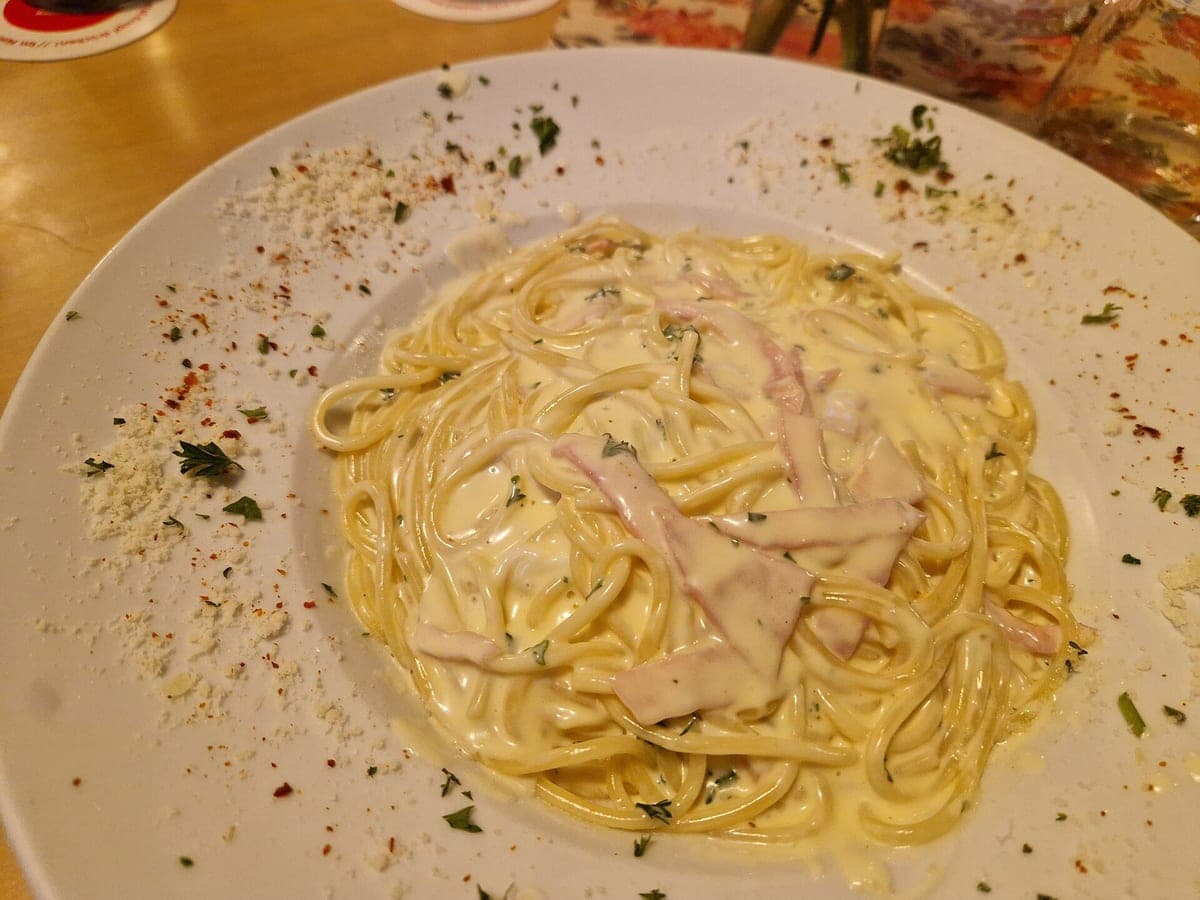
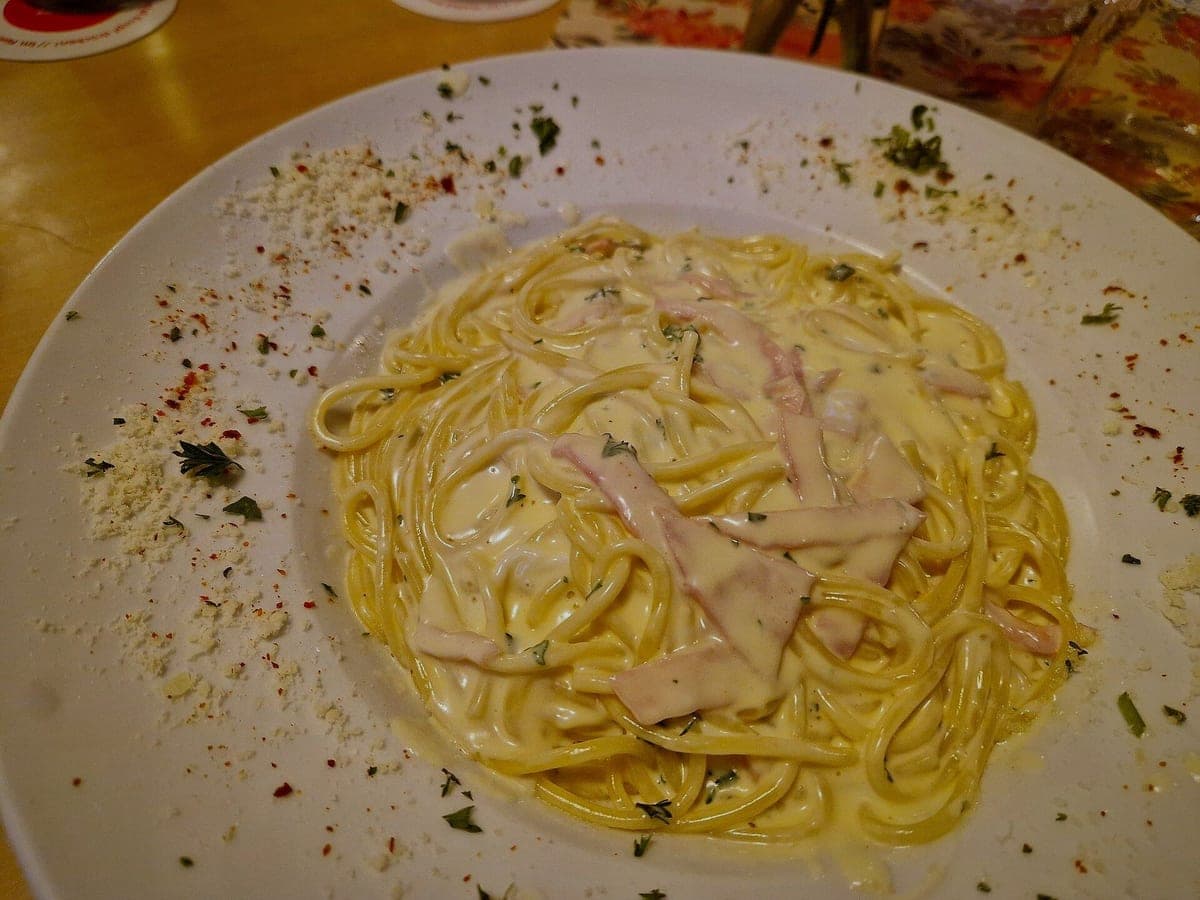
Spaghetti carbonara
Changed: light, color, crop. Unchanged: everything on the plate.
Before: Galaxy S22, unedited · After: Restaurant Table look
Photo: Gerda Arendt · CC0
Look: RESTAURANT TABLE ·
3 free · no sign-up · sized for DoorDash, Uber Eats & Grubhub
JPG, PNG, WebP or HEIC · up to 10 MB · we improve the photo, not the food
Changed: light, color, crop. Unchanged: everything on the plate.
Before: Galaxy S22, unedited · After: Restaurant Table look
Photo: Gerda Arendt · CC0
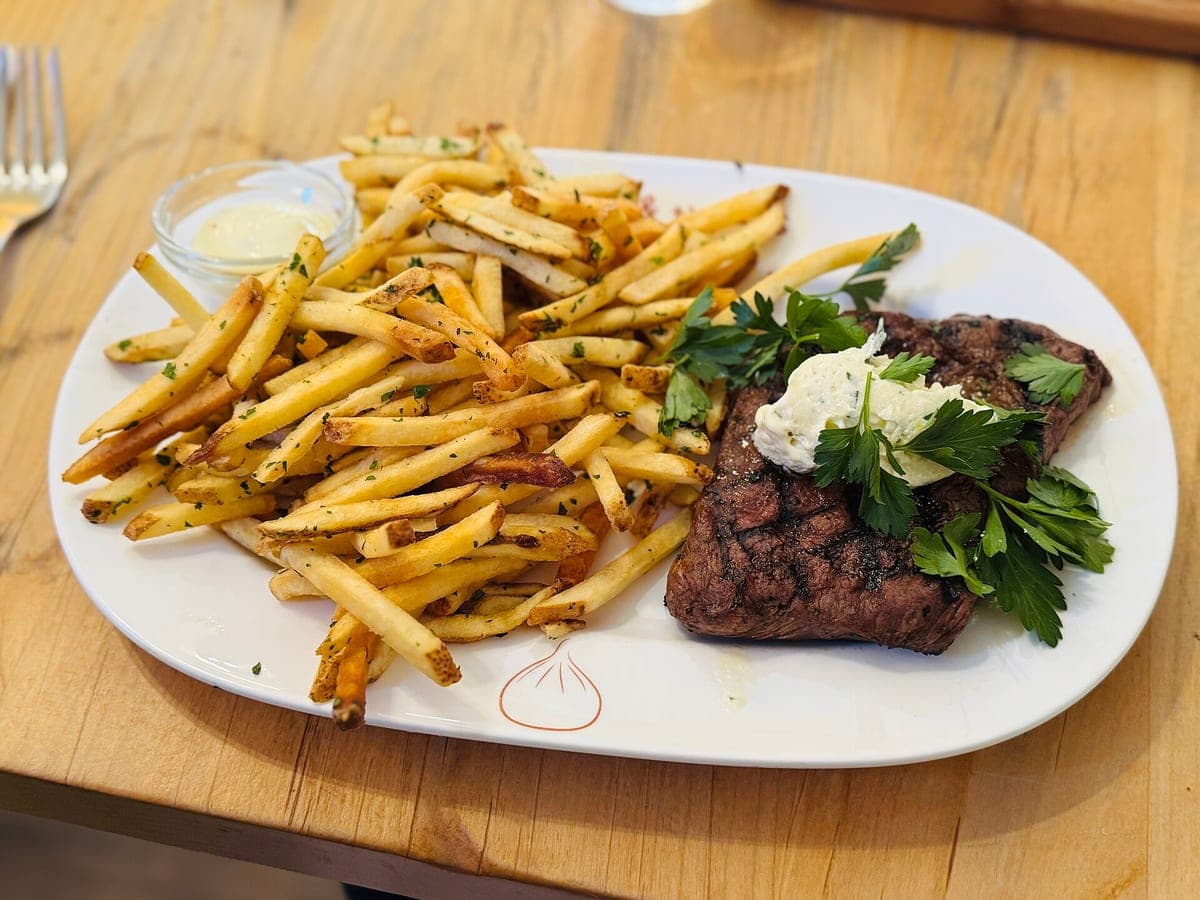
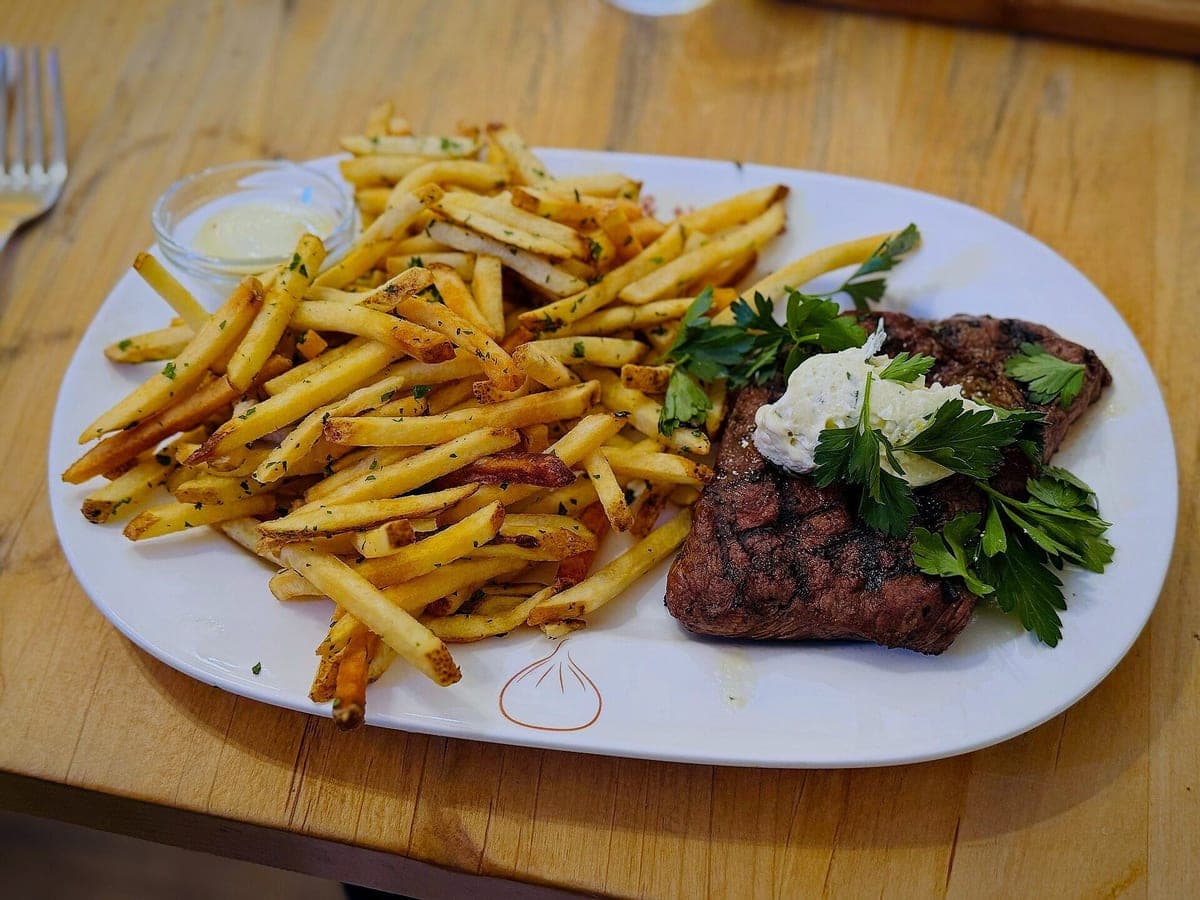
Changed: light, color, crop. Unchanged: everything on the plate.
Before: iPhone 15 Pro Max, unedited · After: Restaurant Table look
Photo: Missvain · CC0
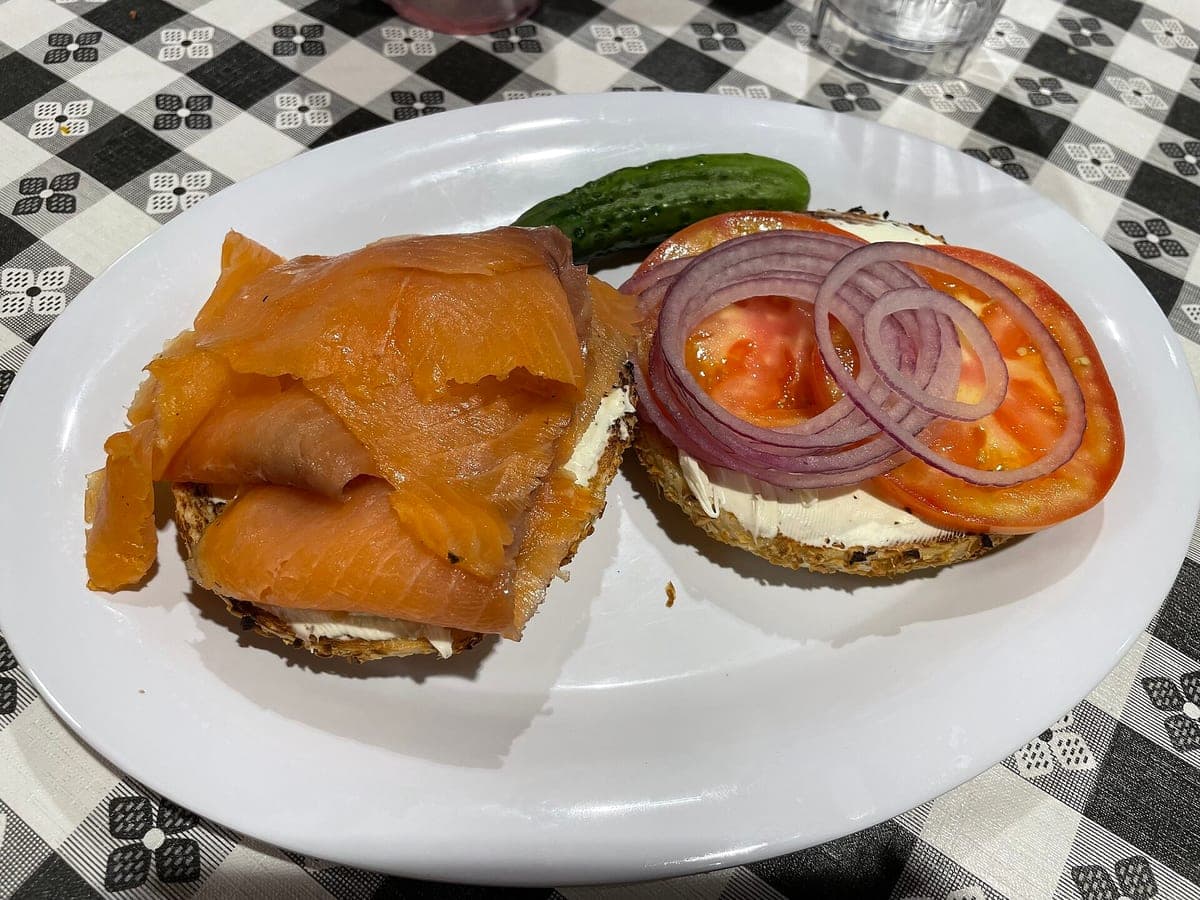
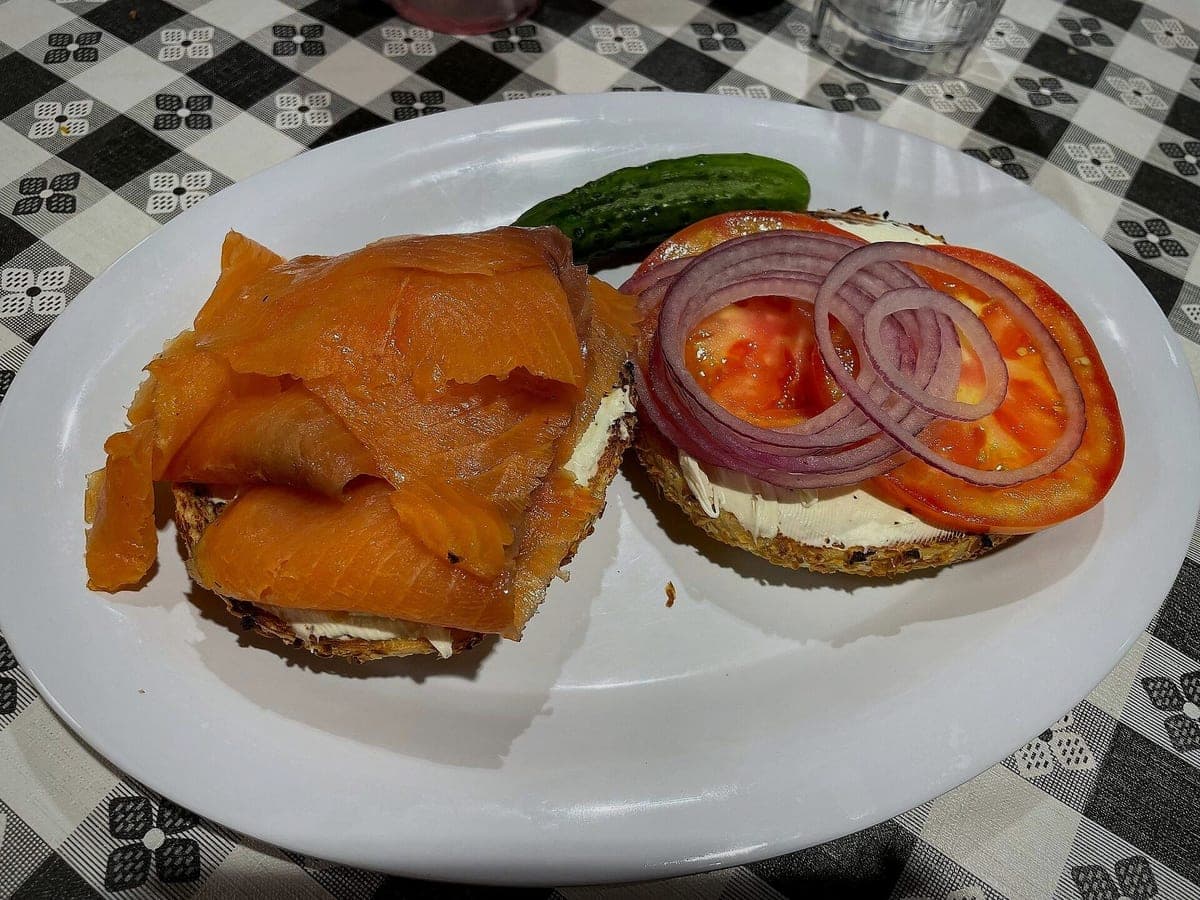
Changed: light, color, crop. Unchanged: everything on the plate.
Before: iPhone 12 Pro, unedited · After: Restaurant Table look
Photo: LinguisticsGirl.Librarian · CC0
You’ve seen the headlines and the Reddit threads: restaurants posting AI pictures of "their" food that came out of a text prompt, with too many shrimp, impossible cheese pulls and plates the kitchen has never owned. Customers notice. Cooks notice faster.
We built this tool to do the opposite. It never makes food from a description. It starts from a photo you took of a dish you actually sell, and it only does the work a food photographer would do: better light, a cleaner background, a straighter angle, a proper crop. The plate that goes out is the plate in the photo.
Your photo goes to an image model with strict instructions: keep the same ingredients, the same number of pieces, the same portion, the same garnish in the same places and the same plate. Then relight it, clean the background and frame it. The finished image is re-rendered, which is why we always show it next to your original.
There is no prompt box. You can’t type "make it bigger" or "add bacon", and neither can anyone else. You pick a look, and that’s it.
Models aren’t perfect. Sometimes a garnish moves or a fry goes missing. That’s why every result has a "Doesn’t look like my dish" button: it refunds that photo and redoes it with the same look. We read those reports to tighten our rules, and we would rather refund a photo than have you post something that isn’t your food.
No, and it never will. Every photo starts from a real photo of a real dish. No photo, no result.
Enhanced photos of the real dish are like any edited photo. Check your local rules and each platform’s policy. What matters most to customers is that the food matches, and that’s what we protect.
Tap "Doesn’t look like my dish." You get that photo back and a free redo.
Photos never expire. Every photo includes all 6 sizes. Start with 3 free.
Taster
10photos
$15
$1.50/photo
Good for: trying it on your best sellers
Menu Pack
40photos
$39
$0.98/photo
Good for: a full delivery menu
Multi-Menu
120photos
$99
$0.83/photo
Good for: several brands or locations